iZ Technology Corporation
The waveform file will be created during the import.
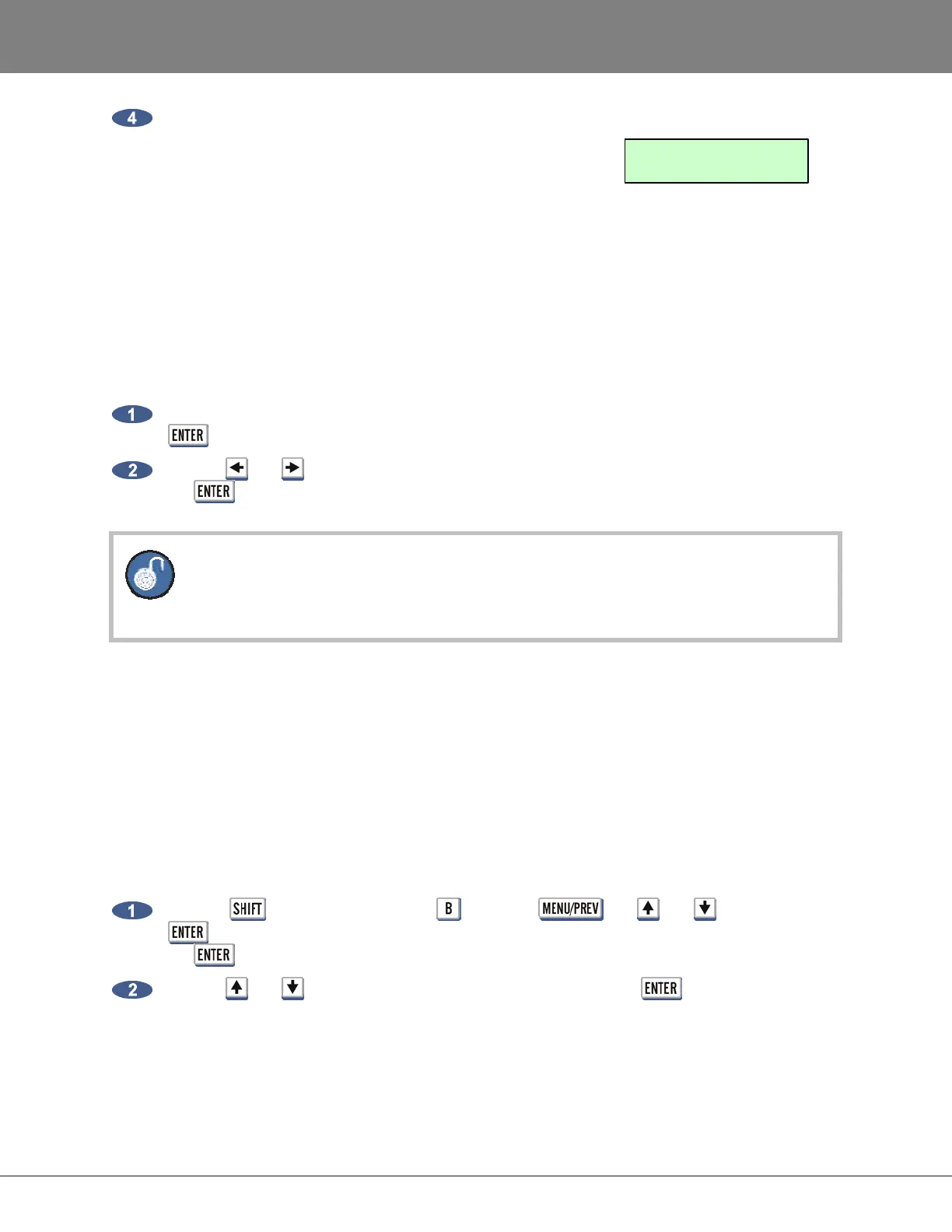
When the import is complete, RADAR will cue to the project
start time and display the following:
SET PROJECT START TIME WHEN IMPORTING
When importing files to a new project, the project start time will be based on the IMPRT PROJ START
setting in the FILE PREFS menu. If this preference is set to AUDIO, then the project start time will be set
to the time stamp of the earliest audio region imported to the project. If the preference is DEFAULT, then
the project start time will be set to the DEF START TIME defined in the PROJECT PREFS menu.
To set the default IMPRT PROJ START:
Navigate to MAIN MENU / FILE MENU / FILE PREFS / IMPRT PROJ START and press the
key.
Use the and keys to select DEFAULT or AUDIO at the IMPRT PROJ START and press
the key.
When 3.50 software is first installed this preference is set to DEFAULT. DEFAULT will
IMPORT to the timeline set in DEF START TIME in the PROJECT PREFS. AUDIO will
IMPORT to the earliest timeline set in the BWAV header of the earliest audio region.
FILE MANAGEMENT (BROWSE)
The FILE MANAGEMENT menu item allows extensive control over files on all drives connected to
RADAR, including the ability to, COPY, MOVE and PASTE files from one drive to another.
For example, a project can be backed up to the internal system drive and later, the COPY and PASTE
features can be used to create a second copy of the backup on N: NETWORK, E:USB DRIVE, DVD-R,
CD-R, FAT32 formatted DVD-RAM and any Mac HFS or FAT32 drives internally and/or externally
connected to the RADAR SCSI bus
To browse files and folders:
Hold the key and press the letter or use the , the and keys and the
key to go to the MAIN MENU / FILE MENU / FILE MANAGEMENT selection and press
the key.
Use the and keys to select the drive to browse and press the key.
IMPORT COMPLETE
PRESS ANY BUTTON



 To Next Page