iZ Technology Corporation
NAME PROJECT
To name or rename a project:
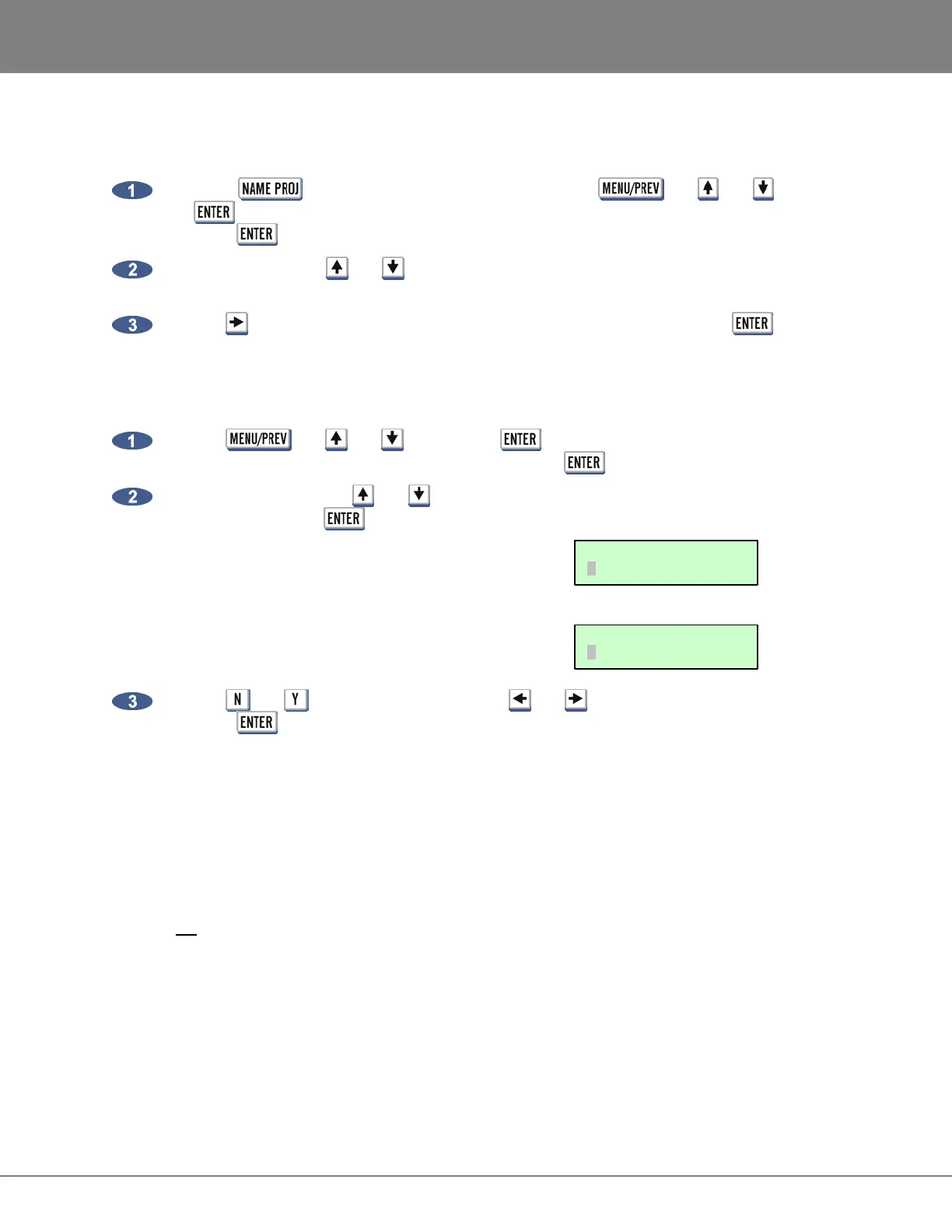
Press the key on the Session Controller or use the , the and keys and
the key to go to the MAIN MENU / PROJECT MENU / NAME PROJECT selection and
press the key.
Use numeric keys, the and keys or the Jog/Shuttle Wheel to select the project number to
rename.
Use the key to switch to the name field and type in a new name and press the key.
RENUMBER PROJECT
To renumber a project:
Use the , the and keys and the key to go to the MAIN MENU / PROJECT
MENU / RENUMBER PROJECT selection and press the key.
Use the numeric keys, the and keys or the Jog/Shuttle Wheel to select the new project
number and press the key.
a. If the new project number is already used for an
existing project the prompt will display the
following:
b. If the new project number is unused the prompt will
display the following:
Use the and keys on the keyboard or the and keys to make the selection and
press the key.
I/O MANAGEMENT
_____________________________________
RADAR allows the input-track-output routing assignment to be user defined. Aside from the default one to
one routing, the user may choose to route an input to a different track or multiple tracks, as well as route
a specific track to a different output. However, routing multiple inputs to one track or multiple tracks to an
output is not an option.
The I/O routing feature is saved on a per project basis; as a result the following menu options are also
available through the PROJECT MENU.
RENUM XXX TO XXX
NO YES
SWAP XXX WITH XXX
NO YES



 To Next Page