www.izcorp.com • 1.800.776.1356
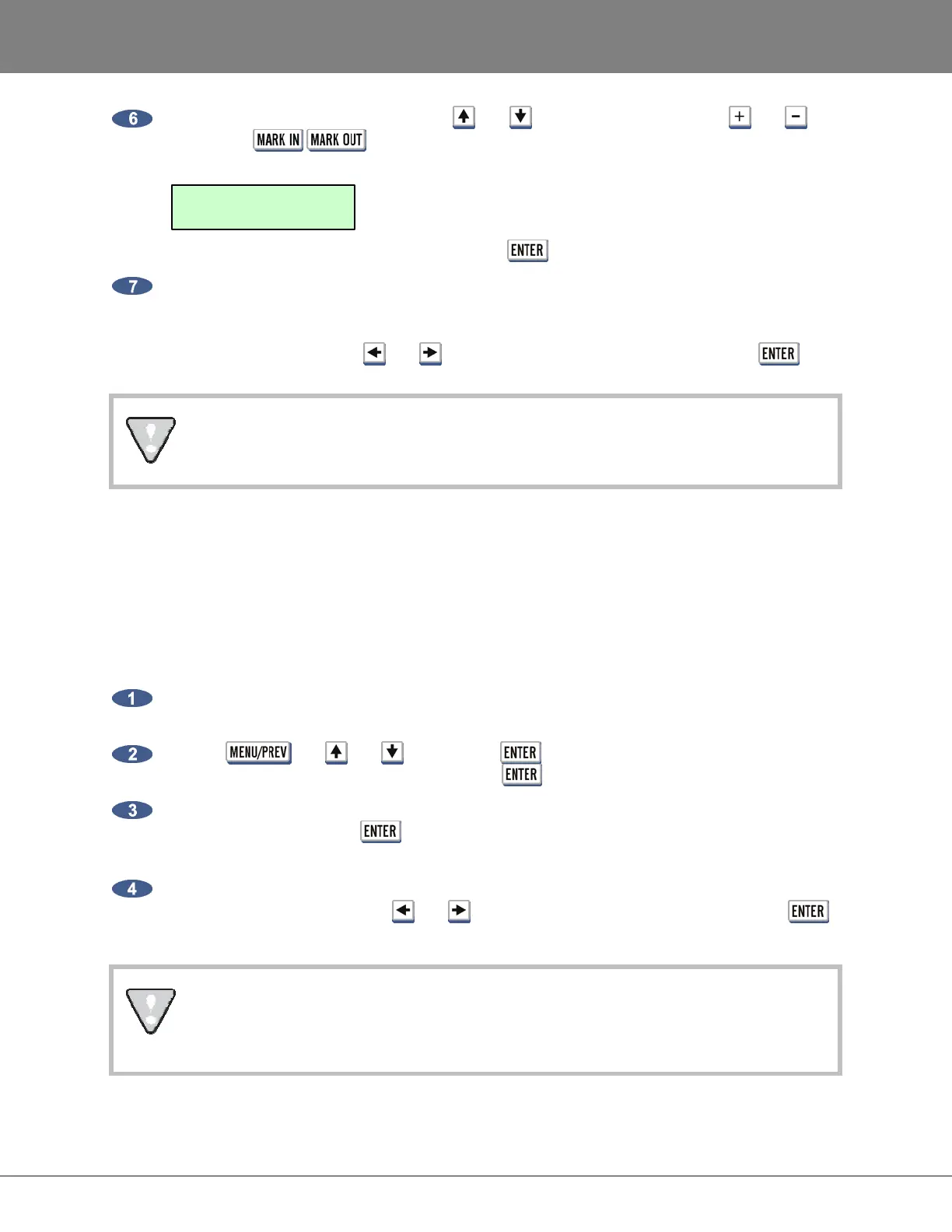
At the SELECT FILES: dialogue, use the and keys in conjunction with the and
keys, or the / keys, to add or remove individual files. The track order will be
displayed in the top right corner of the LCD. The first track of the CD would look like the following:
When finished making the selection(s), press the key.
At the FINALIZE CD dialogue, choose to finalize now or later. If YES is selected, additional
tracks CANNOT be added at a later time. If NO is selected, use the MAIN MENU / FILE MENU
/ FINALIZE CD option to close (finalize) the disk when finished exporting/burning all the audio
tracks onto the CD. Use the and keys to select NO or YES and then press the key.
Once CD burn begins the procedure becomes a background task and cannot be
cancelled. However, the RADAR can still be used for recording/playback/editing.
FINALIZE AN AUDIO CD
This feature allows the user to close (finalize) an audio CD in order for the disk to be played in a standard
CD player. RADAR allows exporting of STEREO CDAUDIO (CD-DA) files for the purpose of creating a
Red Book (audio) CD. If CDAUDIO files are added over time to a CD, the FINALIZE CD option will need
to be used once all the tracks (CDAUDIO files) are added to the disk.
To finalize a CD:
Insert a CD into the multi-drive that already has CDAUDIO files exported/burned to it from
RADAR.
Use the , the and keys and the key to go to the MAIN MENU / FILE
MENU / FINALIZE CD dialogue and press the key.
At the FINALIZE: dialogue, use the B:CD-R OPEN display to verify that the correct disk is
inserted and then press the key. If there is anything other than an OPEN CD inserted, the
disk will be ejected and the error message INSERT OPEN CD-R DISK will be displayed.
The FINALIZE CD? prompt is the last prompt to confirm this task. Once the finalizing begins, it
CANNOT be cancelled. Use the and keys to select NO or YES and then press the
key.
Once CD burn begins the procedure becomes a background task and cannot be
cancelled. However, the RADAR can still be used for recording/playback/editing. The CD
will be ejected once the process is completed.
SELECT FILES: T01
PROJECT1_STEREO.WAV



 To Next Page