www.izcorp.com • 1.800.776.1356
MOUNTING, UNMOUNTING AND SELECTING DISKS
The RADAR mount and un-mount commands allow carriers containing recording drives to be exchanged,
drives to be copied/cloned, and a different recording drive selected from the current mount volume.
To mount valid recording drives OR switch to a different valid recording drive:
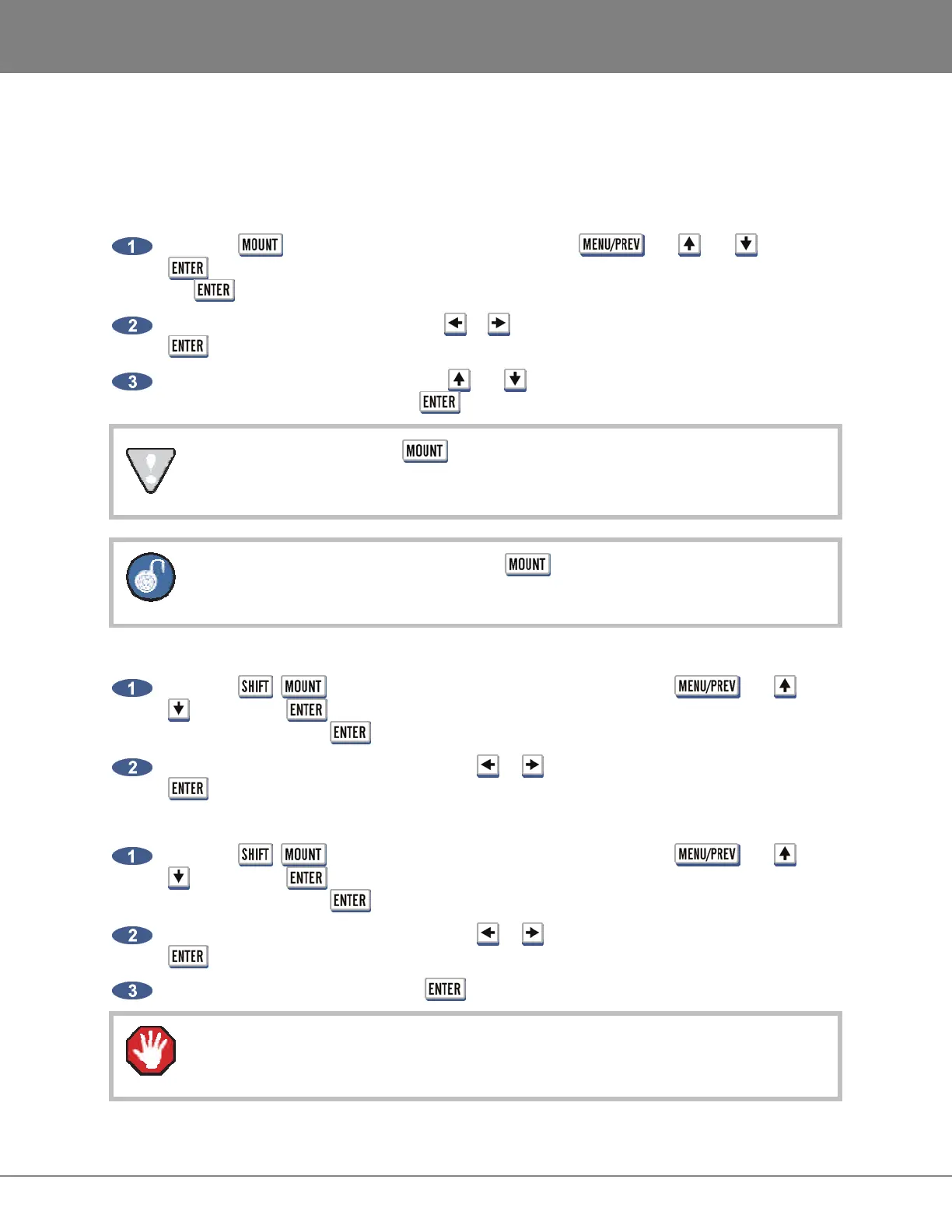
Press the key on the Session Controller or use the , the and keys and
key to go to the MAIN MENU / DISK MENU / MOUNT/UNMOUNT dialogue and press
the key.
At the FILESYSTEM: dialogue, use the or key to select MOUNT and then press the
key.
At the SELECT DISK: dialogue, use the and keys to choose the X: RADAR_BWAV disk
(SCSI) ID to switch to and press the key.
To switch disk IDs using the
key a drive must be already mounted.
When a drive is already mounted press the
key to switch to a drive ID from 0 to 6.
To unmount the current recording drive:
Press the + (UNMNT) key on the Session Controller or use the , the and
keys and the key to go to the MAIN MENU / DISK MENU / MOUNT/UNMOUNT
dialogue and press the key.
At the
UNMOUNT DRIVES: prompt use the or key to select AUDIO and then press the
key.
To unmount a USB drive:
Press the + (UNMNT) key on the Session Controller or use the , the and
keys and the key to go to the MAIN MENU / DISK MENU / MOUNT/UNMOUNT
dialogue and press the key.
At the
UNMOUNT DRIVES: prompt use the or key to select OTHER and then press the
key.
At the UNMOUNT: prompt press the key on E:USB DRIVE.
Failure to unmount drives before removing them from the system may result in permanent
data loss and damage to the RADAR
system. Always unmount before hot swapping drives.



 To Next Page