www.izcorp.com • 1.800.776.1356
SAVE
The SAVE feature allows the user to export macros to a file on a floppy disk, the internal hard drive or a
connected SCSI drive.
To save a macro:
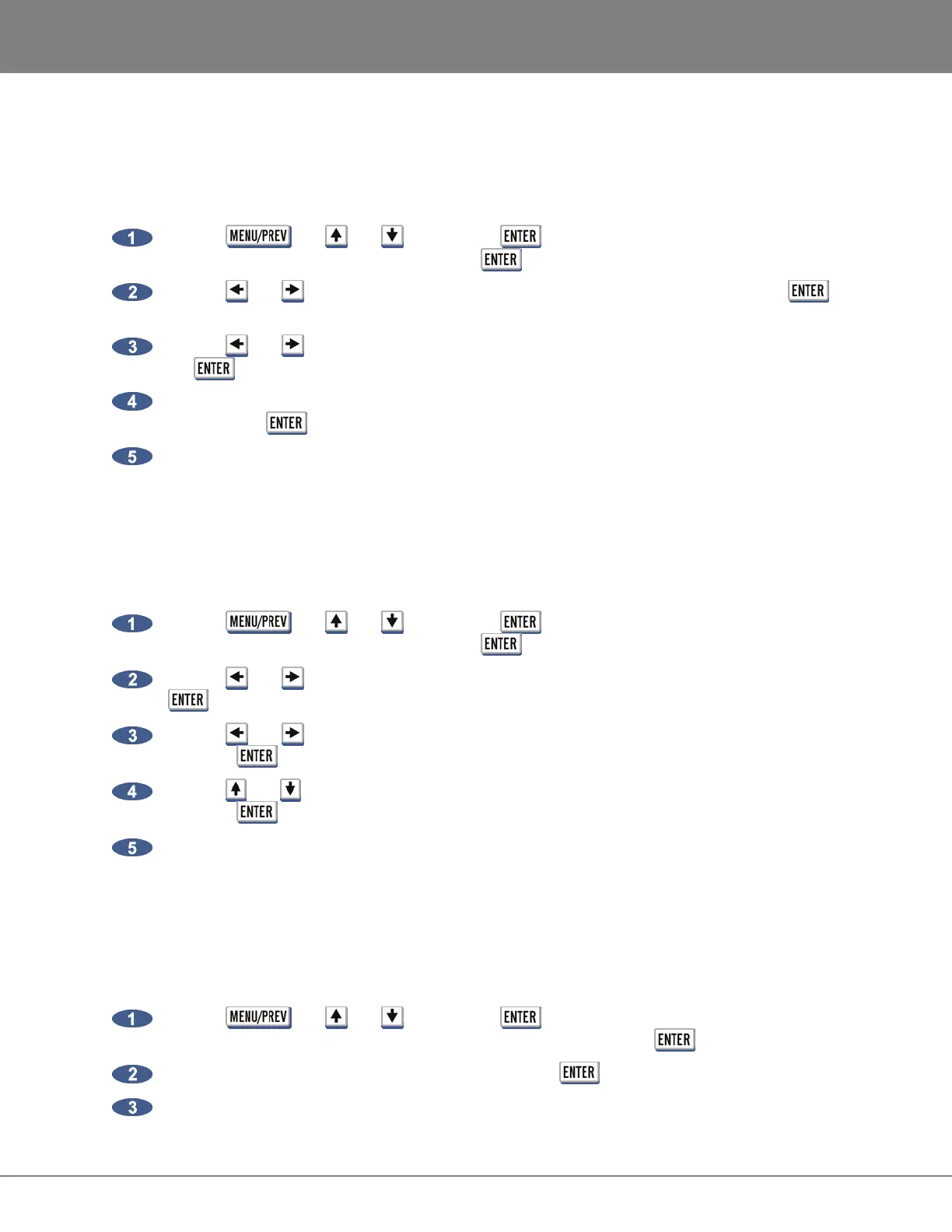
Use the , the and keys and the key to go to the MAIN MENU / FILE
MENU / MACROS menu item and press the key.
Use the and keys to select SAVE from the MACRO KEYS: dialogue and press the
key.
Use the and keys to select FLOPPY, HARD or SCSI in the SAVE TO: dialogue and press
the key.
Use the keyboard to type a name for the macro file to save in the NAME THE MACRO: dialogue
and press the key.
When the save is complete the display will read MACROS SAVED PRESS ANY BUTTON.
DELETE
The DELETE feature allows the user to delete macro files on a floppy disk, the internal hard drive or a
connected SCSI drive.
To delete a macro:
Use the , the and keys and the key to go to the MAIN MENU / FILE
MENU / MACROS menu item and press the key.
Use the and keys to select DELETE from the MACRO KEYS: dialogue and press the
key.
Use the and keys to select FLOPPY, HARD or SCSI in the DELETE FROM: dialogue and
press the key.
Use the and keys in the DELETE MACROS: dialogue to select the macro file to delete and
press the key.
When the save is complete the display will read MACROS DELETED PRESS ANY BUTTON.
MIX AUTOMATION SETTINGS
This option allows the user to store Sony DMX-R100 mixer automation settings with a RADAR project
from a floppy disk, or restore those same settings to a floppy to get them back into the DMX-R100.
To save automation settings with a project:
Use the , the and keys and the key to go to the MAIN MENU / FILE
MENU / MIX AUTOMATION / DMXR100 menu item and press the key.
Insert a floppy disk with automation settings and use the key to select PROJECT.
When the save is complete the display will read AUTOMATION FILE COPIED TO PROJECT.



 To Next Page