www.izcorp.com • 1.800.776.1356
The Sync light on the Session Controller and RADARView
TM
screen will flash while awaiting
incoming clock, and stay solid when locked to an external sync source.
For externally clocking a RADARLink
TM
system, only the master machine needs to be
synced to an external clock source as all slave machines are clocked to the master
machine via the Rlink cable.
FILE FLATTENING
For long straight multi-track live recordings a quick transfer to a workstation or backup may be required.
With RADAR’s Native BWAV recording file format and Instant File Flattening transfers to workstations are
quick and easy.
When initializing the recording drive for AUDIO:RADAR_BWAV, the drive will now be compatible to be
read only with any Mac or PC computer. To access the audio with a Mac or PC first select the FLATTEN
PROJECT menu item in the FILE menu. File Flattening consolidates all punch ins into continuous files
and puts them into a user folder that is easily accessed from a Mac or PC.
To flatten a project on a RADAR Broadcast WAV disk:
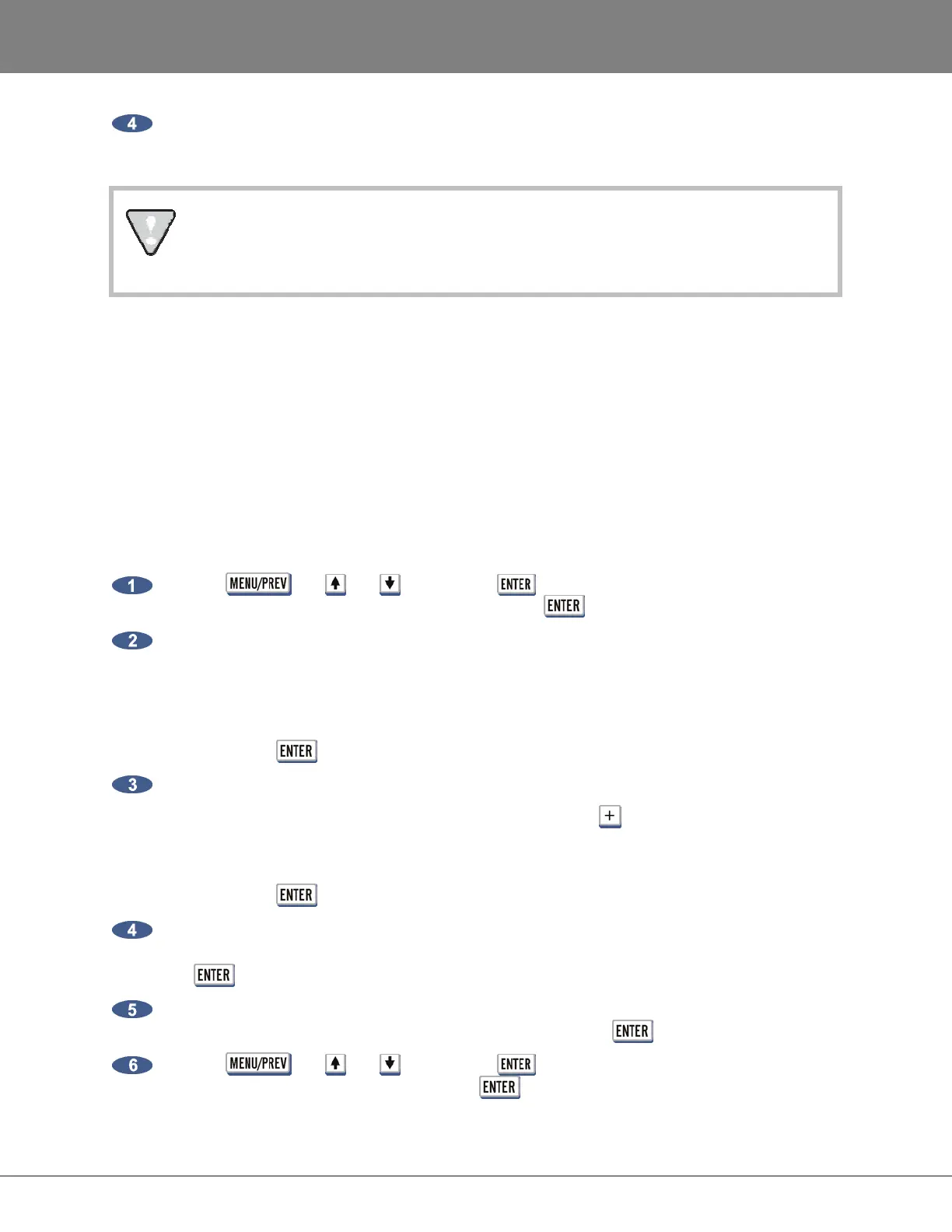
Use the , the and keys and the key to go to the MAIN MENU / FILE
MENU / FLATTEN PROJECT dialogue and press the key.
At the FILL SILENCE?: prompt the options will be:
• NO (each region will be one file)
• GAP (each track will be one file with potentially different start times)
• ALL (each track will be one file with the same start time)
Then press the key.
At the FLATTEN PROJS?: prompt the options will be:
• SELECTED PROJS (select multiple projects using key)
• CURRENT PROJ (select current project)
• ALL (select all projects)
Then press the key.
If GAP or ALL is selected and the regions contain gaps or different start times, RADAR will need
additional drive space. At the XXX MB REQUIRED PROCEED? prompt, select YES and press
the key.
At the CANT CANCEL/UNDO PROCEED? prompt will indicate that is a destructive process. All
undo levels will be lost on this project. Select YES and press the key.
Use the , the and keys and the key to go to the MAIN MENU / DISK
MENU / UNMOUNT dialogue and press the key.



 To Next Page