www.izcorp.com • 1.800.776.1356
To select tracks for digital input:
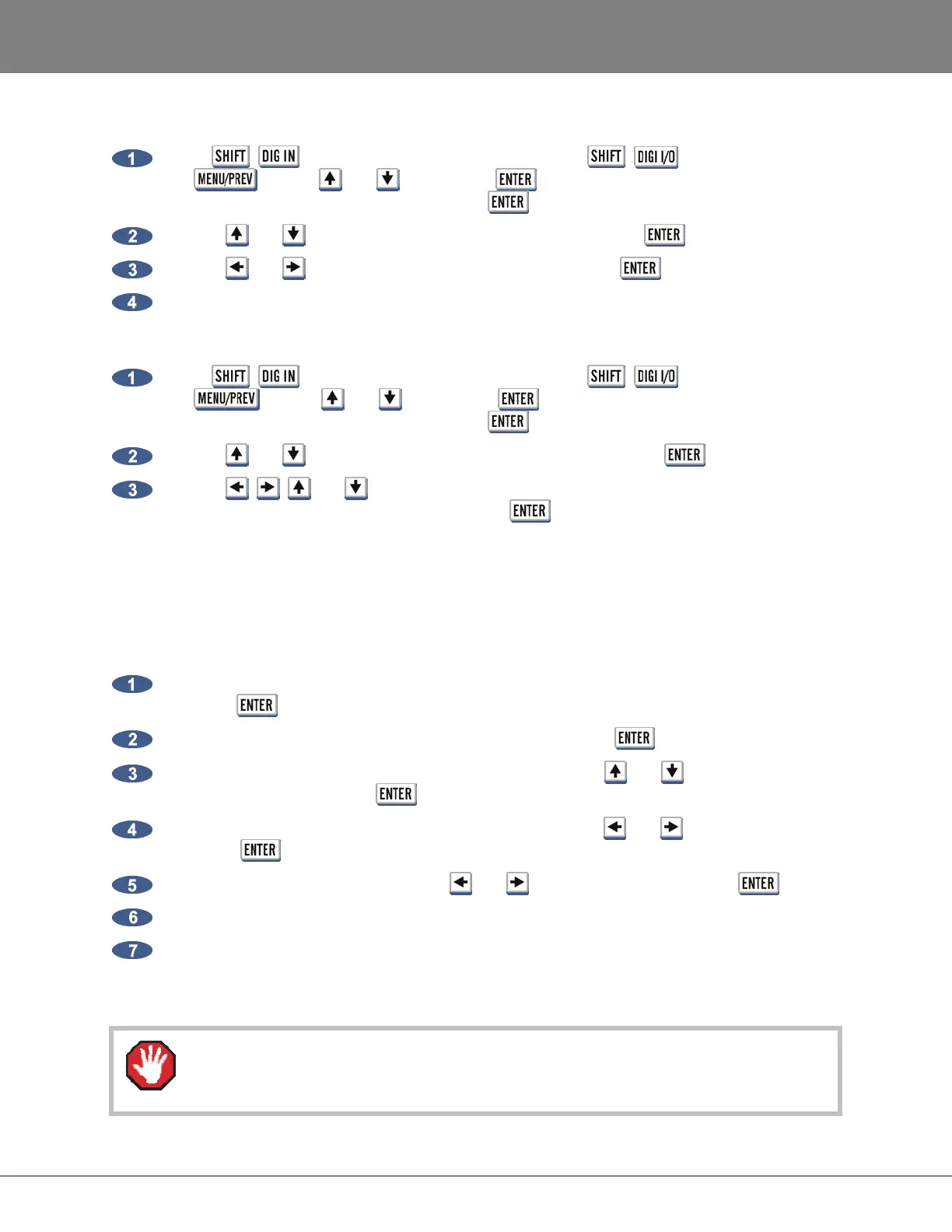
Press + (ROUTE) key on the Session Controller or + on the KC-24 or use
the key, the and keys and the key to go to the MAIN MENU / I/O
MENU / I/O ROUTING menu and press the key.
Use the and keys to select DIGITAL INPUTS and press the key.
Use the and
keys to select ALL or SELECT and press the key.
Use the Track Arm keys to select digital inputs.
To select source and destination tracks for the digital 2-channel I/O:
Press + (ROUTE) key on the Session Controller or + on the KC-24 or use
the key, the and keys and the key to go to the MAIN MENU / I/O
MENU / I/O ROUTING menu and press the key.
Use the and keys to select DIG 2-CH ROUTING and press the key.
Use the , , and keys to select IN L, IN R, OUT L or OUT R fields, enter the
desired track numbers in each one and press the key.
MADI FIRMWARE UPDATES
The INSTALL FIRMWARE feature allows MADI firmware to be upgraded. This option is found in the
MADI SETTINGS list in the I/O MENU.
To update MADI Firmware:
Navigate to MAIN MENU / I/O MENU / MADI SETTINGS / INSTALL FIRMWARE and
press the key.
At the MADI FIRMWARE IS NOT CURRENT prompt press the key.
At the INSTALL FIRMWARE VERSION: 0X dialogue use the and keys to select the
desired version and press the key.
At the INSTALL MADI FIRMWARE VER 0X? prompt use the and keys to select YES
and press key.
At the ARE YOU SURE? prompt use the and keys to select YES and press key.
The dialogue will display INSTALLING and show + 0% COMPLETE +.
When installation completes FIRMWARE INSTALLED will display and REBOOT TO ENABLE
FIRMWARE. If the display shows FIRMWARE FAILED then installation has not completed and
must be restarted.
Do not interrupt a firmware update as this could cause irreversible damage to RADAR
hardware.



 To Next Page