EasyManua.ls Logo

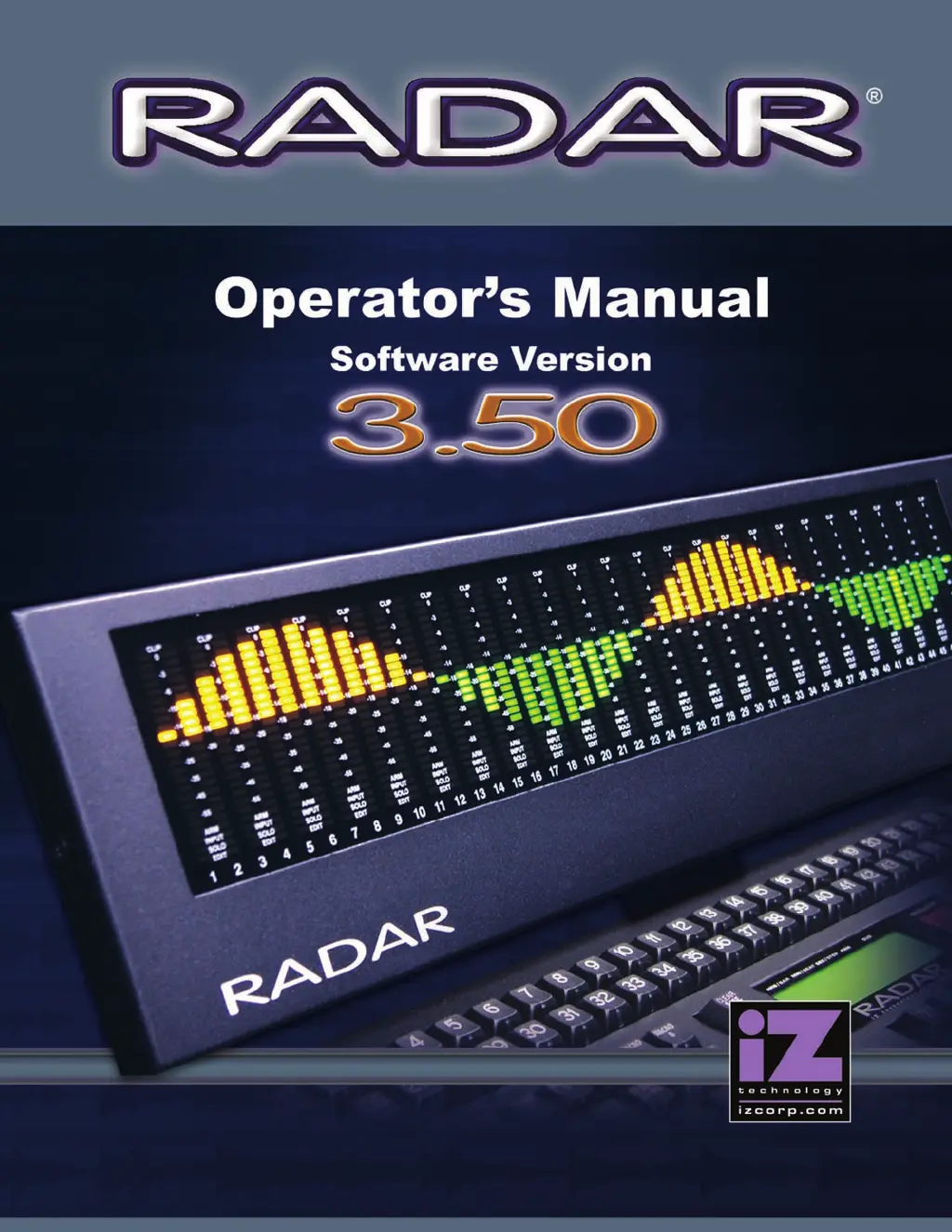
iZ Technology RADAR - User Manual

Default Icon
257 pages
Print Icon
To Next Page IconTo Next Page
Loading...

Table of Contents

Other manuals for iZ Technology RADAR

Questions and Answers

  • T
    Toni MillerSep 12, 2025
    What to do if there is no signal on Digital Output of iZ Technology RADAR Recording Equipment?
    • L
      Lisa RiveraSep 12, 2025
      If you're not getting any signal on the digital output of your iZ Technology Recording Equipment, it could be due to a faulty cable or incorrect pin out, or RADAR Sync not being locked. Refer to the Wiring Diagrams on www.izcorp.com. If the Sync light is flashing, check the sync source or set RADAR as master.
  • O
    Oscar WallsSep 14, 2025
    Why can’t I Mount Network Drive on iZ Technology RADAR Recording Equipment?
    • P
      pamelagardnerSep 14, 2025
      If you're unable to mount a network drive with your iZ Technology Recording Equipment, verify you are using the correct Ethernet cable by checking that the LEDs on the network card are lit. Check the Support Documents on www.izcorp.com for setup instructions. Also, turn off any firewall or other security programs that might be blocking access.

iZ Technology RADAR Specifications

General IconGeneral
A/D Resolution24-bit
Sample Rate44.1 kHz, 48 kHz, 88.2 kHz, 96 kHz
InputsVaries by configuration
OutputsVaries by configuration
Phantom PowerYes
USB InterfaceYes

Related product manuals