iZ Technology Corporation
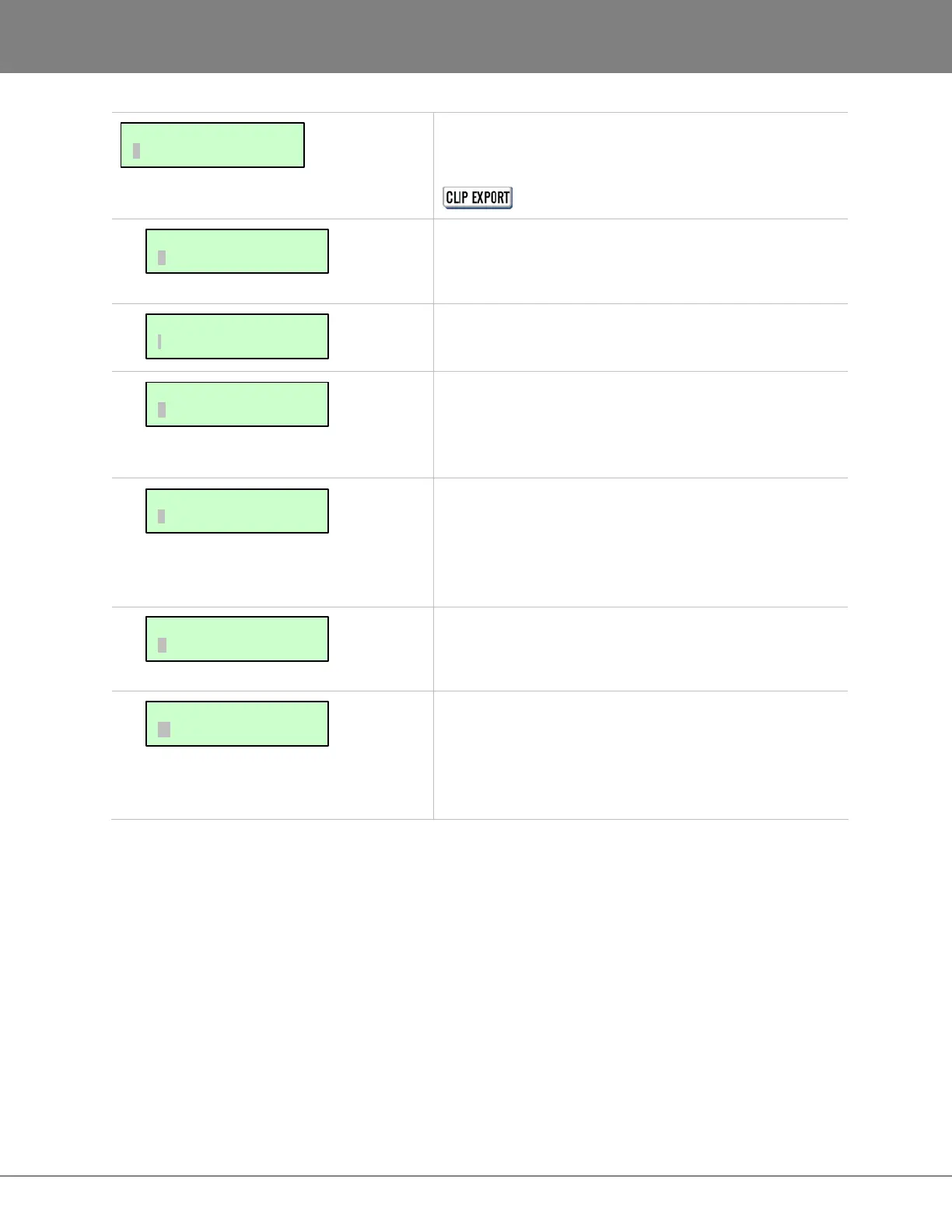
These dialogues are for creating preferences for file
related functions. The EXPORT FORMAT and FILL
SILENCE preferences are also used when using the
shortcut key.
When set to MB or TIME, a XXXMB PROCEED? or
XXXMIN PROCEED? dialogue will be added during the
backup and export procedures.
When importing files to a new project, the project start
time will be based on this setting.
This sets the preference for the export file format. The
choices are WAV, BWAV or ASK. When ASK is selected
as the preference the prompt will ask to choose a file
format each time files are exported.
During export, FILL SILENCE pads blank audio regions
with zeros to create either one file per track or one file per
region. When ASK is selected as the preference the
prompt will ask to choose a fill silence option each time
files are exported.
This dialogue sets the default quality and speed of
sample rate and bit resolution conversion for importing
files as well as exporting STEREO CDAUDIO files.
This option is to ENABLE or DISABLE WRITE VERIFY
for various removable media. With this preference
enabled, the data writing ensures a more accurate
process however it also increases the overall completion
time.
FILE PREFS:
IMPRT PROJ START
FILE PREFS:
WRITE VERIFY
FILE PREFS:
REFORMAT QUALITY
FILE PREFS:
FILL SILENCE
FILE PREFS:
EXPORT FORMAT
FILE PREFS:
SHOW SIZE
MAIN/FILE MENU:
FILE PREFS



 To Next Page