www.izcorp.com • 1.800.776.1356
SYNC THRESHOLD
The amount of sync drift that RADAR can accommodate during CHASE mode before dropping out and re-
syncing can be determined by the SYNC THRESHOLD. This is to accommodate extremely wild,
fluctuating incoming timecode. Normally, RADAR can maintain chase mode if the incoming timecode
rate/position fluctuates between 0 and 128 samples relative to the sample clock rate.
To determine the sync drift threshold:
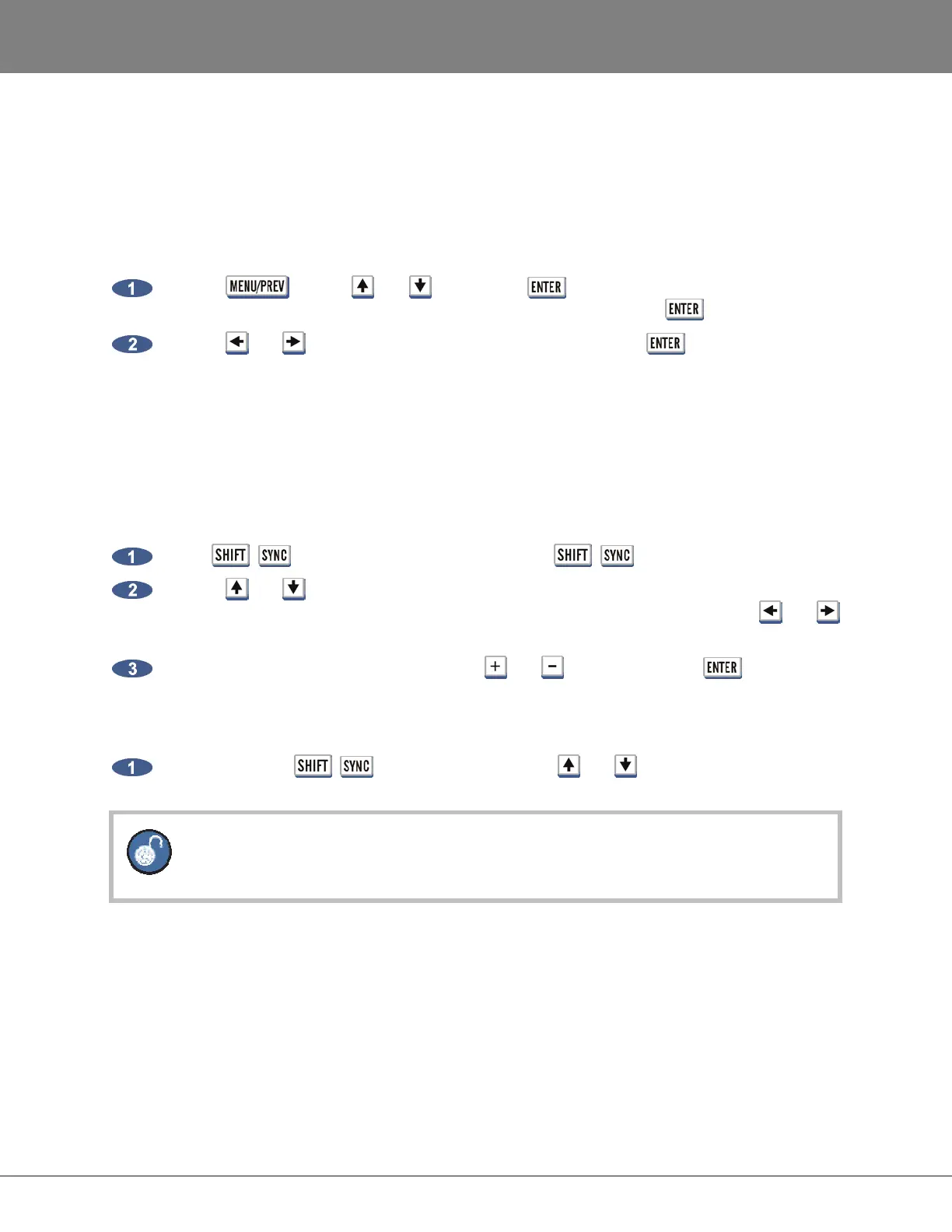
Use the
key, the and keys and the key to go to the MAIN MENU / SYNC
MENU / TC SETTINGS / SYNC THRESHOLD dialogue and press the key.
Use the and keys to select NORMAL or WILD and press the key. WILD is 10x
NORMAL mode.
OFFSET
When synchronizing machines that have differing timecode positions, an offset can be calculated and set
on the RADAR to bring them into alignment. Offsets are in the HH:MM:SS:FF format and can be positive
or negative.
To set an offset:
Press + (OFFSET) on the Session Controller or +
on the KC-24.
Use the and keys, the Jog/Shuttle Wheel or the numeric keypad to enter the offset
starting on the right hand side with the frames field (or subframes if enabled). Use the and
keys to move between the fields.
Make the offset positive or negative using the and keys and press the key.
To clear an offset:
After pressing the + (OFFSET) keys, pressing the and keys simultaneously will
clear the offset.
Regardless of the offset, RADAR timecode output will always reflect the actual project
time.



 To Next Page