www.izcorp.com • 1.800.776.1356
CALCULATOR (Session Controller Only)
This key brings up an offset calculator that can be very helpful when calculating an offset from a
predetermined set of timecode locations such as an EDL (Edit Decision List). For example: If the
timecode location of a visual event on a VTR and the timecode location of the corresponding audio event
on RADAR are known, this feature can calculate the offset required.
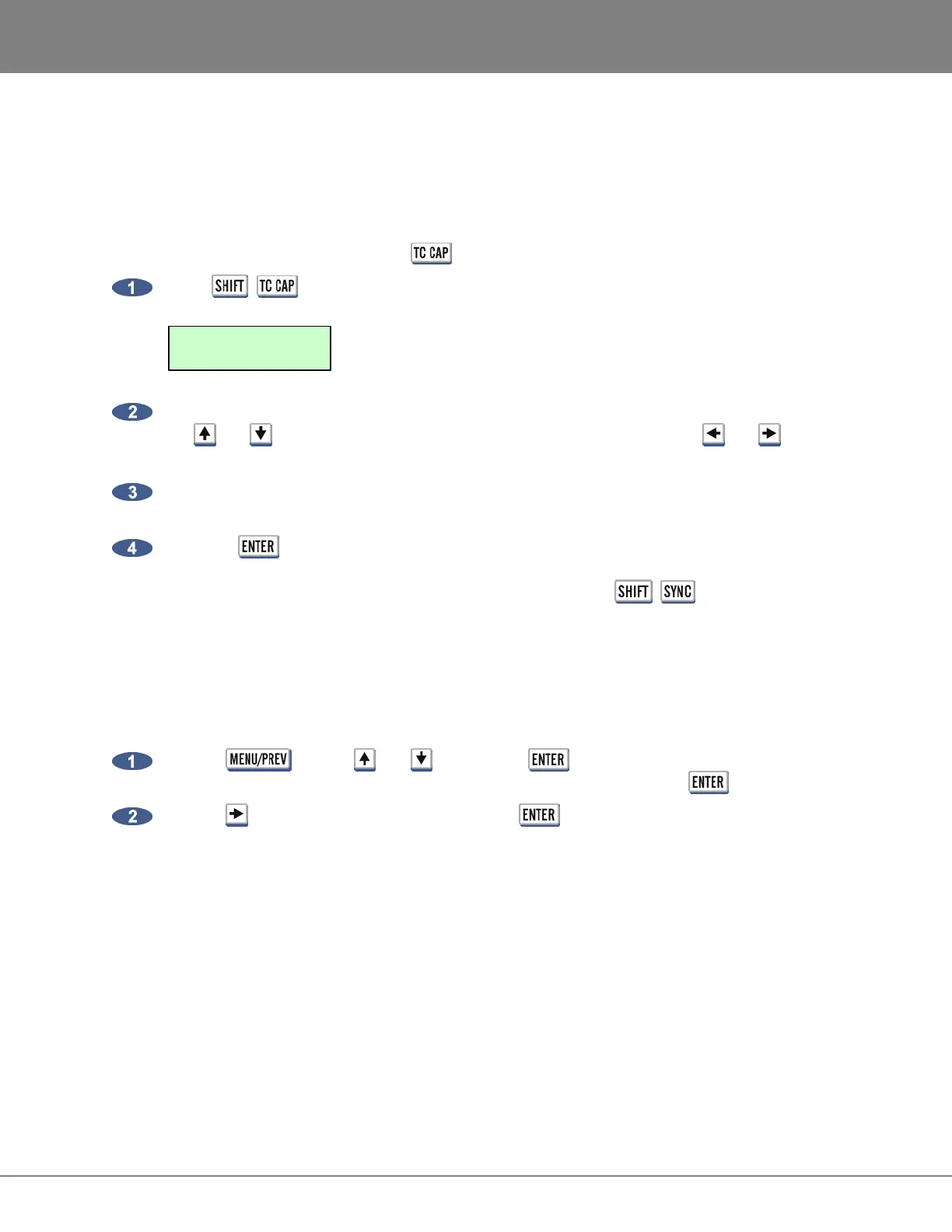
To calculate and assign an offset using the (CALC) key:
Press + (CALC) key on the Session Controller to display the following dialogue.
The top line will display the current position of the RADAR. To enter a new timecode location use
the and keys, the Jog/Shuttle Wheel or the numeric keypad. Use the and keys to
move between the fields.
The bottom line, labeled EX will display an external timecode value if one has been captured.
This value can be modified or cleared and entered manually.
Press the key and the offset between the two positional values will be calculated and
stored as the current offset. The offset is displayed in the RADARView offset window and can
also be displayed in the Session Controller display by pressing + (OFFSET) keys.
CHASE ON POWERUP
When this feature is enabled, RADAR will automatically start chasing timecode when it is started up. This
feature’s default setting is DISABLED.
To set RADAR to chase on powerup:
Use the
key, the and keys and the key to go to the MAIN MENU / SYNC
MENU / TC SETTINGS / CHASE ON POWERUP dialogue and press the key.
Use the key to select ENABLED and press the key.
00:00:00:00:00
00:00:00:00:00 EX



 To Next Page