www.izcorp.com • 1.800.776.1356
At the prompt FILL SILENCE?: The options will be:
• NO (EACH region will be one file)
• GAP (each track will be one file with potentially different start times)
• ALL (each track will be one file with the same start time)
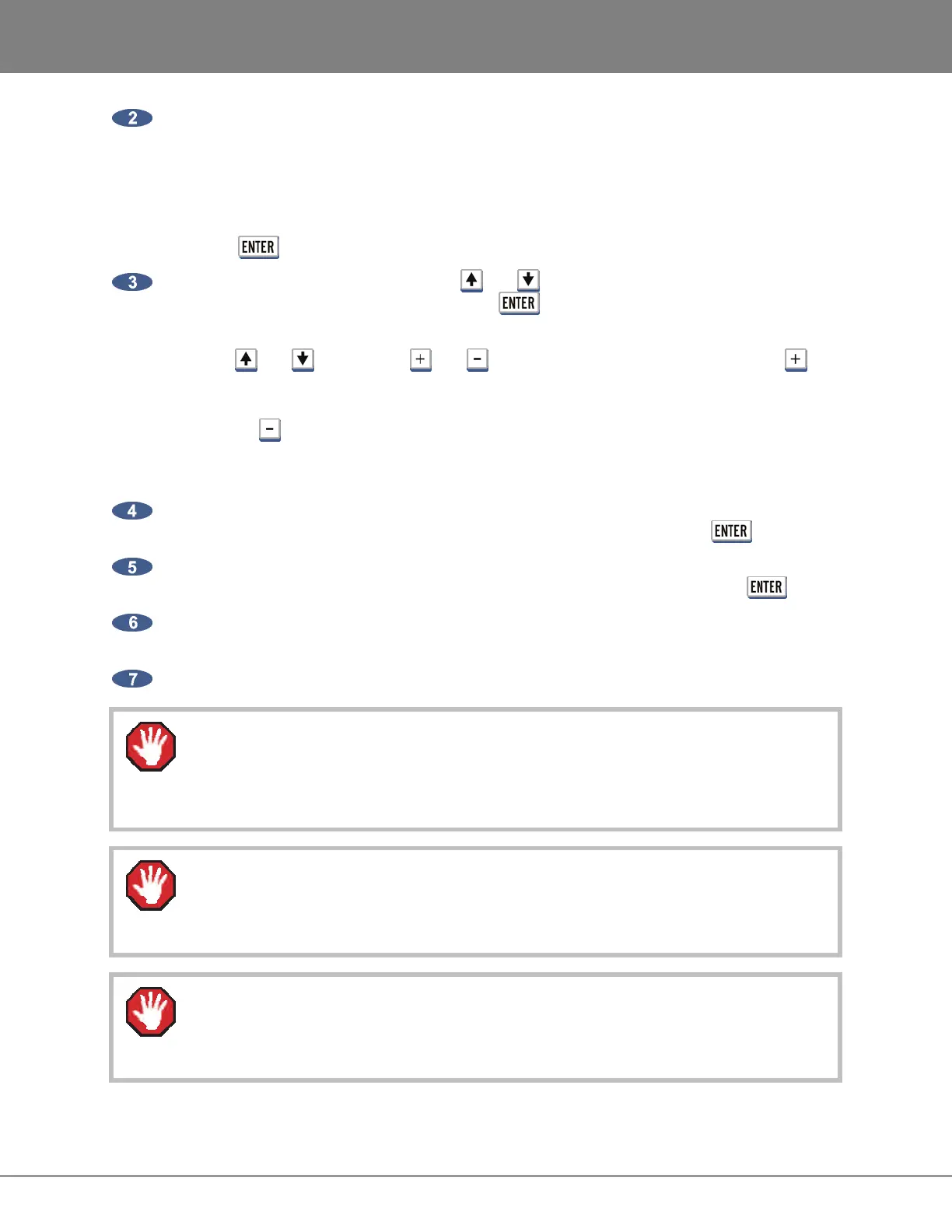
Press the key to select an option.
At the FLATTEN PROJ: dialogue, use the and keys to select ALL PROJECTS, CURRENT
PROJECT or SELECTED PROJS and press the key.
If the SELECTED PROJS option is chosen, select the individual project or projects to flatten by
using the and keys and the and keys on the numeric keypad. Pressing the key
adds the selected project to the flattening list and places a + sign to the right of its name. It also
increments the number of selected projects in the upper right hand corner of the menu display.
Pressing the key removes the selected project from the flattening list and removes the + sign
to the right of its name. It also decrements the number of selected projects in the upper right hand
corner of the menu display.
If GAP or ALL is selected and additional disk space will be consumed to fill the gaps, the prompt
XXX MB REQUIRED PROCEED? will be displayed. Select YES and press the key.
The prompt CANT CANCEL/UNDO PROCEED? will be displayed to indicate that it is a
destructive process. All undo levels of this project will be lost. Select YES and press .
The drive can now be mounted on a Mac or PC and the consolidated files and project notes will
be located in a new folder titled after the project name within the USER directory.
Copy this project folder over to a DAW recording drive for DAW manipulation.
RADAR drives are read-only on Mac or PC.
Do not write, erase or modify any data on the RADAR drive with a Mac or PC. Performing
this will corrupt the RADAR drive.
After flattening a project, if the original project within RADAR is deleted or any record
punches or edits are made the project automatically becomes unflattened, and the
corresponding folder in the USER directory will be automatically deleted.
On a PC or Mac, the flattened project’s folder in the USER directory is locked. If this folder
and/or files are deleted or changed, the corresponding RADAR project will lose audio and
have errors.



 To Next Page