2MN/2N1
1-5-21
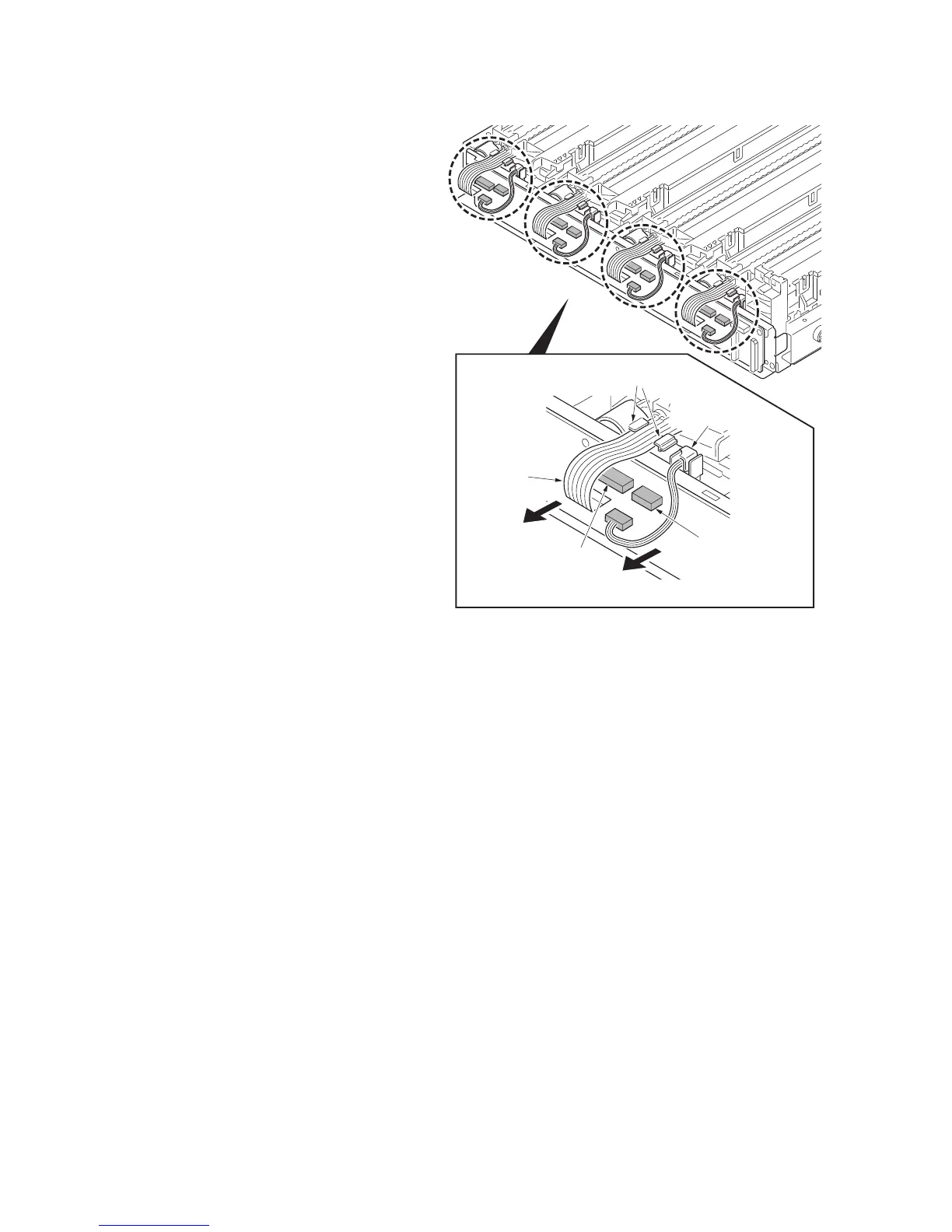
18. Remove all the connectors and the FFC
connectors with a lock.
*: When remove the FFC from the FFC
connector with a lock, removing it after
release the lock by lifting the lock lever
up.
19. Remove the electric wire from the elec-
tric wire support portion.
20. Remove the FFC from the FFC support
potion.
Figure 1-5-33
Connector
FFC
FFC connector
with a lock
FFC support portions
Electric wire
support portion


 To Next Page
 Loading...







