2MN/2N1
2-4-5
Section
Maintenance
part/location
User
call
300K/600K/
900K/1200K
Points and cautions Page
Eject,Duple
x section
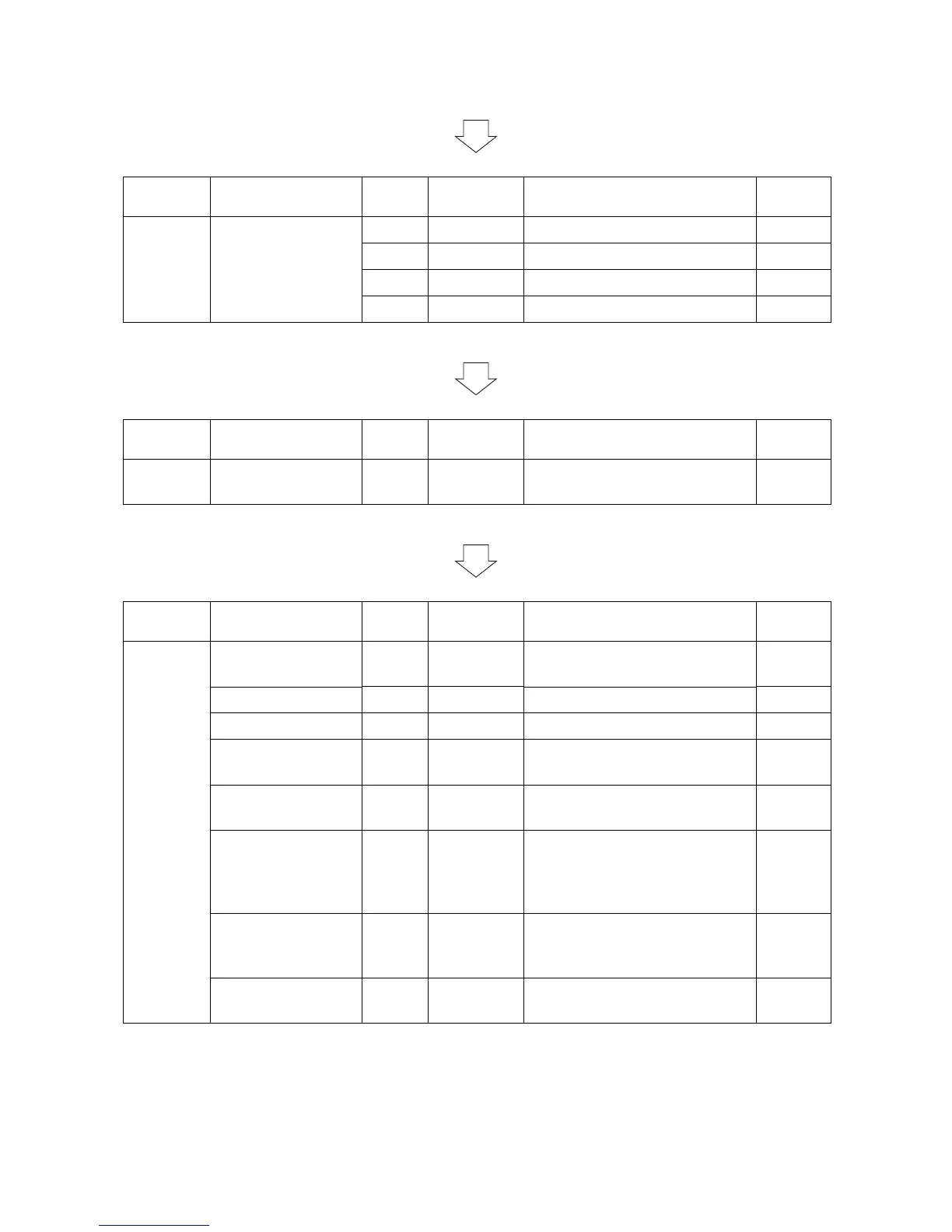
Lower duplex roller - Clean Clean with alcohol or a dry cloth.
Middle duplex roller - Clean Clean with alcohol or a dry cloth.
Upper duplex roller - Clean Clean with alcohol or a dry cloth.
Eject roller - Clean Clean with alcohol or a dry cloth.
Section
Maintenance
part/location
User
call
300K/600K/
900K/1200K
Points and cautions Page
Outer,
Cover
Outer Covers, Tray - Clean Clean with alcohol or a dry cloth.
Section
Maintenance
part/location
User
call
300K/600K/
900K/1200K
Points and cautions Page
Driving,
Other
Fan filter Clean Clean Vacuum. 1pcs P.1-5-74
Developer filter Clean Clean Vacuum. 1pcs P.1-5-77
Transfer belt filter Clean Clean Vacuum. 2pcs P.1-5-75
Toner filter
Left filter
Replace Replace Every 300k Replace. (MK KIT)
2pcs
P.1-5-73
P.1-5-76
Eject filter Replace Replace Every 300k Replace. (MK KIT)
2pcs
P.1-5-72
Each Clutches Check
Replace
Check Check the image registration and
paper feed conveying condition
on paper feed conveying (regis-
tration) part.
Sensors Check Check Clean with alcohol or a dry cloth.
(lighting part and light reception
part.)
Image quality Check
Adjust
Check
Adjust



 To Next Page
 Loading...






