5-26 Session Log Tab Model 831 Manual
• Out of memory
• Preamplifier disconnect
The Measurement Status Icons are
described in "Measurement Status"
on page 3-10.
The icons in the left column of the display indicate the
action: Run, Pause, Voice Recording, etc. The date and time
of the action is displayed next to the icon.
Each measurement segment (from Run to Stop) is
numbered, as is each voice message and sound recording.
The user may scroll the list and expand each item. In the
upper right corner of the expanded item the number
indicates which item is being viewed out of how many total
items are in the list.
GPS Time Sync
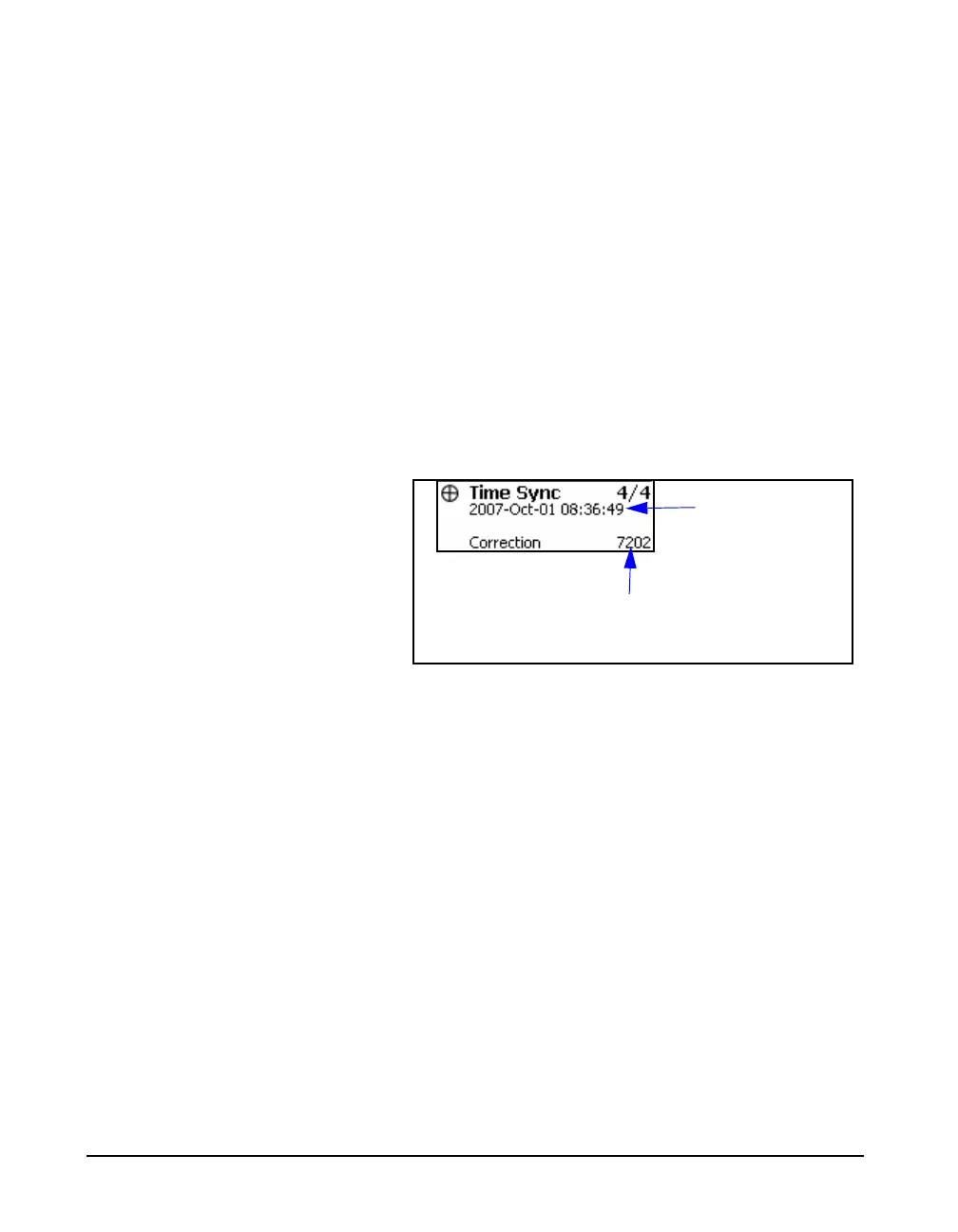
The GPS Time Sync icon and the time sync data are shown
in FIGURE 5-27.
FIGURE 5-27 GPS Time Sync
The correction is the number of seconds that the internal
clock was adjusted. A negative number represents the clock
being set backwards in time. For further detail on the setup
of a GPS device, see "Location Measurement Using 831-
INT" on page 19-10.
Time of day after
correction
GPS Time Sync Correction



 To Next Page