5-38 View Spectrum Normalized Model 831 Manual
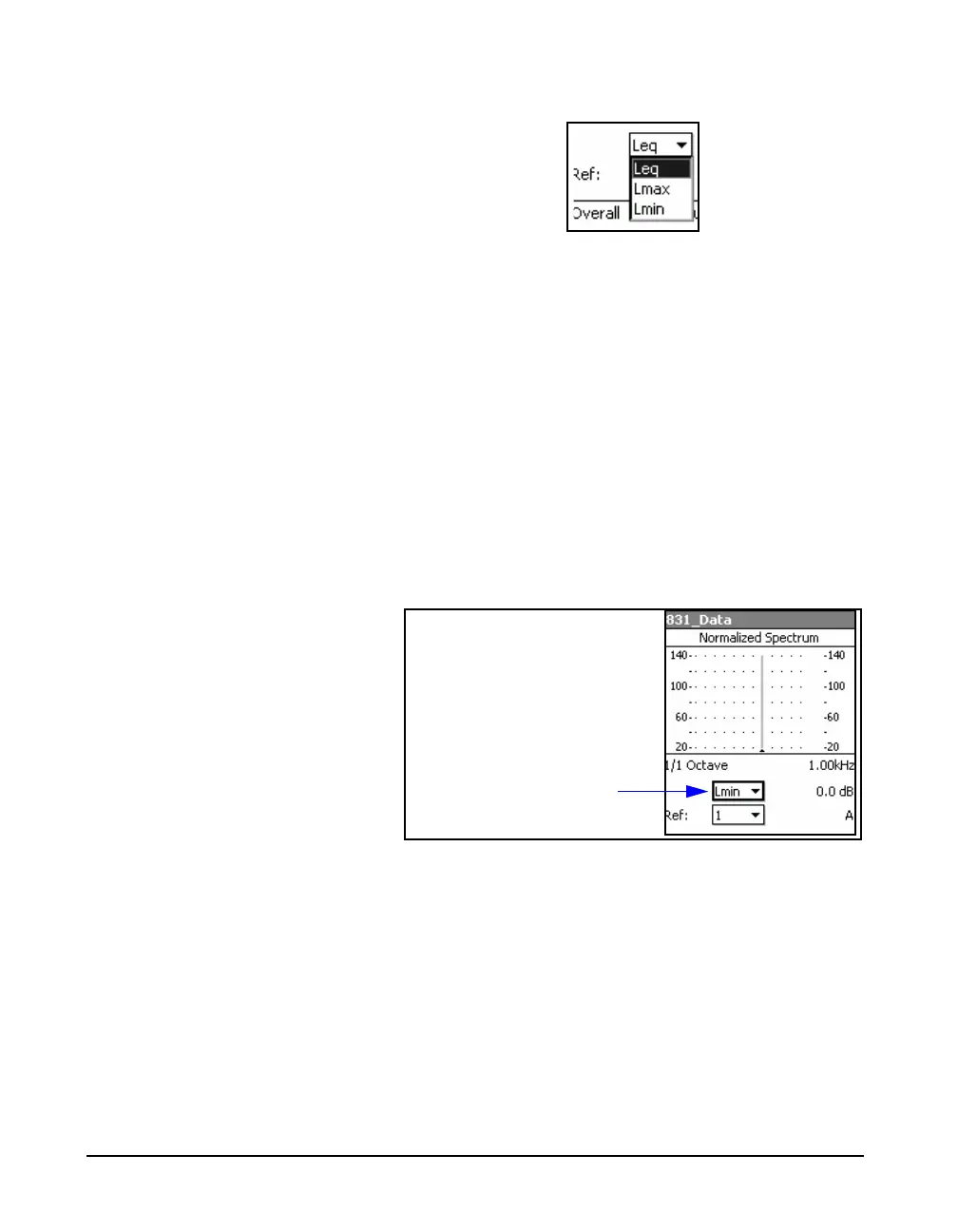
FIGURE 5-45 Spectrum Type Menu
Using this menu, the user can select from the three spectrum
types; Leq, Lmax and Lmin. Highlight the desired parameter
and press
5 to make a selection.
If no reference spectrum has yet been defined, the displayed
spectrum will correspond to the selected parameter.
Normalized using a Previously Measured Spectrum
Provided with a choice of spectrum types, the user can
create a spectrum display where one type of spectrum is
normalized by another. For example, let us use the spectrum
type data field to select Lmin, then as a reference select 1.
Press the left softkey SET to make the Lmin spectrum the
reference spectrum for reference 1. The resulting spectrum
will look like FIGURE 5-46.
FIGURE 5-46 Lmin Spectrum Normalized to Lmin
Spectrum
This display now shows the Lmin spectrum presently being
measured, normalized by the Lmin spectrum that existed at
the time the normalization was performed.
If the Model 831 has not been running since the
normalization was performed, and we then change the
selected spectrum type to Lmax, the display will show a
spectrum whose amplitudes represent (Lmax - Lmin) of
original spectrum, as shown in FIGURE 5-47.



 To Next Page