6-8 Run Modes Without Measurement History Model 831 Manual
you can program an automatic once per day calibration
check of the system.
During calibration the LDN is
paused. The net result has no effect
on the history data while the
calibration tone is on.
Highlight the Cal-Check field and press the
5, which will
place a check in the Cal-Check check box and open the
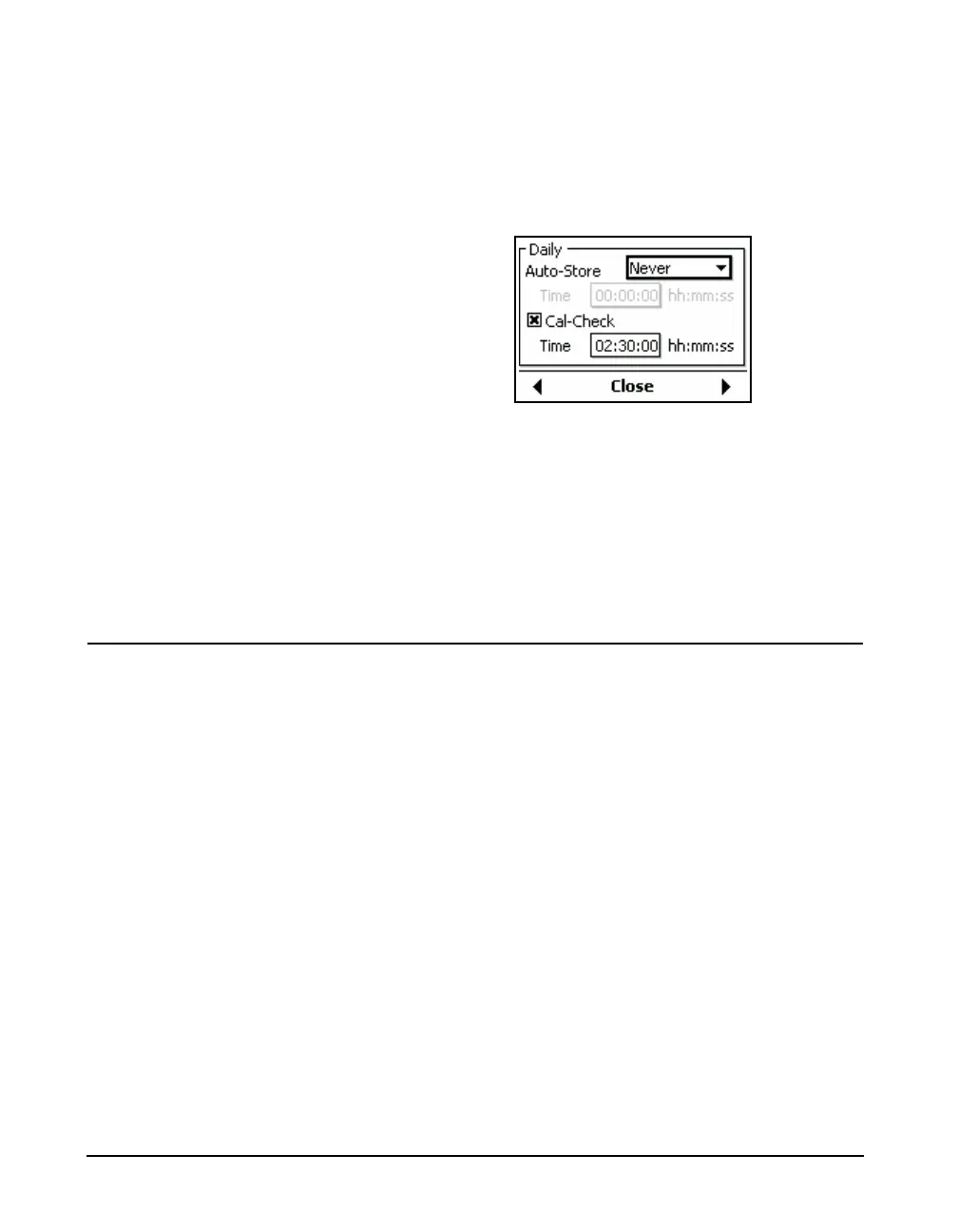
menu shown in FIGURE 6-6.
FIGURE 6-6 Cal-Check Menu
Highlight the Time data field, press
5 and use the arrow
keys to set the time at which the calibration check is to take
place. Press
5 again to complete the selection.
The calibration check information will be provided within
the Daily Report.
Single Block Timer or Daily Timer
When the run mode is Single Block Timer or Daily Timer,
each measurement will consist of data measured over
different blocks of time between the start date and time and
the end date and time.



 To Next Page