9-4 Measurement Setup Model 831 Manual
the value desired. Highlight the desired section and proceed
as described below.
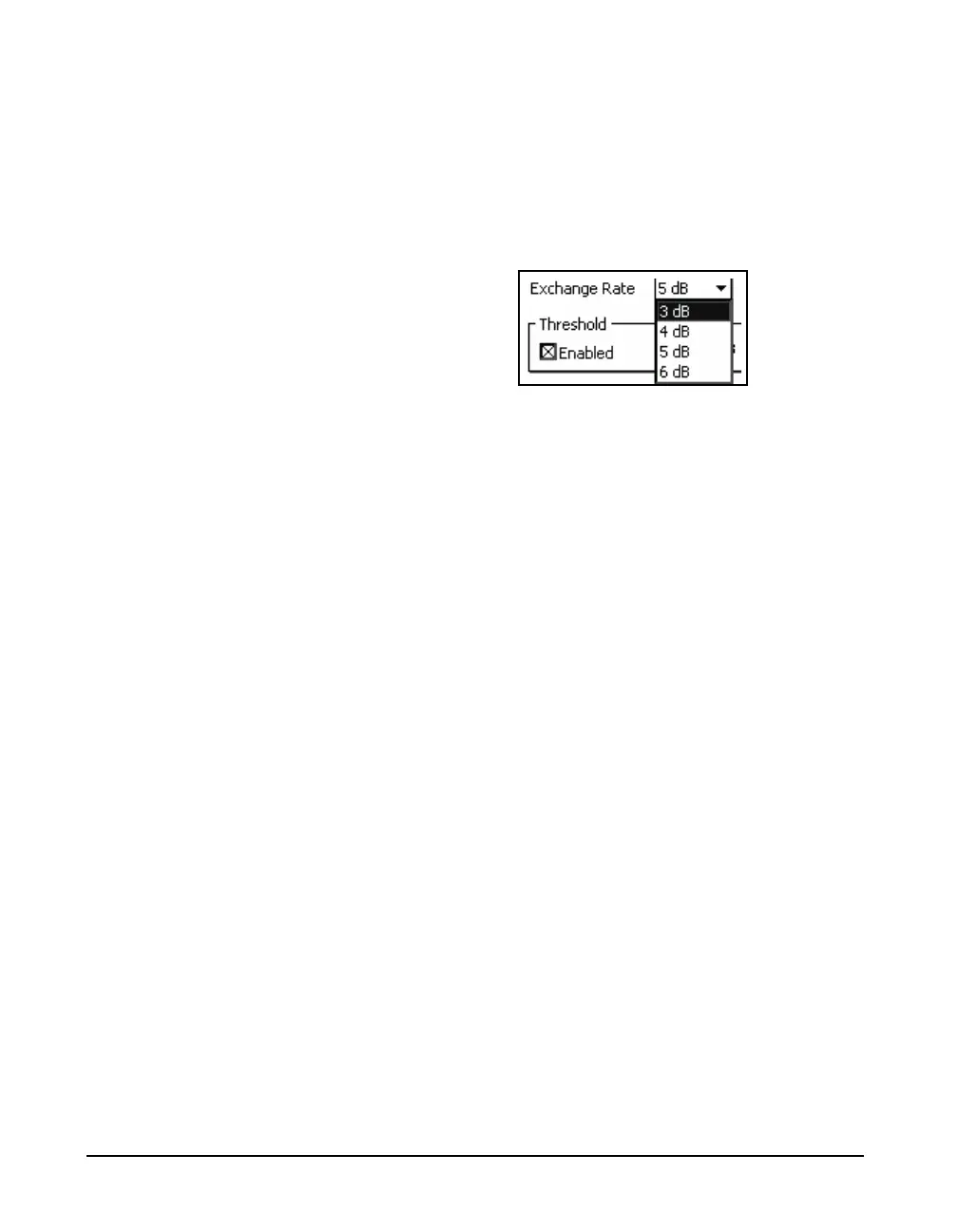
Exchange Rate
To set the exchange rate, highlight the data field and press
5 to open a drop down list of values, as shown in
FIGURE 9-4 "Exchange Rate List" .
FIGURE 9-4 Exchange Rate List
Highlight the desired value and press
5 to make the
selection.
Threshold and Criterion
Note that when setting the Threshold
value, the Enabled check box must
be checked before data can be
entered into the numeric field. Use
the Left Softkey to highlight the box
and press
5.
To set these parameters, highlight the appropriate section,
press
5, enter the numeric value desired, then press 5
again.
Auto-Calculate
As described above, the Criterion Level and Time are set
independently. However, in the standards there is a linear
relationship between the Criterion Level and the Time.
When Auto-Calculate is activated, by checking the check
box to the left, then only one of these need be entered and
the other will be automatically set to follow the standard.



 To Next Page