Model 831 Manual Measurement Setup 9-3
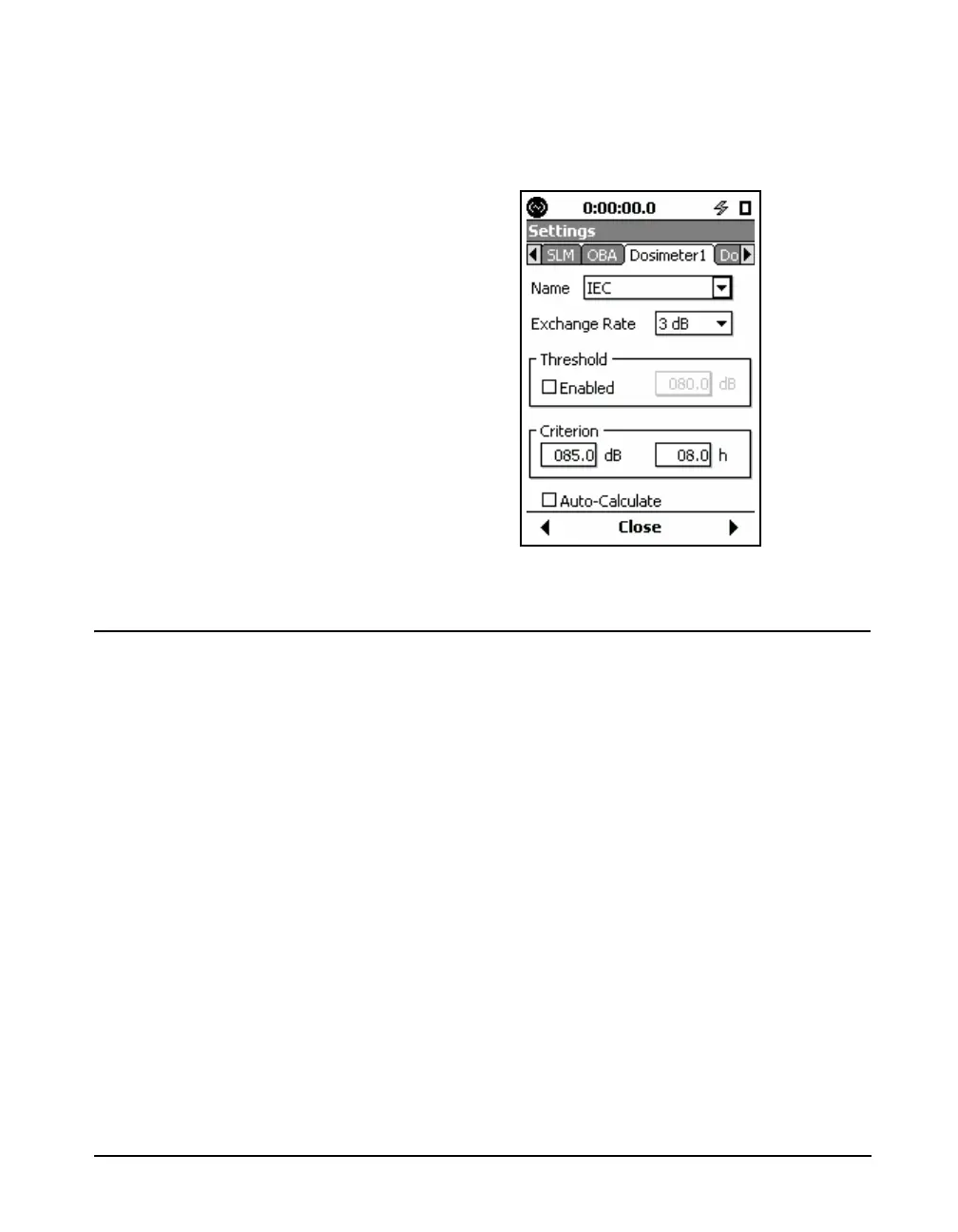
All parameters will be set according to the setup selected, as
shown in FIGURE 9-3.
FIGURE 9-3 IEC Setup
Parameters Individually Defined
On the Dosimeter tabs, there are two fields (Name and
Exchange Rate) and two sections (Threshold and Criterion).
Name Field
If a predefined setup has been
selected and any of the preset
parameters are modified, the user
should consider changing the name
of the setup.
The Name field is optional, although many users will enter
text associated with the measurement to be performed such
as a specific company Dose standard (“My Dose”) or the
name of a standard not in the list. To enter a name, use the
8 and 2 keys to highlight the Name field. Use the 4
key to highlight the name portion of the highlighted box;
then press the
5 key. Use the 4 6 8 and 2 keys to
enter the desired characters. Press
5 to complete your
entry.
Parameter Fields
The titles of the second field (Exchange Rate) and the two
sections at the lower portion of the display (Threshold and
Criterion) correspond to the three parameters we wish to set.
Within each is a numeric field into which the user can enter



 To Next Page