Model 831 Manual Time History Setup 11-7
Time History Increment > 10 ms
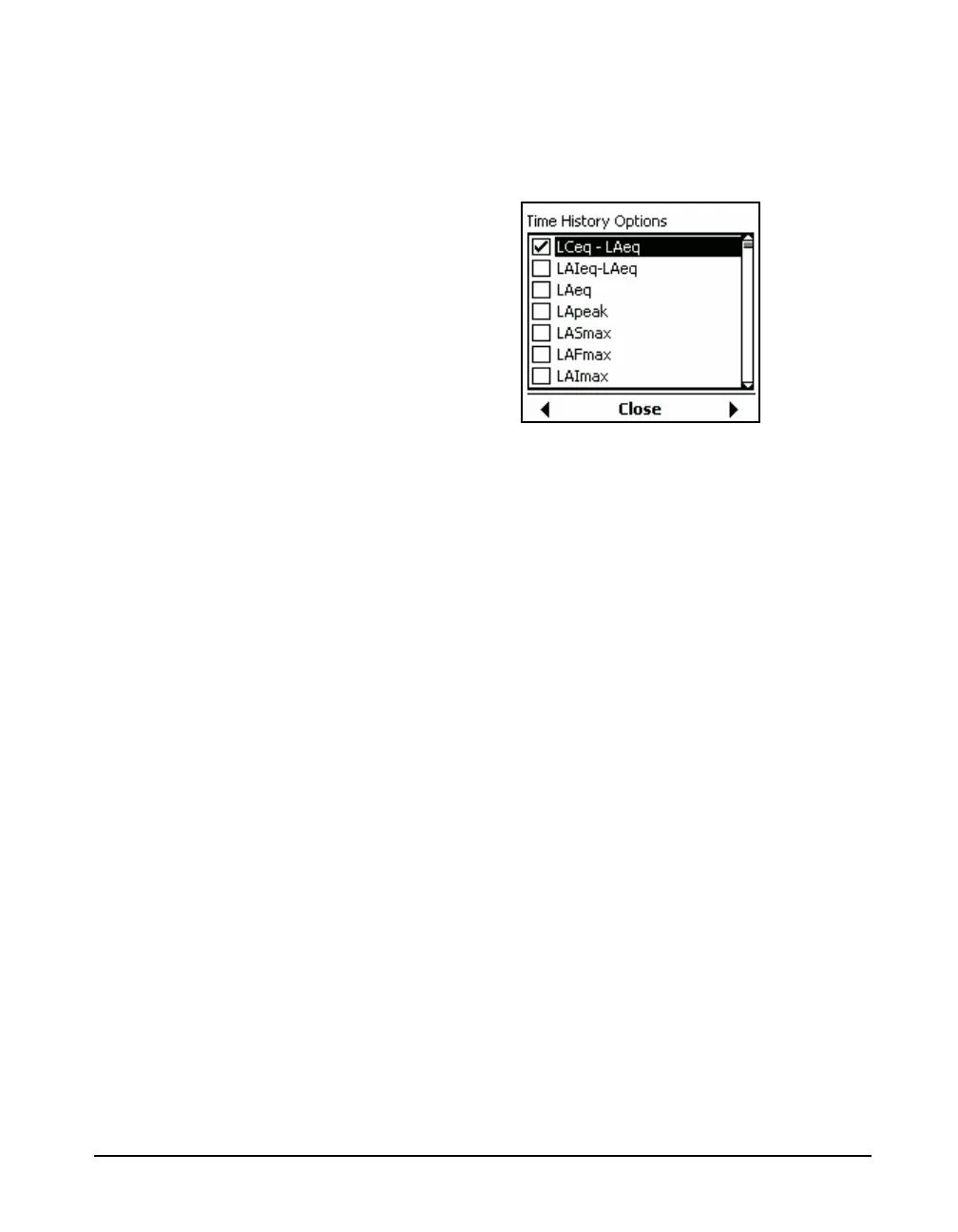
When the time increment selected is > 10 ms, the list of
available metrics will appear as shown in Figure 11-4, with
the first item in the options list highlighted.
FIGURE 11-4 Time History Options Window: Time
Increment > 10 ms
Tms Resolution
When 20 ms Time Increment 500 ms has been selected,
the parameter Tms used to implement increased time
resolution will appear at the bottom of the options list shown
in FIGURE 11-4.
Note that spectrum metrics will only
appear in the list when 1/1 octave
and/or 1/3 octave have been
selected. See "OBA Bandwidth
Setting” on page 4-7 for details.
Highlight down or up, respectively, and use the 4 or 6 key
to select an option and place a check in the check box. Use
the same keys to deselect a box already checked.
Exiting Time History Options
When the options have been designated as desired, press
5
to exit from the Time History Options Menu. You will then
be able to display other tabs of the Measurement Setup
Menu or exit from the Measurement Setup Menu by
pressing the center softkey labeled Close.



 To Next Page