12-4 Timed Stop Mode Model 831 Manual
Measurement Counter
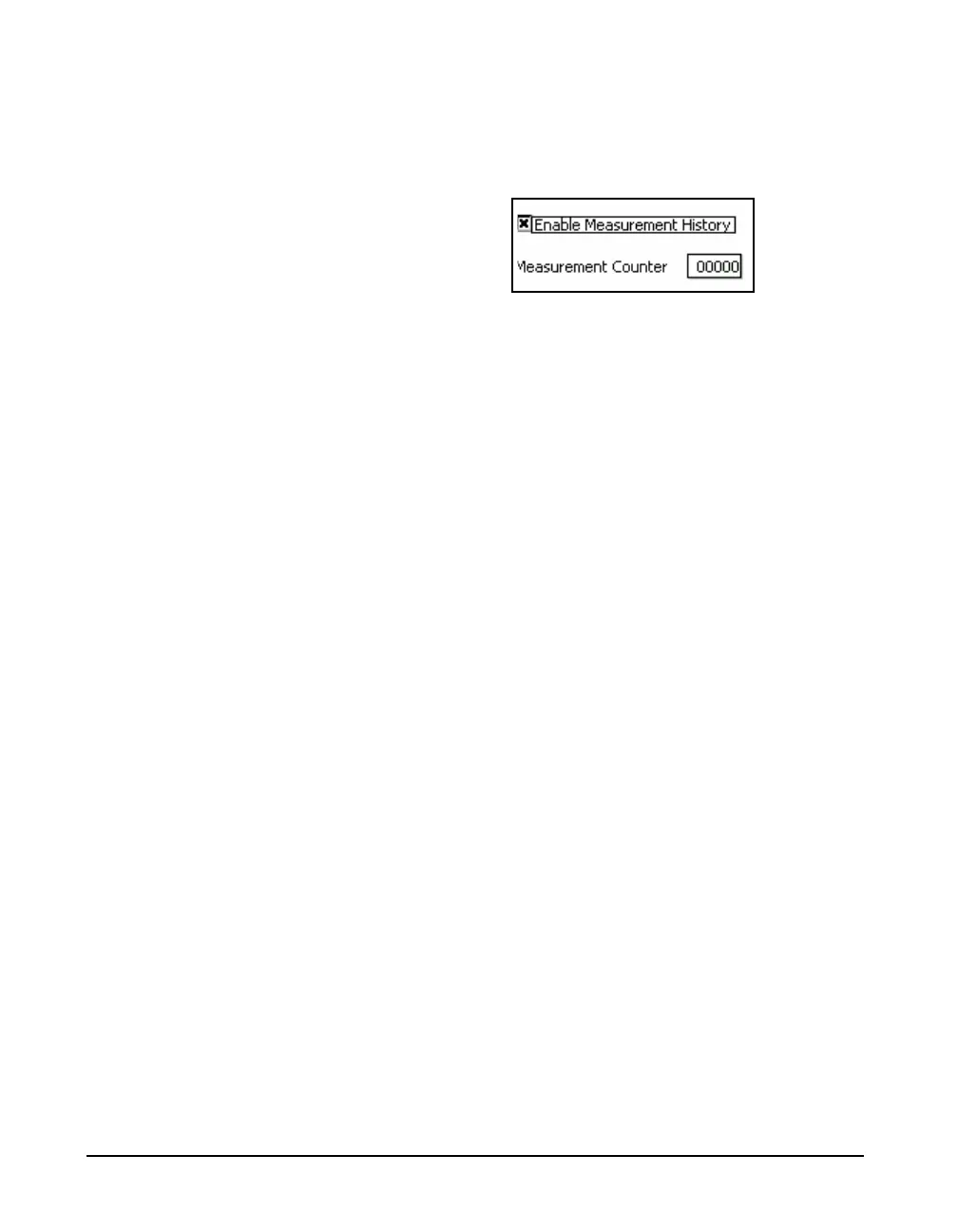
When the Time is set to one minute or more for the Time
Stop Mode, the Measurement Counter field will appear as
shown in Figure 12-4.
FIGURE 12-4 Measurement Counter
Measurement Counter is used to set the number of
measurements to be made during each manually initiated
measurement sequence.
Note that the measurement counter
will be set to one and the selection
field disabled when the measurement
time has been set to less than one
minute.
To enter the a value into the Measurement Counter field,
time, highlight the Measurement Counter data field and
press
5. Enter the desired value and press 5 to conclude
the process.
Example
The Continuous Mode, described in
"Continuous and Timer Modes" on
page 12-2, can be used to make an
automatic Time History
Measurement of a number of
records, but the measurement
process would need to be stopped
manually when the desired number
of records have been measured.
An example of the use of this would be when the user wishes
to make a fixed number of separate measurements, each for
the same run time, then stop. By setting the measurement
counter to 4, for example, pressing the
9 key would
initiate a measurement sequence which would conclude
when four measurements have been completed, each using
the value of Run Time set as described in "Manual Stop,
Timed Stop or Stop When Stable" on page 6-4.
This data is displayed on the Measurement History tab, as
described in "Measurement Tab" on page 12-7, and can be
saved by pressing the 7 (STOP) key.



 To Next Page