Model 831 Manual Event Time History Setup 13-11
Milliseconds
20, 50, 100, 200, 500
Seconds
1, 2, 5, 10
Highlight the desired Period value and press
5 to make a
selection.
Spectral Mode
A Spectral Time History can be measured for each event by
setting Spectral Mode to On. The bandwidth of the Spectral
Time History is either 1/1 or 1/3 octave, depending on the
OBA bandwidth selected, as shown below.
• 1/1 Octave: Spectral Mode is 1/1 Octave
• 1/3 Octave or 1/1, 1/3 Octave: Spectral Mode is 1/3
Octave
Highlight the Spectral Mode data field and press
5 to
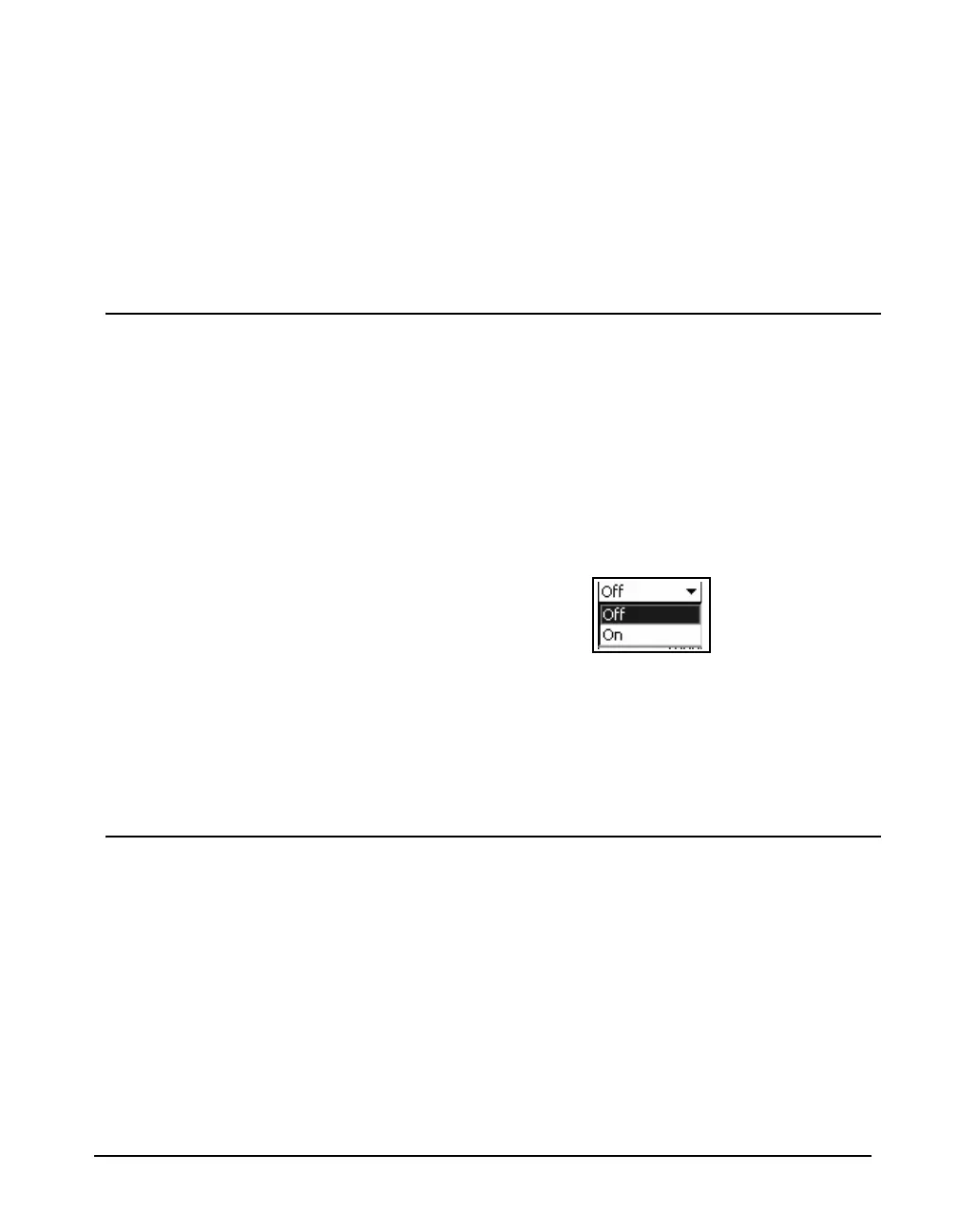
obtain the Spectral Mode menu, shown in FIGURE 13-10.
FIGURE 13-10 Event Time History Spectral Mode
Menu
Highlight On or Off and press
5 to make a selection.
Setting the spectral mode Off will reduce the memory used
for data storage.
Pre/Post Trigger
Pre-trigger is used when it is desired that the event time
history include samples which occurred prior to the event
threshold exceedance triggering the event and post-trigger is
used when it is desired that the event time history include
samples which occurred after the end of the event. Both can
be enabled at the same time.
Pre-trigger
To set the number of pre-trigger samples, highlight the Pre-
trigger data field and press
5. Enter the desired value and
press
5.



 To Next Page