Model 831 Manual Event History Display 13-13
Trigger Status Icons
The Model 831 begins sampling data as soon as the 9
(Run/Pause) key is pressed. The trigger status is indicated by
one of five Trigger Status icons as described below.
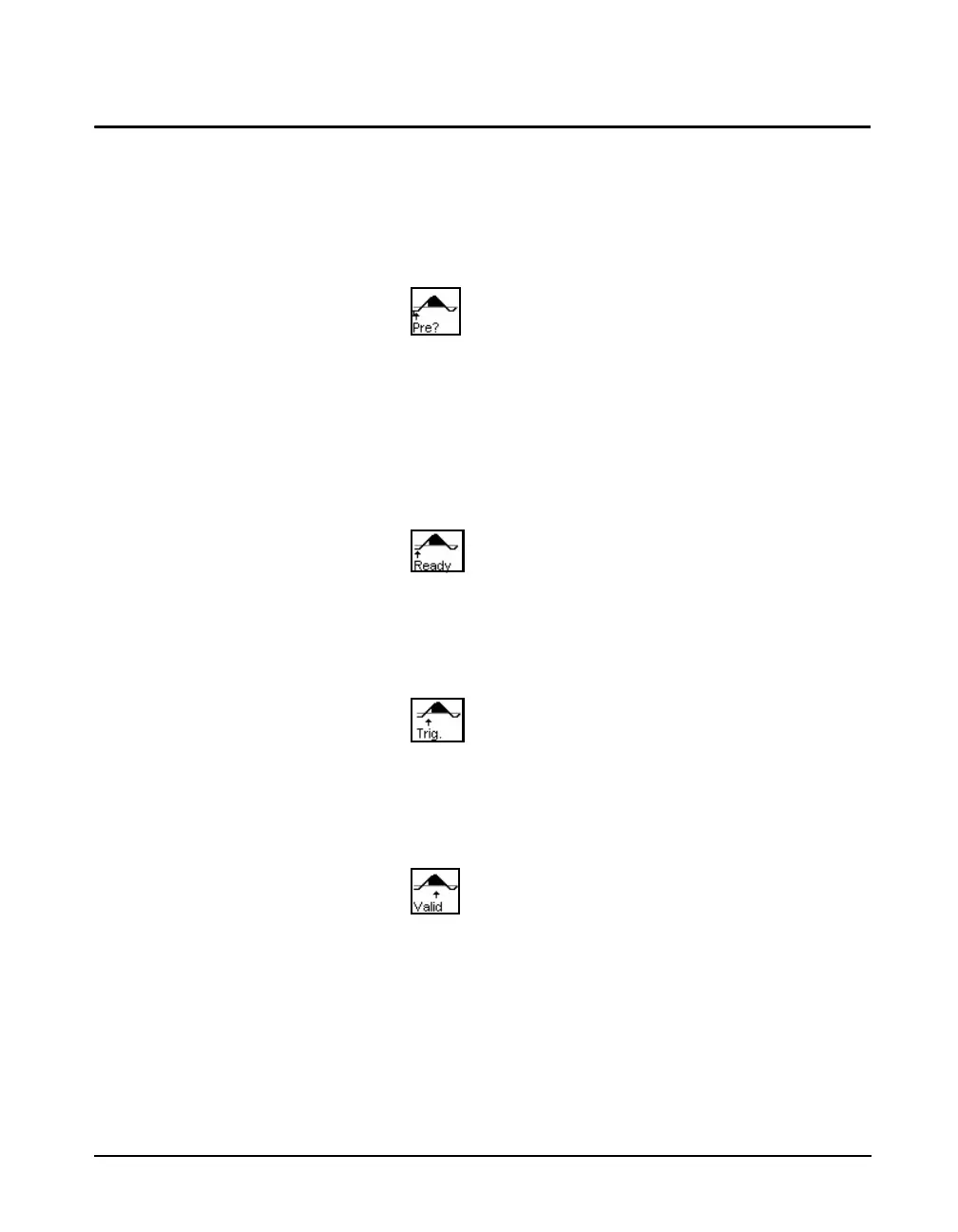
Pre-Trigger
Pre-trigger is being collected but there are fewer samples
than the pre-trigger samples setting. When enough samples
have been collected the Ready state is activated. It is
possible to transition to the Triggered state before the pre-
trigger buffer is full.
Ready
The Ready state has all the pre-trigger samples needed and is
waiting for an event to occur.
Triggered
When the level exceeds the trigger level the triggered state is
entered.
Valid
When the level has exceeded the trigger level for longer than
the minimum duration the Valid state is entered. At this
point we have a valid event record.



 To Next Page