Model 831 Manual Viewing and Analyzing Results 14-13
Changing the Cursor Type
The Model 831 provides both manual cursor control and a
max-tracking cursor, both of which can be displayed with or
without harmonic cursors. To change the cursor type press
the Menu soft-key, highlight Cursor Type as shown in
FIGURE 14-12 and press
5.
FIGURE 14-12 Cursor Menu
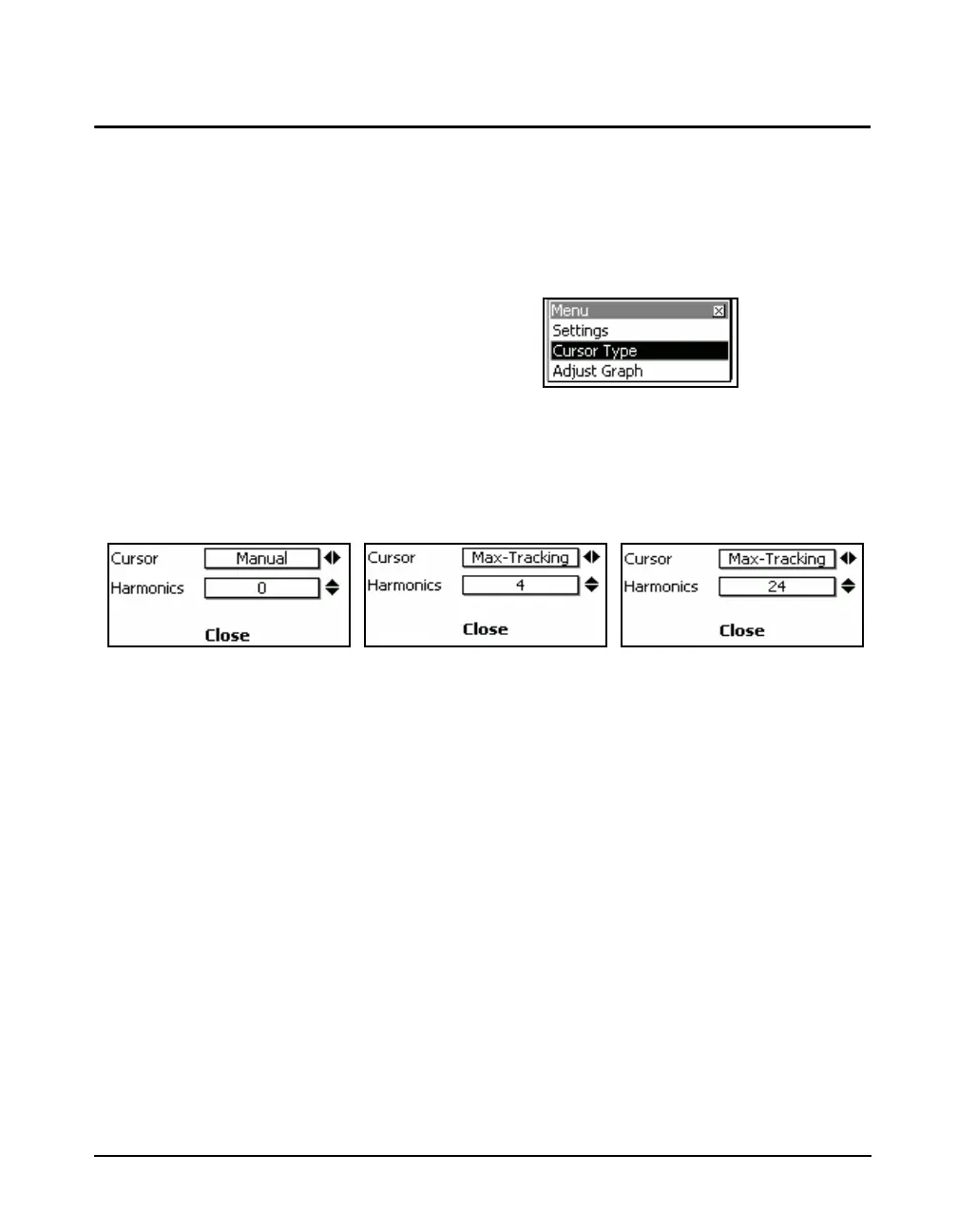
The cursor control dialog shown in FIGURE 14-13 will
appear at the bottom of the display.
FIGURE 14-13 Cursors Type
Cursor Type
Select either Manual or Max-Tracking cursor with the 6
and 4 keys.
With the cursor type set to Manual the frequency cursor is
controlled manually using the 6 and 4 keys.
With the cursor type set to Max-Tracking the cursor will be
set automatically to the frequency band that has the highest
amplitude.



 To Next Page