Model 831 Manual Making a Measurement 15-5
Measurement State Sequence
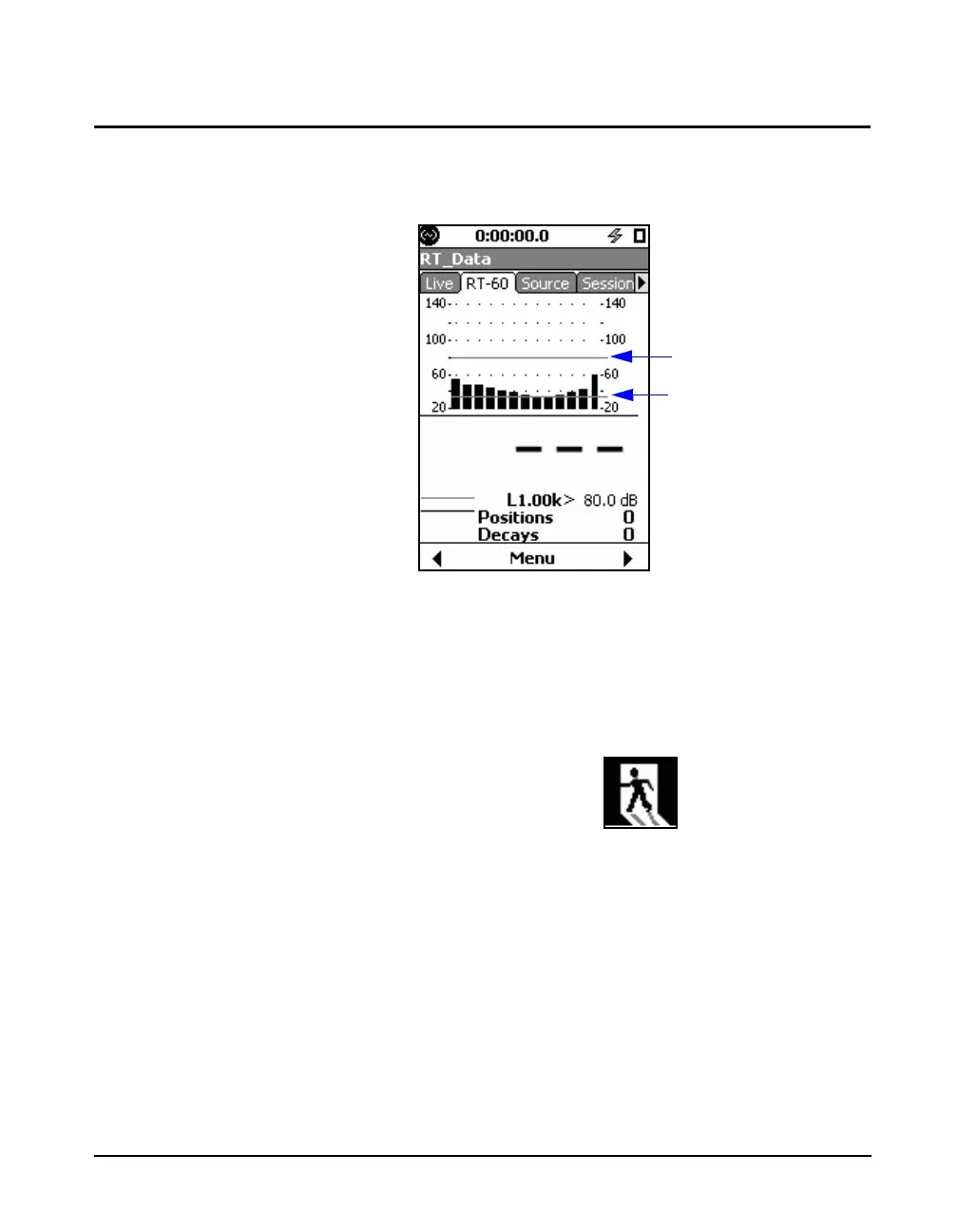
This section presents the sequence of Model 831 screen
displays and actions taking place during an a measurement.
FIGURE 15-5 RT-60 Status Screen
Initiate Measurement
Initiate a measurement by pressing the
9 (RUN/PAUSE)
key, at which time the icon shown in FIGURE 15-6 will
appear in the lower left corner of the screen. This lasts as
long as the configured Exit Time. No data is taken while this
icon is shown.
FIGURE 15-6 Exit Prompt
Background Noise Measurement
After the Exit Time has passed, the background noise is
measured, as indicated by the icon shown in FIGURE 15-7.
The background noise level is measured for 5 seconds and is
then used for determining signal-to-noise ratio on successive
decays. The background noise level is measured for every
position, i.e., every time "Run" is pressed.
Trigger Level
Trigger Level - 45 dB



 To Next Page