15-6 Making a Measurement Model 831 Manual
T20 uses data from -5 dB to -25 dB and requires a signal to
noise ratio of at least 35 dB. T30 uses data from -5 dB to -35
dB and requires a signal to noise ratio of at least 45 dB.
FIGURE 15-7 Background Measurement Display
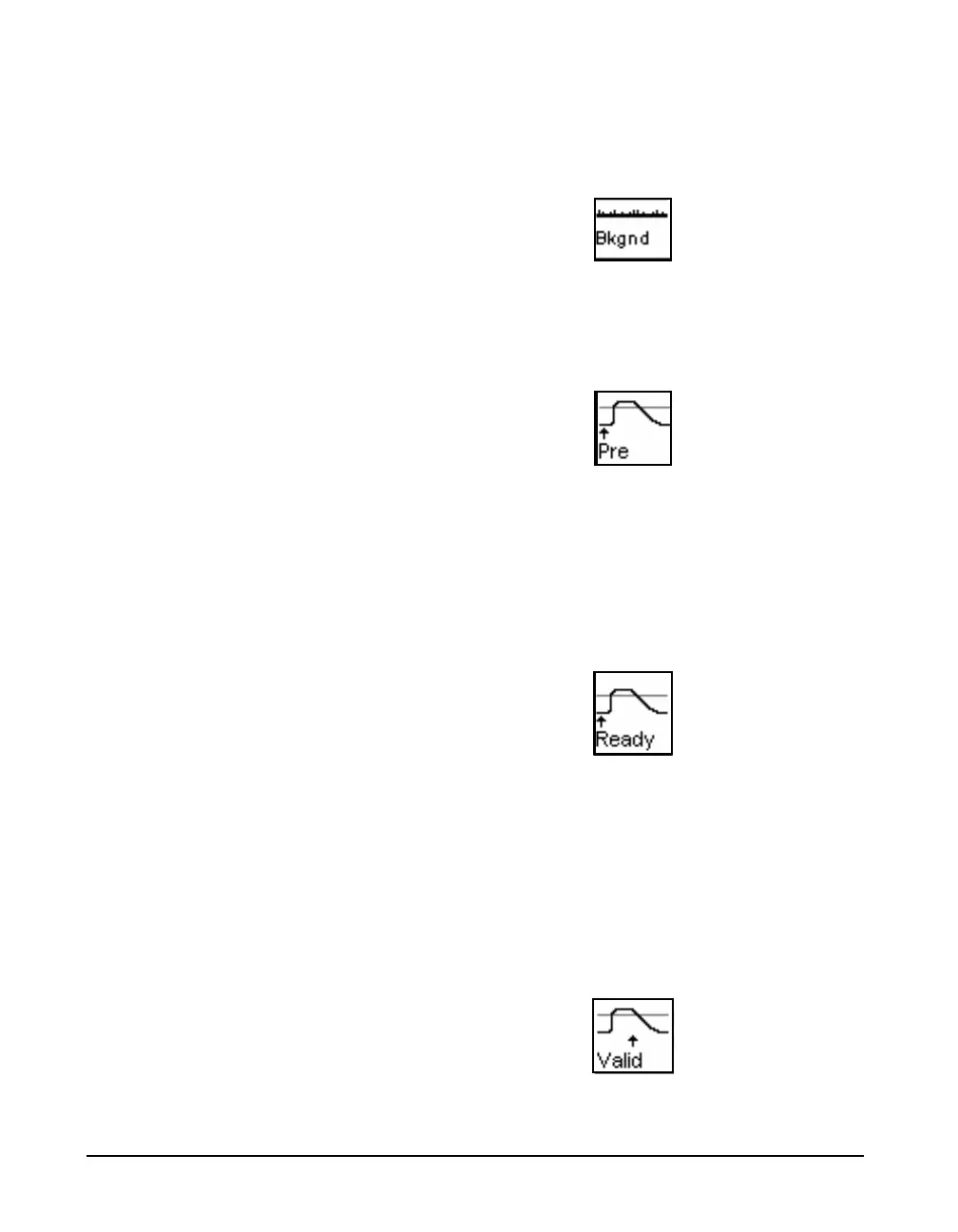
Filling Pre-trigger Buffer
When the background measurement has completed, the pre-
trigger buffer fills as indicated by the icon shown in
FIGURE 15-8.
FIGURE 15-8 Pre-Trigger Buffer Display
Ready For Excitation Signal
When the pre-trigger buffer is full, the “Ready” icon shown
in FIGURE 15-9 will appear in the lower left corner of the
screen, and the 7 (STOP/STORE) key will flash red to
indicate that the source within the room should be activated.
If using the internal noise source, it will start automatically.
FIGURE 15-9 Ready Display
Valid (Interrupted Method Only)
The Valid display will not appear
when using the Impulse Method.
When using the Interrupted Noise method, the “Valid” icon
shown in FIGURE 15-10 indicates that the room has been
successfully energized. This occurs when the trigger level is
exceeded for at least as long as the configured Build Time. If
using an external noise source, do not stop the noise output
until this icon is displayed. The 7 key will stop flashing to
indicate that an external noise source should be turned off. If
using the internal noise source, it will stop automatically.
FIGURE 15-10 Valid Display



 To Next Page