Model 831 Manual Making a Measurement 15-7
Triggered
When the measurement has been triggered, the “Triggered”
icon shown in FIGURE 15-11 will appear in the lower left
corner of the screen.
FIGURE 15-11 Triggered Display
Measurement Complete
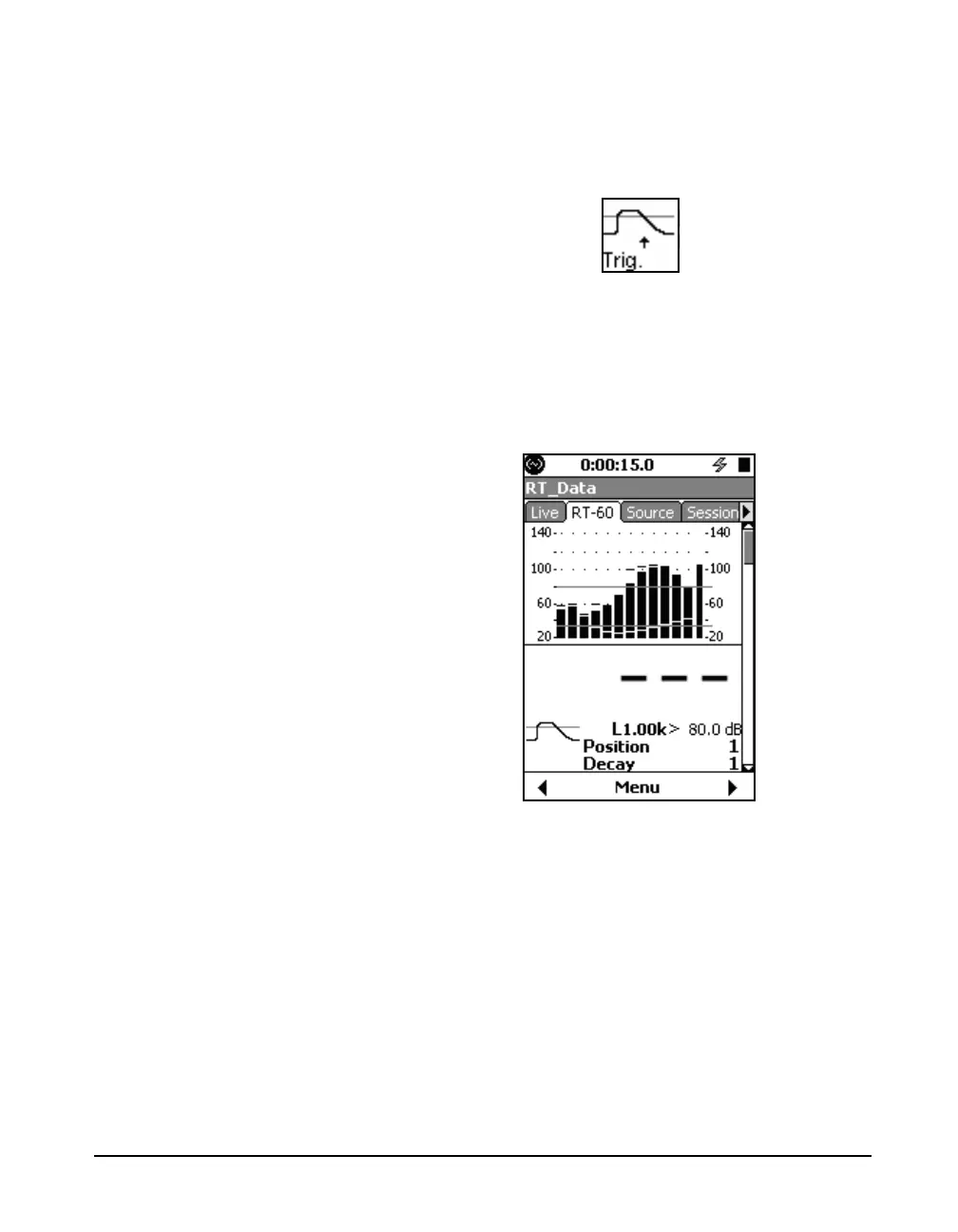
When the measurement has completed, the display shown in
FIGURE 15-12 will appear. The icon in the lower left of the
screen indicates a successful measurement, and the position
count has been incremented.The spectrum graph displayed is
for the last excitation.
FIGURE 15-12 Measurement Completed
Repeat Measurement
The operator can now move the microphone and/or noise
source and press the
9 key to initiate another
measurement sequence.



 To Next Page