Model 831 Manual Sound Recording Setup 16-3
Sample Rate Selection
The Sample Rate data field is used to select the sample rate
for the digital data recording. Highlight this field and press
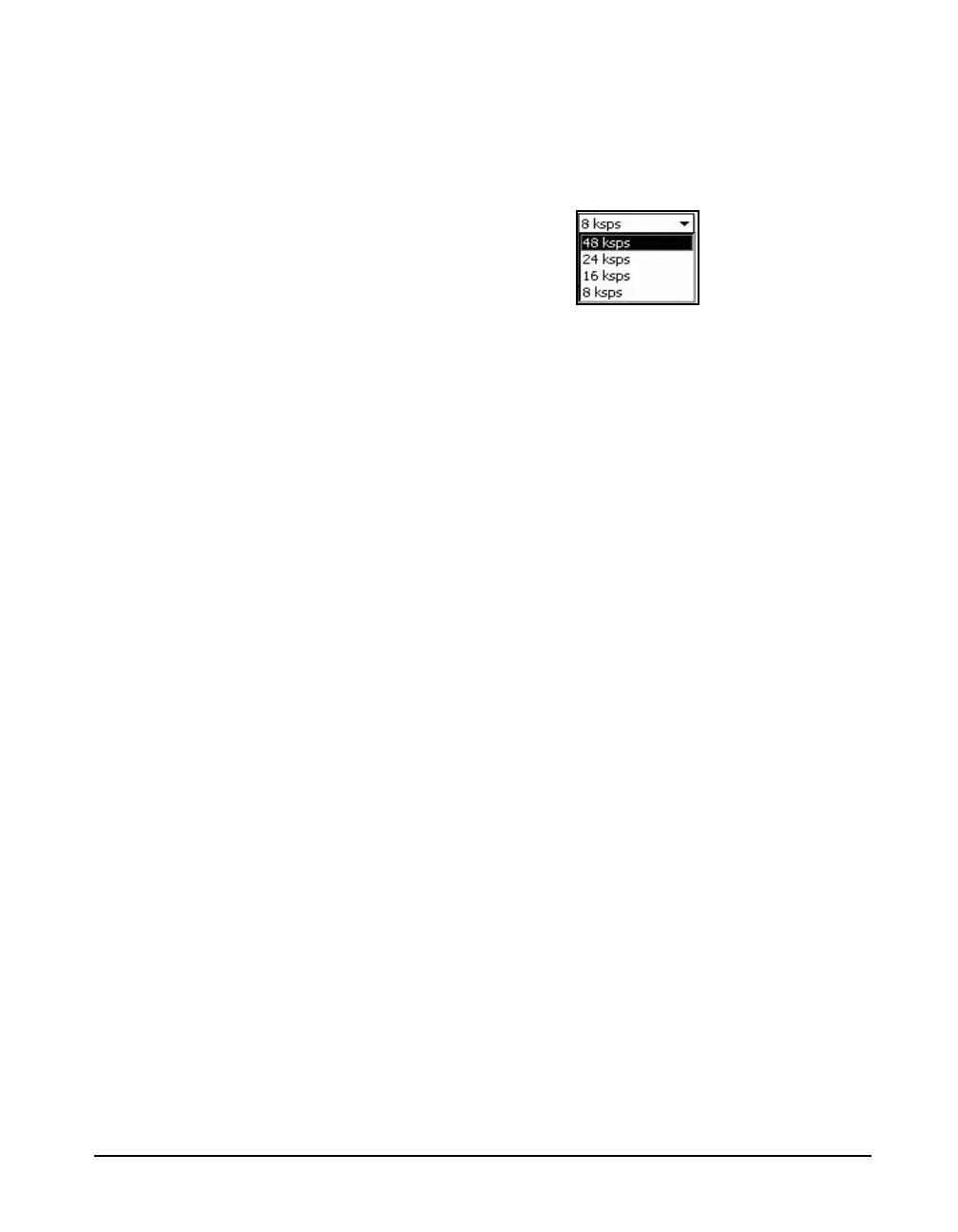
5 to open the Sample Rate Menu shown in Figure 16-2
FIGURE 16-2 Sample Rate Menu
Highlight the desired sample rate and press
5 to make a
selection.
Source Identification Setup
Sample rates above 16k sps are not
available for source identification
recording (see Restrictions below)
The 8k sps setting is generally sufficient for a quality sound
recording that can be used for source identification and
provides the lowest memory consumption. The sound
recording can be recorded automatically by enabling the
Event Recorder (see “Event Sound Recording” on page -14),
Measurement History (see “Measurement History Sound
Recording” on page -18) or manually by enabling Markers
sound recording and then activating a marker (see “Manual
Sound Recording” on page -7).
Advanced Analysis
Be sure to disable the Time History,
Event History and Marker Sound
Record options in order to use the
sound recorder at 24k and 48k sps
(see restrictions below).
To record sound information for advanced analysis, enable
the Measurement History and the Measurement Sound
Recorder settings (see “Measurement History Sound
Recording” on page -18). The sample rate can be 8k, 16k,
24k or 48k sps, with 48k sps offering the highest frequency
bandwidth.
When a measurement is performed by pressing the Run key
(or at a programmed interval), a sound recording file will be
created for the duration specified (unless stopped manually
prior to a complete duration). The resulting sound recording
file can then be downloaded and exported with G4 LD
Utility. The exported wave file can be analyzed with a
software package such as Mat Lab.
Restrictions
It is not possible to use the sound recorder at 24k and 48k at
the same time as the Time History, Event History or Marker



 To Next Page