16-4 Sound Recording Setup Model 831 Manual
Sound Recording options. When any of these features are
activated while the sample rate is set to 24k or 48k, the
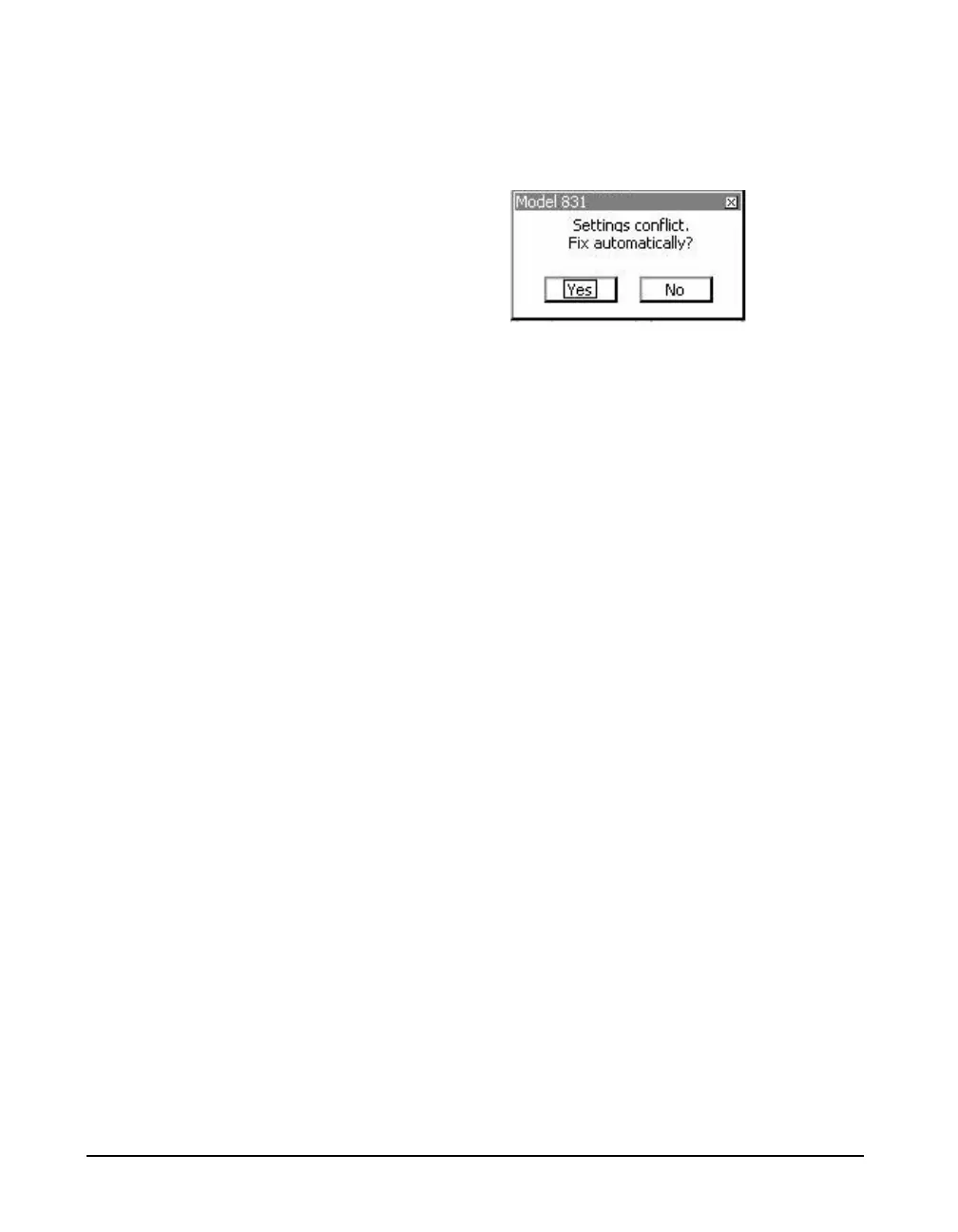
Setting Conflict message shown in FIGURE 16-3 will
appear.
FIGURE 16-3 Setting Conflict Message
The Sound Recorder Sample Rate will be automatically set
to 8k sps if Yes is chosen, or, the feature will not be enabled
if No is chosen.
If any of the History, Event History or Marker Sound Record
options are enabled, the list of sound recorder Sample Rate
options will be 8k and 16k sps, as shown in the next image,
and sound record is enable for source identification.
Effect of Sample Rate
A formula for calculating the
memory size of sound recordings is
given in the section "Sound
Recording" on page 25-3.
A general rule of thumb is that the playback of a digital
sound recording will provide accurate reproduction of
frequency content up to 0.48 times the recording sample
rate. Thus, a 48 kHz sample rate would provide a recording
having good fidelity over the complete human hearing
range. The drawback is that the size of the recording data
block is proportional to the sample rate. If the upper
frequency content of the signal is known, the sample rate
can be reduced to match it. For example, in terms of
comprehension, human speech would be satisfactorily
reproduced using a sample rate of 8 kHz.
Range
There are two amplitude ranges used for sound recording:
• Low (default value)
•High
The following section provides
guidance in the selection of range
setting.
These have a 33 dB gain difference between them. They are
similar to the two ranges available for use with the 1/1 and 1/
3 octave band filters, described in "OBA Range Setting" on



 To Next Page