Model 831 Manual Sound Recording Setup 16-5
page 4-7. To select the range, highlight the Range field and
press
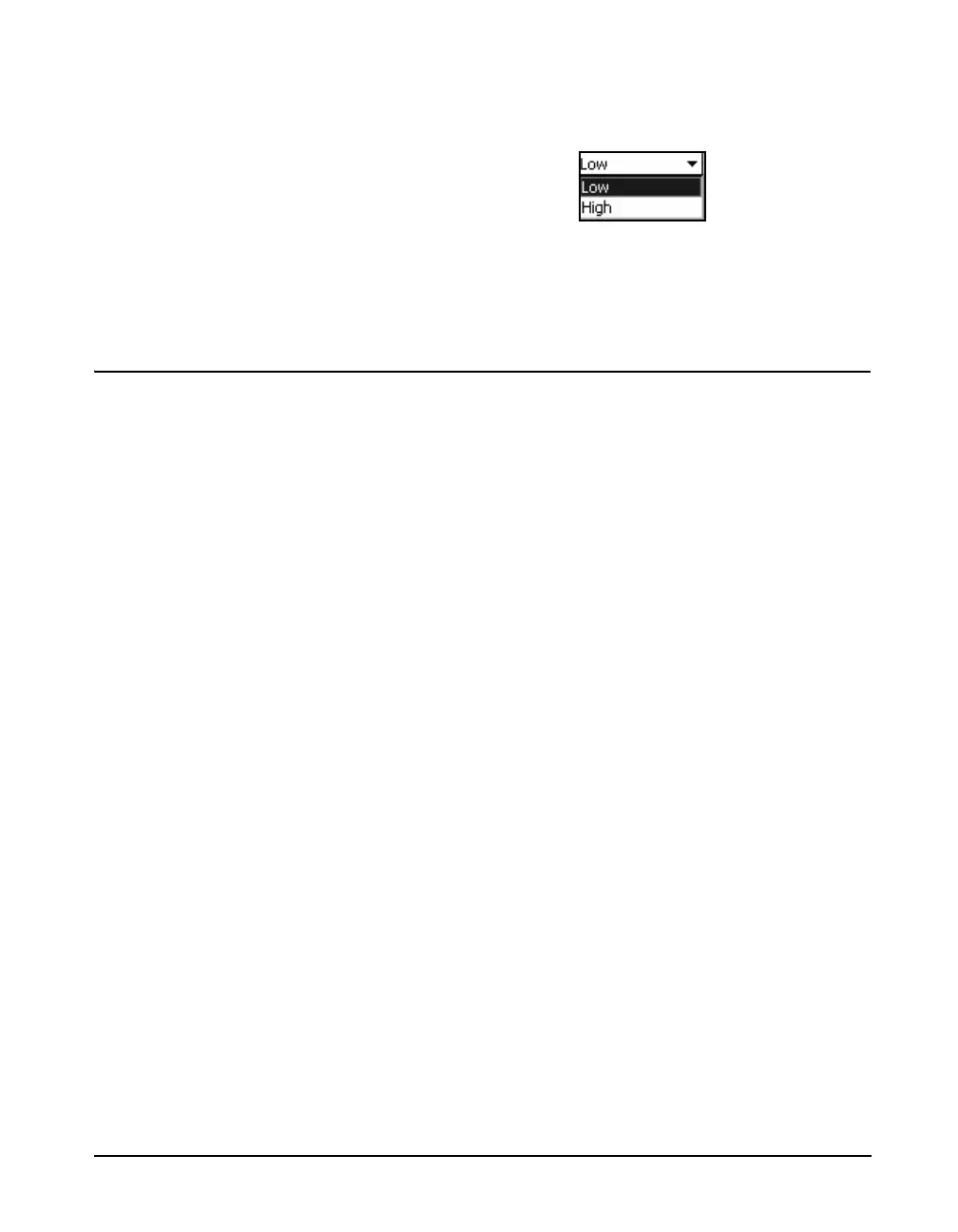
5 to open the Range Menu shown in Figure 16-4.
FIGURE 16-4 Range Menu
Highlight the desired sample rate and press
5 to make a
selection.
Sound Recording Range
A/D Convertor
The 16-bit A/D convertor used for sound recording provides
a measurement range of approximately 90 dB. This means
that it is capable of recording sound signals whose
amplitudes are no more than 90 dB below the level at which
the instrument will overload. When the overload level is
expressed in terms of peak level and the signal level as root-
mean-square (rms), this range is actually 93 dB. Note,
however, that in practice this lower limit can be limited by
the internal noise floor of the instrument.
Peak Overload/Noise Level
The Sensitivity tab, as described in the section "Sensitivity
Tab" on page 8-13, can be used to determine the peak
overload level and Z-weighted noise level on of the Model
831. Levels are indicated for specific instrument setups
using microphones having given sensitivities. Since the
Model 831 can be setup to have a gain of either 0 or 20 dB,
as described in "20 dB Gain" on page 4-5, there are two
possible values of peak overload level and noise level for a
given microphone.
Sound Recording Range Calculation
When the peak sound level and noise level values have been
determined for the Model 831 using a specific microphone,
the useful sound recording range can now be determined as
shown in TABLE 16-1. In this example, the peak sound
levels and noise levels correspond to a microphone having a
nominal sensitivity of 50 mV/Pa.



 To Next Page