3-4 831 Components Model 831 Manual
comfortable viewing in most ambient light situations.
Controls are provided for contrast and backlight
adjustments.
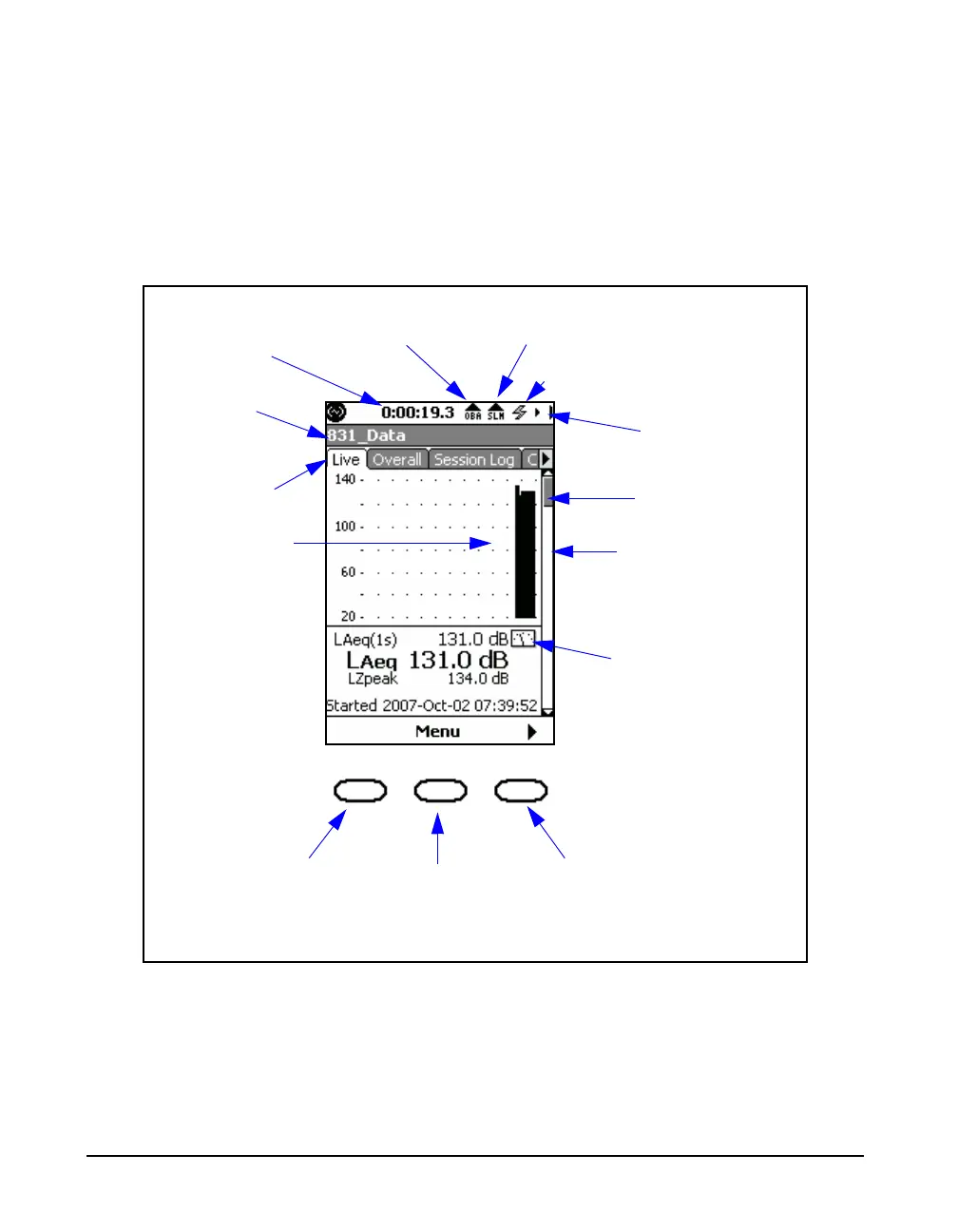
When the Model 831 is first switched ON, the Live tab
appears. When a measurement is in progress, a display
similar to Figure 3-3 is shown.
FIGURE 3-3 Data Display Screen
Measurement
Name
OBA Overload or
Under Rang Icon
Input Overload or
Under Range Icon
Run Time
Measurement
Status
Power Indicator
Tabs
Data Graph
Section
Indicator
Scroll Bar
Stability
Indicator
Left
Center
Softkeys
Right



 To Next Page