3-6 831 Components Model 831 Manual
FIGURE 3-5 Softkeys
The function of each Softkey is indicated by an icon or label
on the bottom of the display. Softkeys are so named because
the function of each key can change depending upon the
screen, the context, or how it is programmed, as indicated by
the label. Pressing any one invokes the action associated
with the text or symbol directly above it on the screen.
Hardkeys
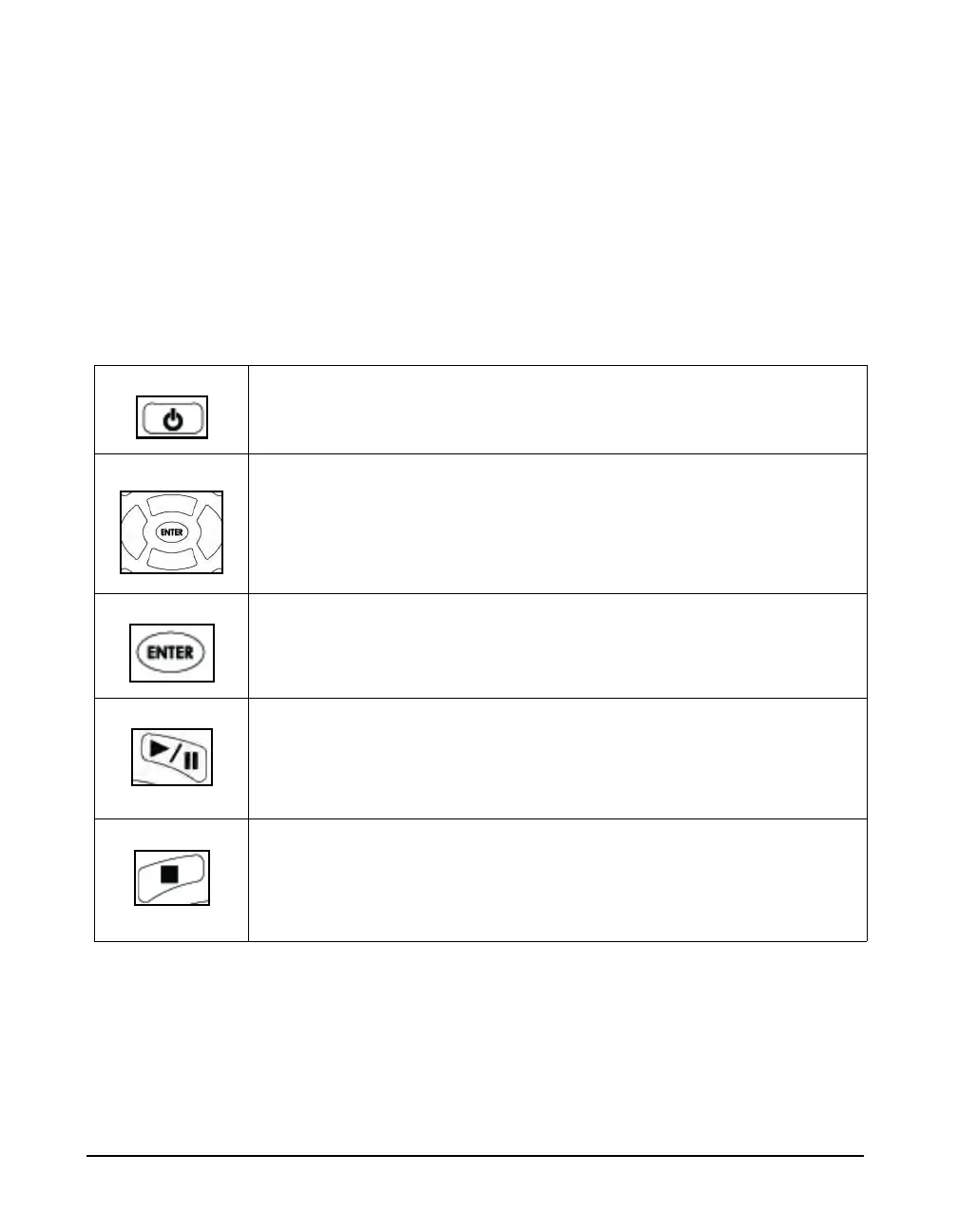
The ten remaining keys below the softkeys are described in
Table 3-1.
The POWER key is used to turn the Model 831 ON and OFF when the
Hardware Power Switch, on the base of the unit is in the “|” position. To turn the
831 off or on, press and hold the power key for a few seconds.
The Navigation keys; Up, Down, Left and Right are multipurpose keys used to
navigate through the Data Views, highlight icons and defined areas on the
display, make a selection from multiple options, and to input alphanumeric
characters into data fields.
The ENTER key is used to implement data entry associated with selections from
multiple options or the input of alphanumeric characters into data fields.
The RUN/PAUSE key is used to initiate and pause a measurement, and to
continue a paused measurement. This key has a green LED behind it which can
be illuminated to indicate the measurement state of the Model 831.
For more detailed information on the RUN/PAUSE key, see "Starting the
Measurement" on page 7-5.
The STOP/STORE key is used to stop a measurement and to store a
measurement when the measurement is stopped. This key has a red LED behind
it that can be illuminated to indicate the measurement state of the Model 831.
For more detailed information on the STOP/STORE key, see "Starting the
Measurement" on page 7-5.
Table 3-1 Keypad Hardkeys



 To Next Page