Model 831 Manual Setup Tabs 4-9
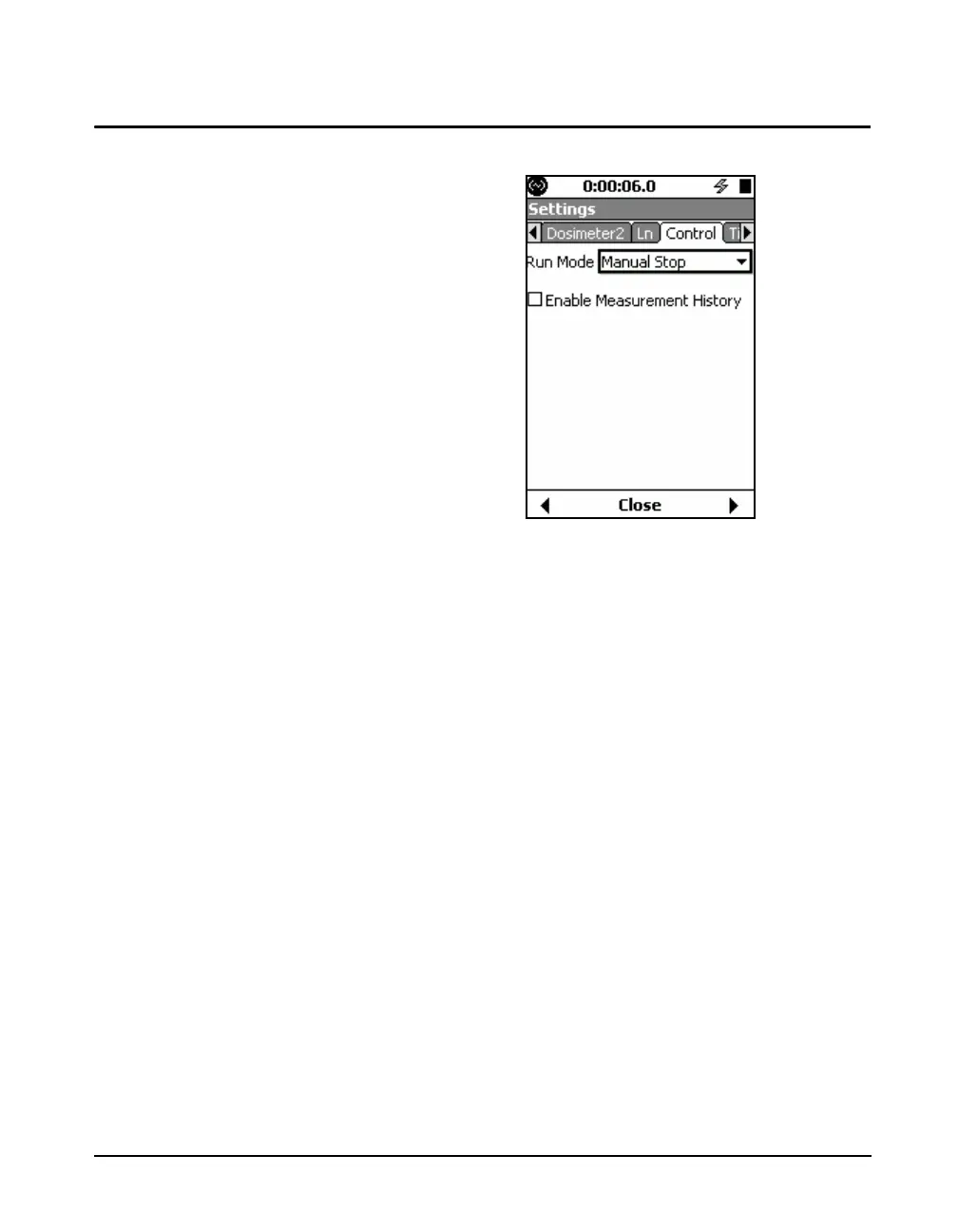
Control Tab
FIGURE 4-8 Control Tab
A detailed description of the Run
Mode is presented in Chapter 6 "Run
Control” on page 6-1.
The Control tab is used to set the Run Mode for the
measurement to be performed. There are six modes of
measurement duration available. In this chapter we will
address only the first three.
•Manual Stop: The measurement is initiated manually by
pressing the
9 (Run/Pause) key and it stopped upon
pressing the
7 (Stop/Store) key.
•Timed Stop: The measurement is initiated manually by
pressing the
9 (Run/Pause) key and will be stopped
automatically after a user-defined time period.
• Run Until Level Stable: The measurement is initiated
manually by pressing the
9 (Run/Pause) key. The
measurement will stop when the measured level has
remained within a user-defined range and the
measurement has run for a user-defined time period.
The selection of the Run Mode and the associated
parameters is shown in FIGURE 4-9. The Measurement
History feature is not discussed in this chapter. For further
information on that, see Chapter 12 "Measurement History”
on page 12-1.



 To Next Page