4-8 Setup Tabs Model 831 Manual
permit the calculation of Ln values for any value of n in the
range 00.01 to 99.99%.
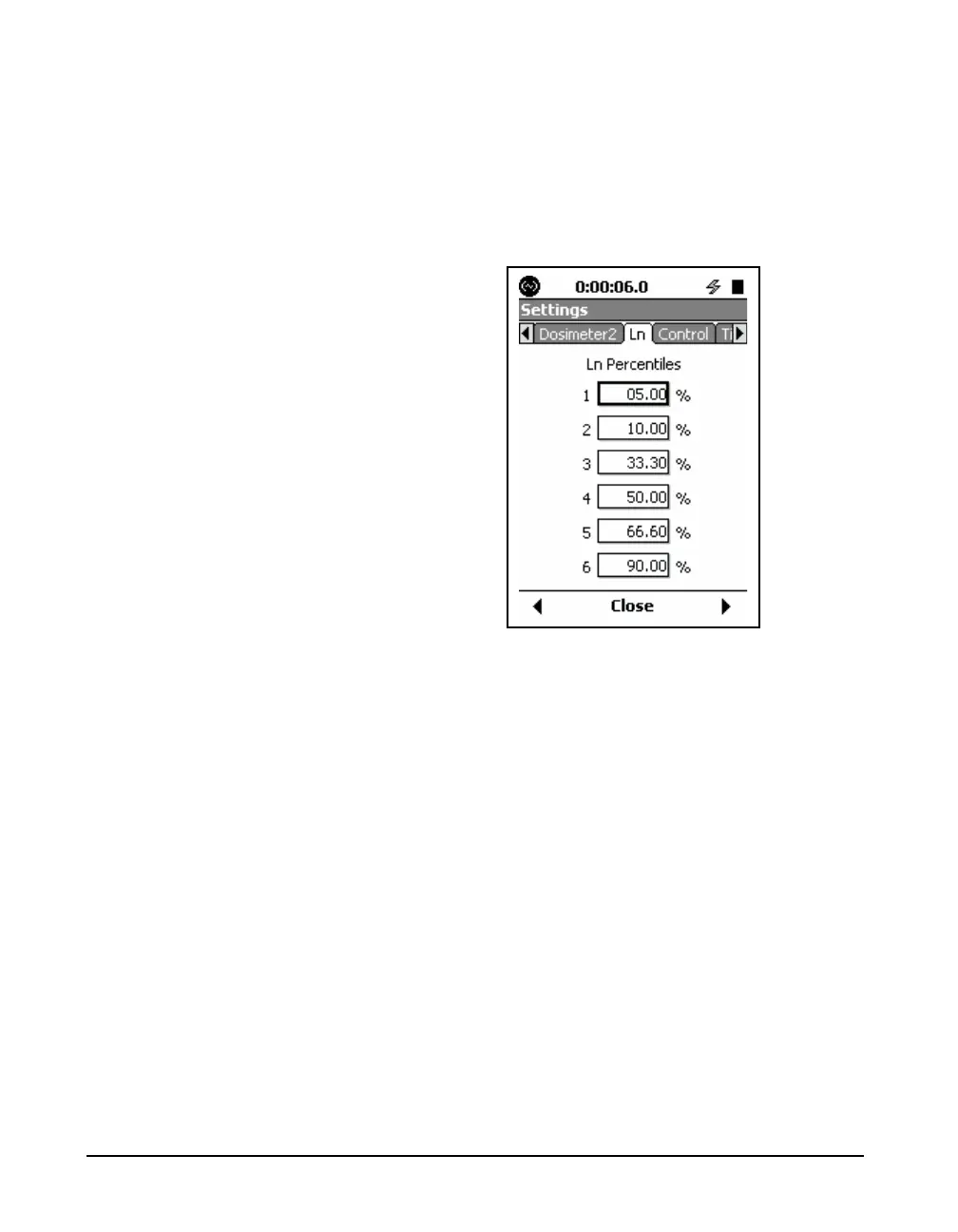
Selection of Ln Values
The default values for these
parameters are as shown in
FIGURE 4-7.
The Model 831 displays six Ln values at a time, using user-
selected values of n. These are set from the Ln Tab, shown
in FIGURE 4-7.
FIGURE 4-7 Ln Tab
Modifying Ln Values During a Measurement
While a measurement is running, it is possible to return to
the Ln display of the Settings Screen, shown in FIGURE 4-7
and change any or all of the six Ln values. This will change
the display of Ln values, shown in FIGURE 5-18 "Overall
Tab: Ln Percentiles” on page 5-18.



 To Next Page