Model 831 Manual Setup Manager 4-17
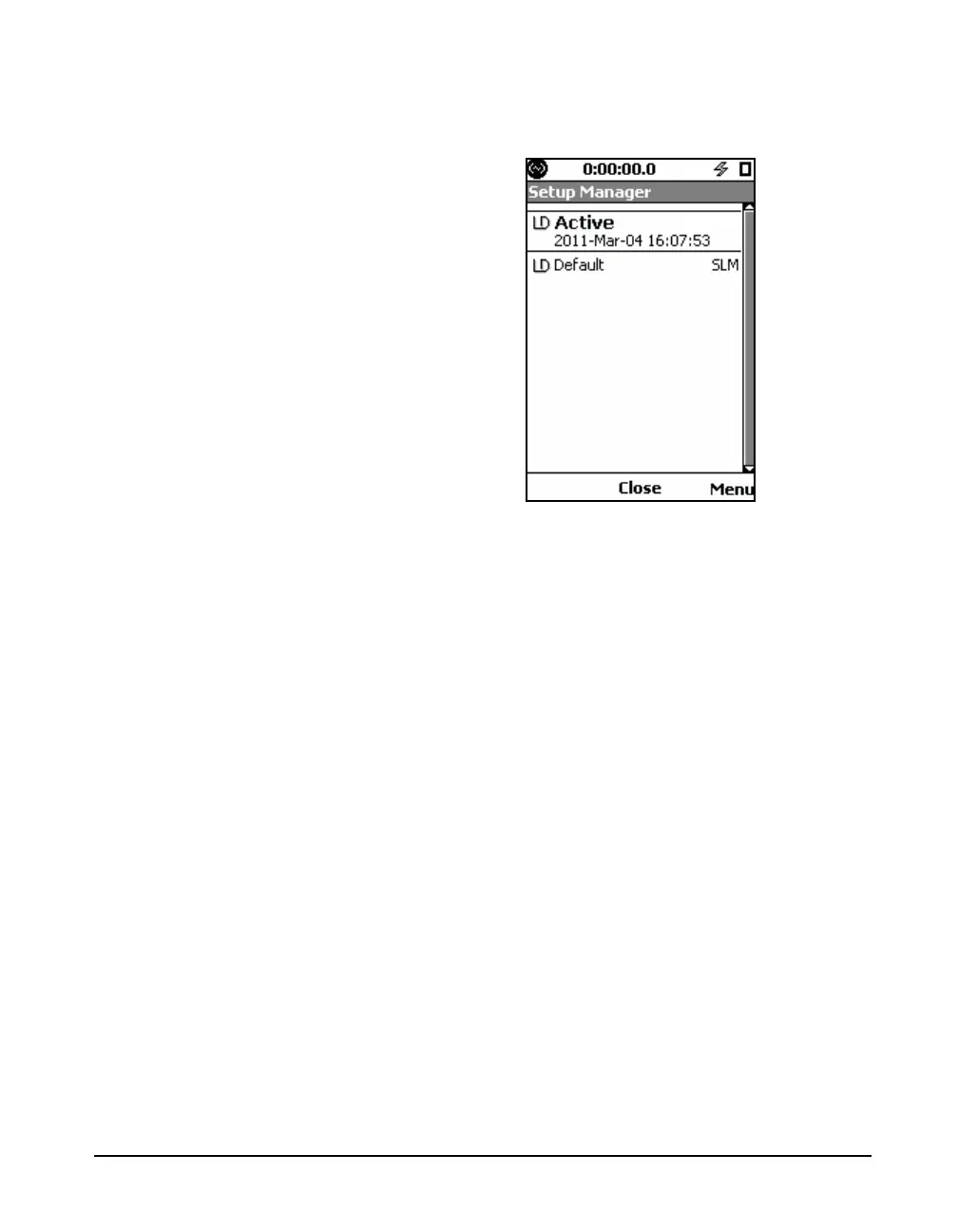
Press 5 to open the Setup Manager, shown in FIGURE 4-
15.
FIGURE 4-15 Setup Manager
If no user-defined setups have been created and saved, the
display will list two setups:
• LD Active: the setup presently active in the Model
831
• LD default: the factory default setup as originally
shipped from Larson Davis
If we have created a setup using the Setup Screen, as
described earlier in this chapter, the LD Active setup is listed
as just “LD Active”. If we then highlight it and press
5, it
will be listed as LD Active-default”, indicating that it is still
using the default name for it.



 To Next Page