4-18 Setup Manager Model 831 Manual
Note: Setup names are limited to
twelve characters.
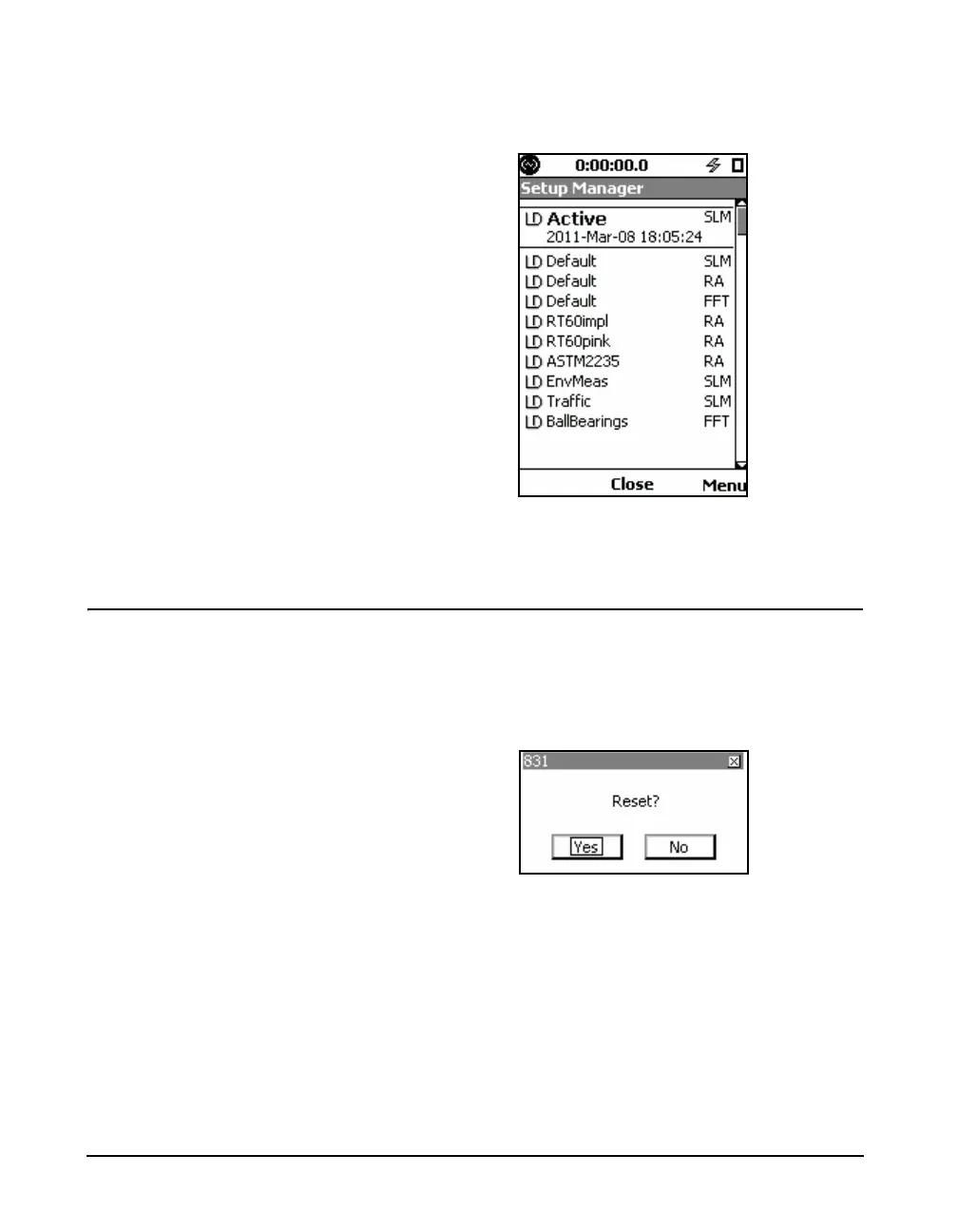
When user-defined setups have been added, the Setup
Manager might look like FIGURE 4-16.
FIGURE 4-16 Setup Manager: User-defined Setups
Added
Change to LD Default Setup
If you wish to return all settings in the Model 831 to the
default settings which were active when the instrument was
delivered from the factory, highlight LD default and press
5. If there is an unsaved measurement in the instrument,
the message shown in FIGURE 4-17 will appear.
FIGURE 4-17 Reset Prompt



 To Next Page