Model 831 Manual Setup Manager 4-19
If you do not wish to save this measurement, select Ye s,
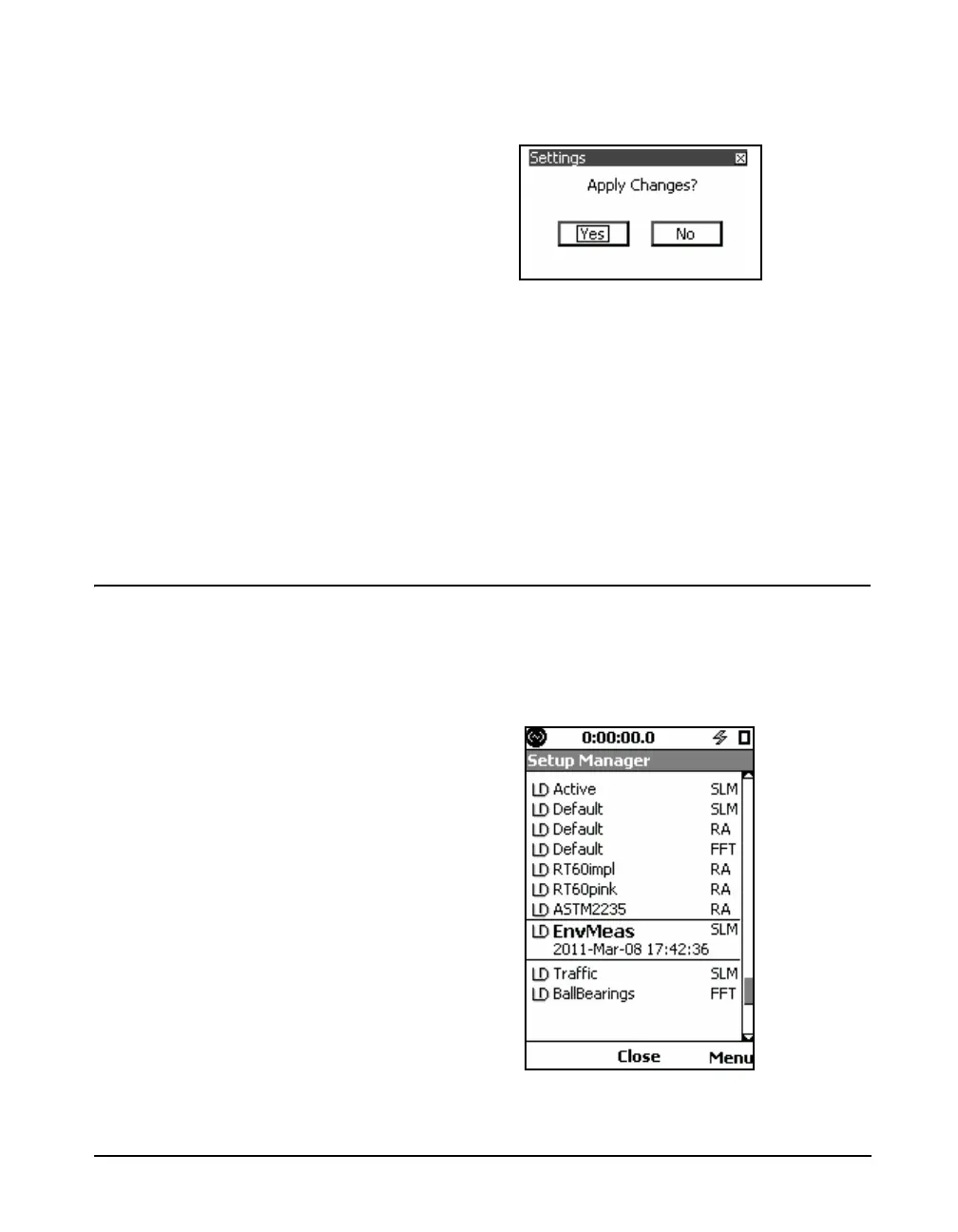
which displays the message shown in FIGURE 4-18.
FIGURE 4-18 Apply Changes Prompt
Select Yes to return settings in the Model 831 to the factory
defaults. Otherwise, select No to cancel the settings change.
If you wish to save the measurement prior to returning the
settings to the defaults, highlight No in the Reset Prompt
shown in FIGURE 4-17 and press
5 to cancel the reset
operation. Save the measurement in the usual manner, by
pressing the 7 (Stop/Store key) once (if already stopped)
or twice (if not already stopped) before again initiating the
return
Utilizing a User-Defined Setup
To utilize a user-defined setup, from the display shown in
FIGURE 4-16 highlight the desired user-defined setup and
press
5. The display will then indicate that the LD Active
setup utilizes the parameters of the selected user-defined
setup, in this case EnvMeas, as shown in FIGURE 4-19.
FIGURE 4-19 User-Defined Setup Made Active



 To Next Page