4-20 Setup Manager Model 831 Manual
Modifying the Active Setup
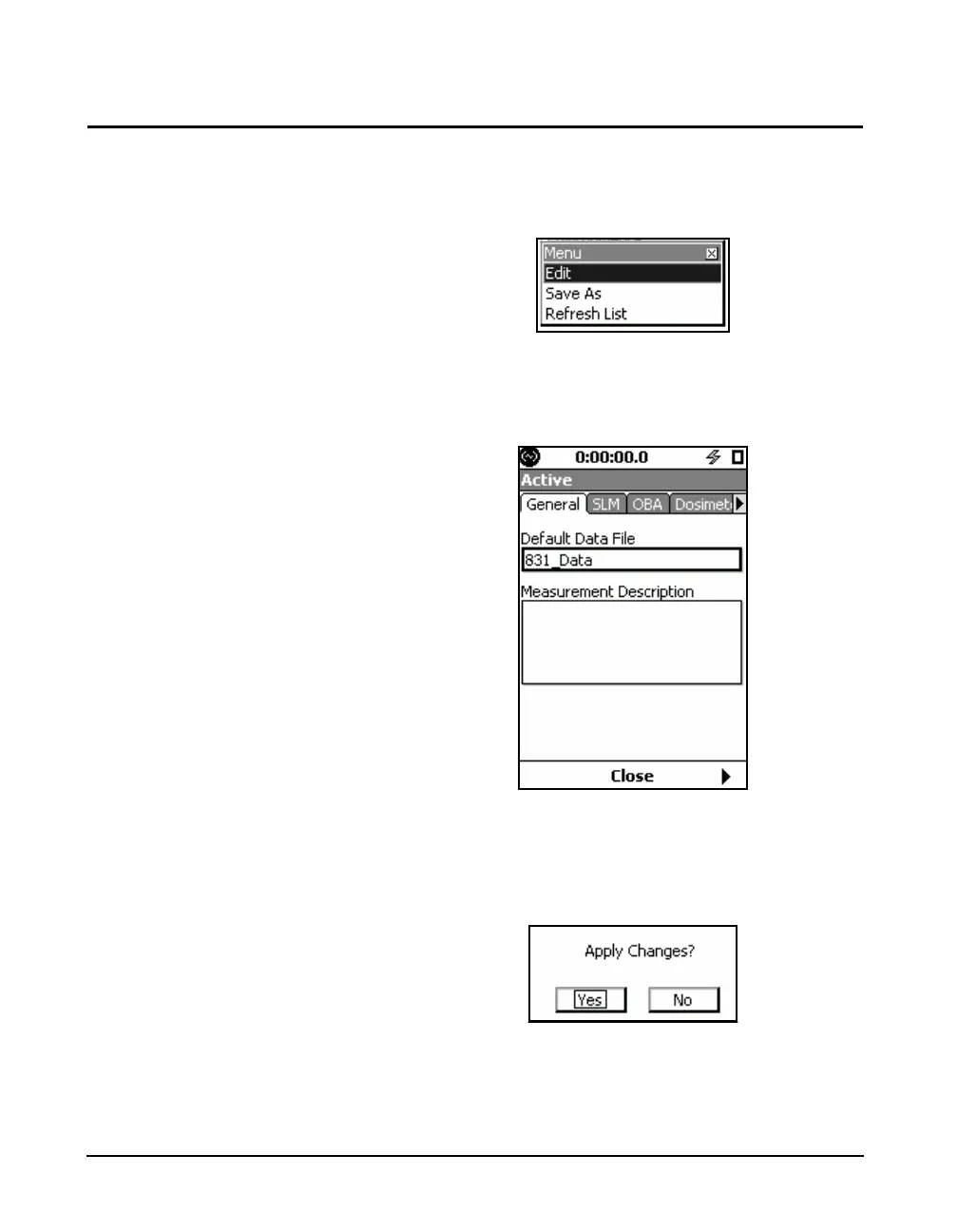
When working with the Setup Manager, to modify the active
setup, highlight the setup LD Active and press the right
software button labeled Menu to bring up the display shown
in FIGURE 4-20.
FIGURE 4-20 Modify Active Setup Menu
Highlight Edit and press
5 to bring up the Setup Screen,
as shown in FIGURE 4-21
FIGURE 4-21 Setup Screen
Use this setup screen to make all desired modifications to
the Active setup. When done, press the softkey labeled
Close, which will open the menu shown in FIGURE 4-22
FIGURE 4-22 Apply Changes to Active Setup



 To Next Page