Model 831 Manual Setup Manager 4-21
Note: If the present Active setup has
been derived from a user-defined
setup, as described in “Utilizing a
User-Defined Setup” on page -19,
applying changes will implement the
same changes in the original user-
defined setup file.
Select Ye s to accept the changes, or No to cancel the
operation.
Save Modified Setup
To save the modified setup, press the right softkey labeled
Menu to obtain the display shown above in FIGURE 4-20.
Define Name
The name must contain no more than
eight characters and spaces cannot
be used as delimiter.s
Highlight Save As and press
5 to obtain the display shown
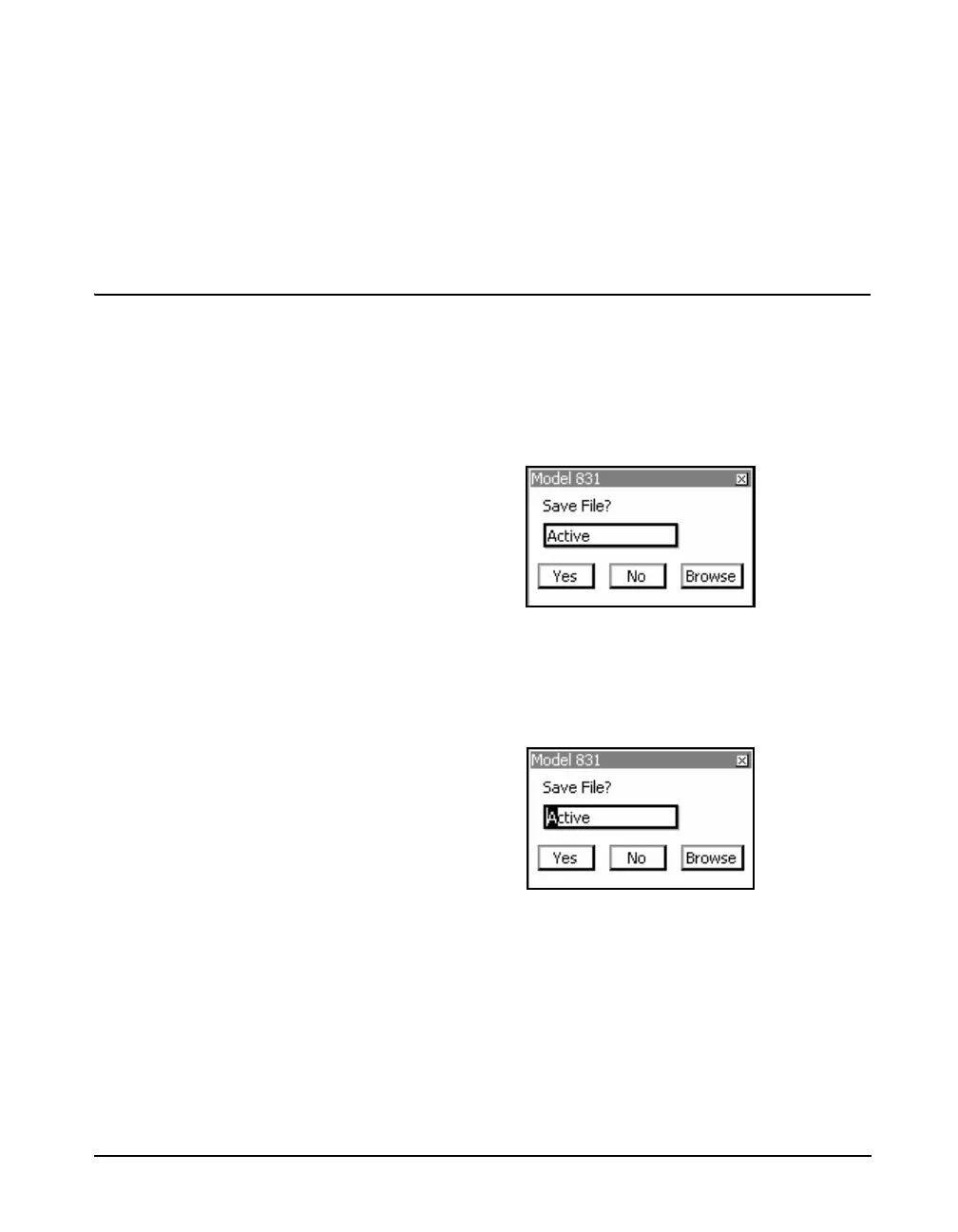
in FIGURE 4-23.
FIGURE 4-23 Save File Menu
It is much easier to specify setup
names when using the SLM Utility-
G3 or G4 software.
Highlight the name field, presently showing “Active” and
press
5 to modify it. This will produce a cursor as shown
in FIGURE 4-24
FIGURE 4-24 Save File Menu: Cursor Active
Enter the name and press
5 to accept the name. Highlight
the Yes box and press
5 to save the setup under that name.
To cancel the save operation, highlight No and press
5.



 To Next Page