4-22 Setup Manager Model 831 Manual
Overwrite an Existing Setup File
If, rather than use a new name you wish to use the modified
Active setup file to replace an existing setup file, instead of
pressing the Ye s box shown in FIGURE 4-24, highlight the
box labeled Browse and press
5. This will open a display
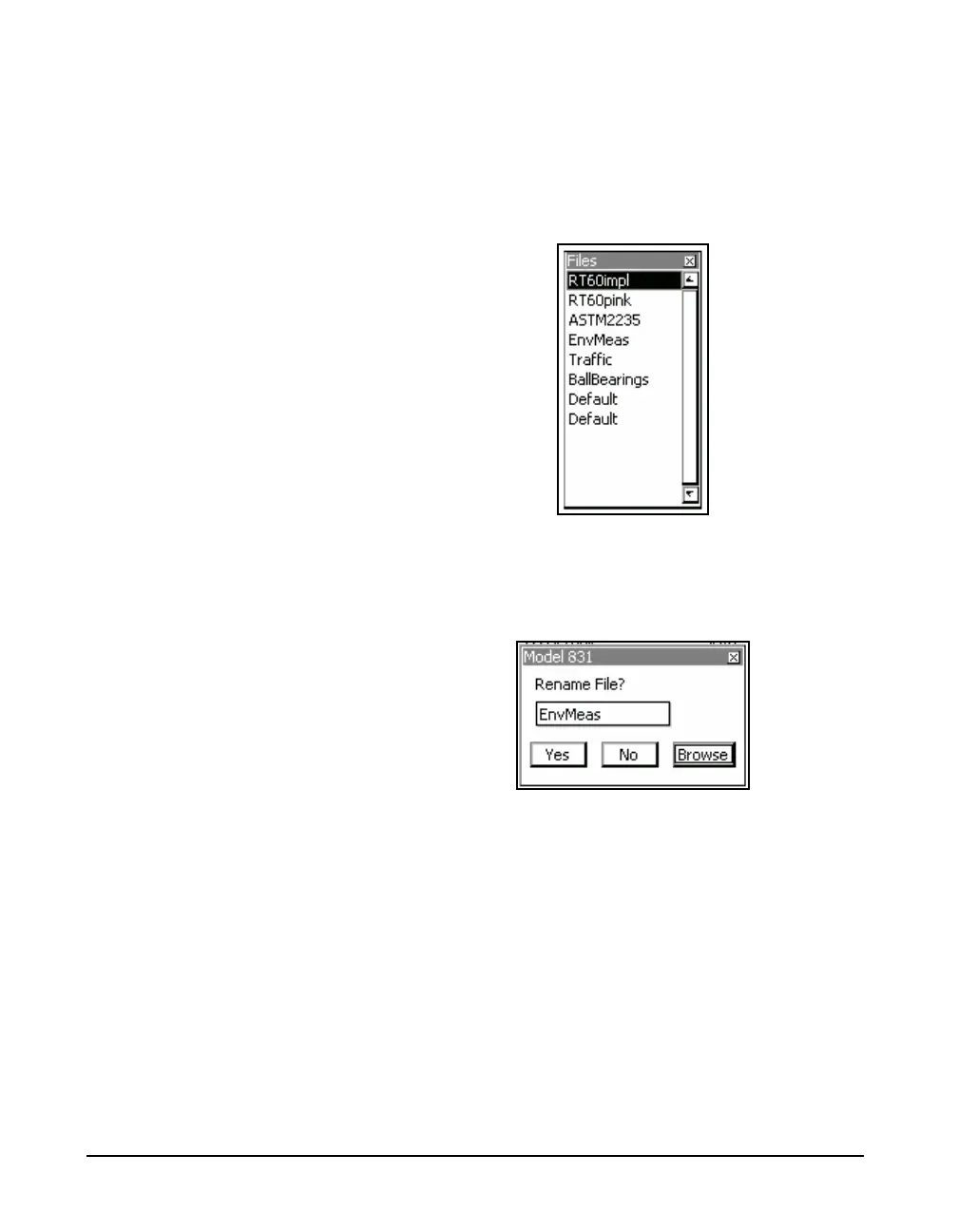
listing all the user-defined files as shown in FIGURE 4-25.
FIGURE 4-25 User-Defined Setup Files
Highlight the name of the setup file to overwrite and press
5. The Save File menu will now appear with the name of
that file in the name field, as shown in FIGURE 4-26
FIGURE 4-26 Overwrite File Menu
To complete the overwrite operation, highlight Ye s and press
5. To cancel the overwrite operation, highlight No and
press
5. To select a different file name, highlight the box
labeled ... and press
5 to repeat the file selection process.



 To Next Page