Model 831 Manual Setup Manager 4-23
User-Defined Setup File Operations
A number of operations can be performed using the user-
defined setup files by highlighting any one and pressing
5
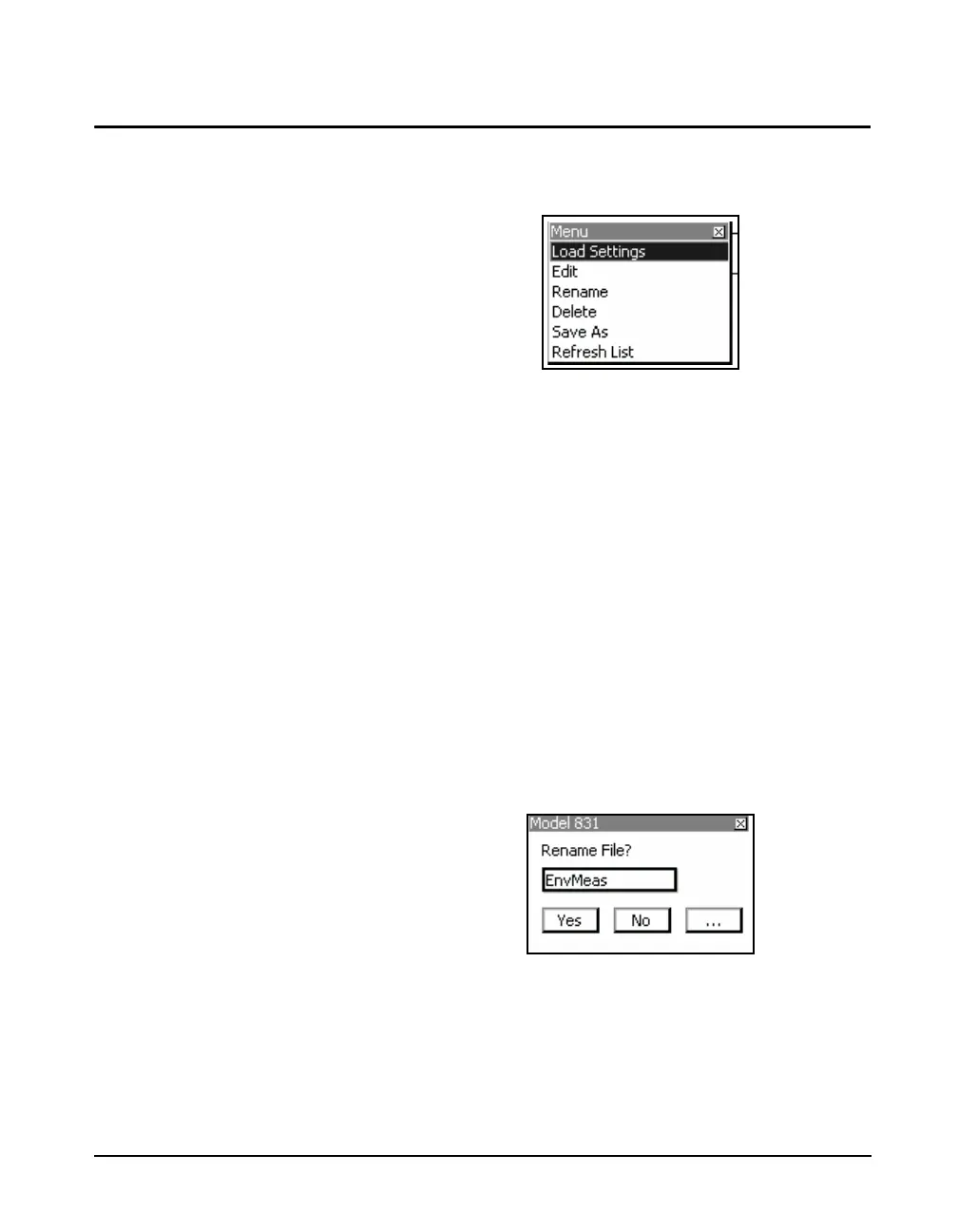
to obtain the display shown in
FIGURE 4-27 User-Defined File Operations
Highlight the desired operation and press
5 to implement
it.
Load Settings
Load Settings loads the settings from the selected file into
the Model 831.
Edit
Edit permits the user to modify the settings in the selected
file, in the same manner as used for modifying the Active
setup, described in “Modifying the Active Setup” on page 4-
20.
Rename
The name must contain no more than
twelve characters and that a space
cannot be used as a delimiter.
Rename permits the user to define a new name for the
selected file. The menu shown in FIGURE 4-28 will appear
to implement the renaming process.
FIGURE 4-28 Rename Setup File
Work with this menu as you would for the Save File menu,
described in “Save Modified Setup” on page 4-21.



 To Next Page