4-24 Setup Manager Model 831 Manual
Delete
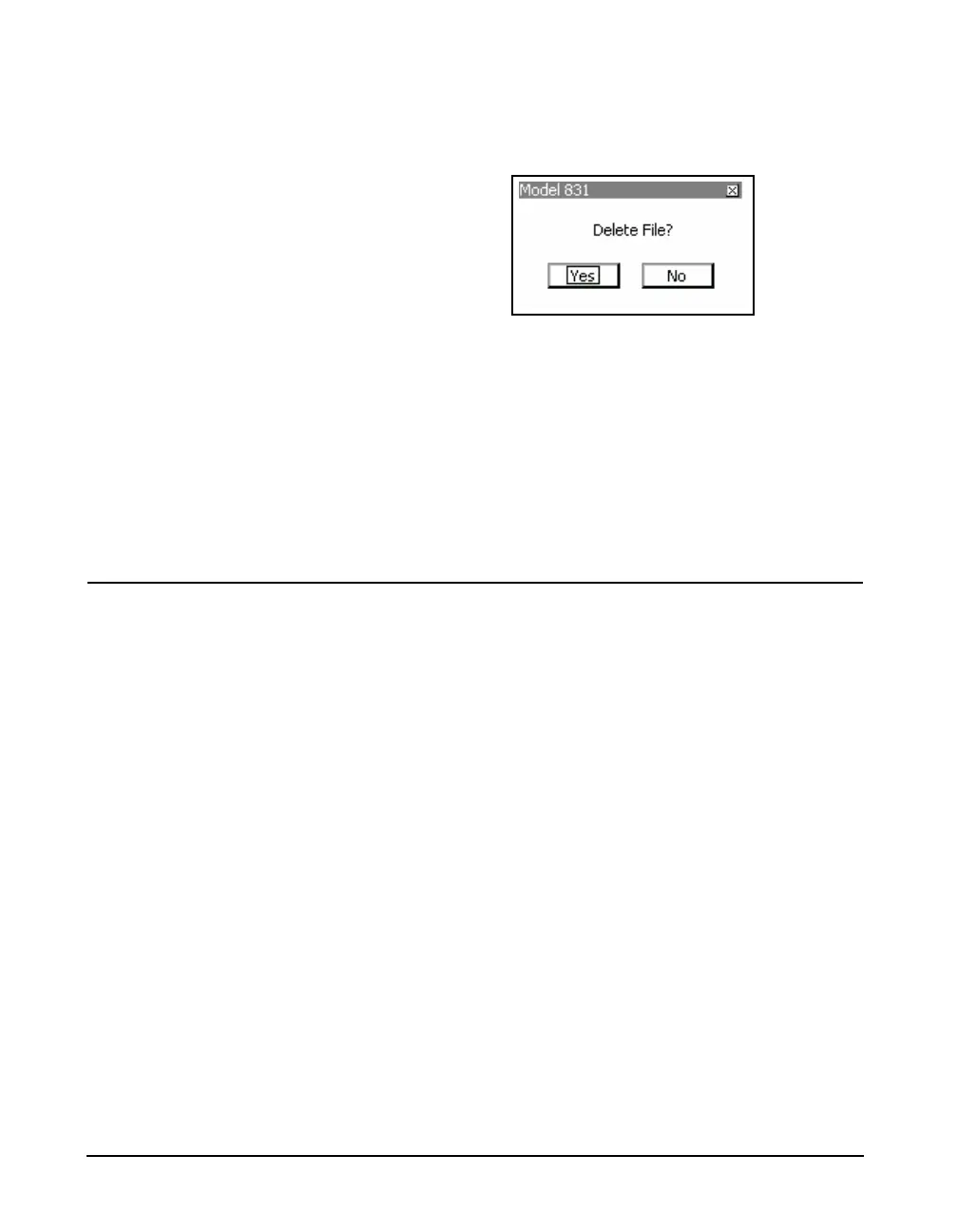
Delete permits the deletion of the selected file. A
confirmation display will appear as shown in FIGURE 4-29.
FIGURE 4-29 Delete Setup File
Save As
Note that the name must contain no
more than twelve characters and
that a space cannot be used as a
delimiter.
Save As permits the selected to be saved under a different
name, or to overwrite an existing user-defined file. Follow
the procedure described in “Save Modified Setup” on
page 4-21.
Refresh List
Refresh List updates the setup list in the Setup Manager
display.
Close Setup Manager
Press the center softkey labeled Close to close the Setup
Manager.



 To Next Page