Model 831 Manual Overall Tab 5-13
The 2nd numerical value displayed is L
Apeak
in this
example, is a user-selected value. The selection of this value
is described in “User-Selected SLM Parameter” below.
The time at the bottom of the page is the date and time the
measurement was started.
User-Selected SLM Parameter
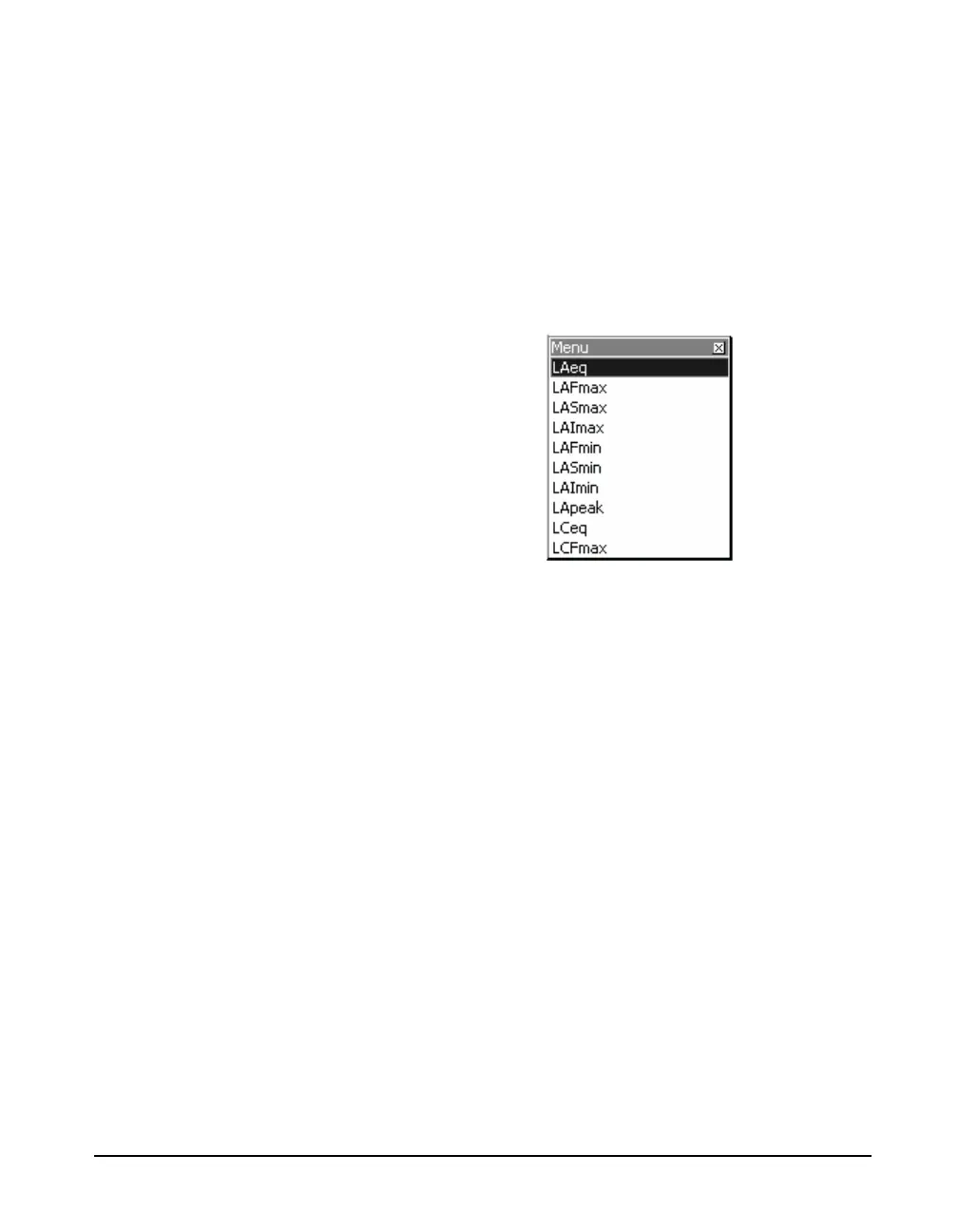
To select which sound level parameter is to be utilized for
the 2nd numerical value displayed, press
5 to open the
menu shown in FIGURE 5-13
FIGURE 5-13 Menu for User-Selected
SLM Parameter
There are twenty-four possible
selections; scroll down to see more
than shown in FIGURE 5-13.
Highlight the desired parameter and press
5 to make the
selection.



 To Next Page