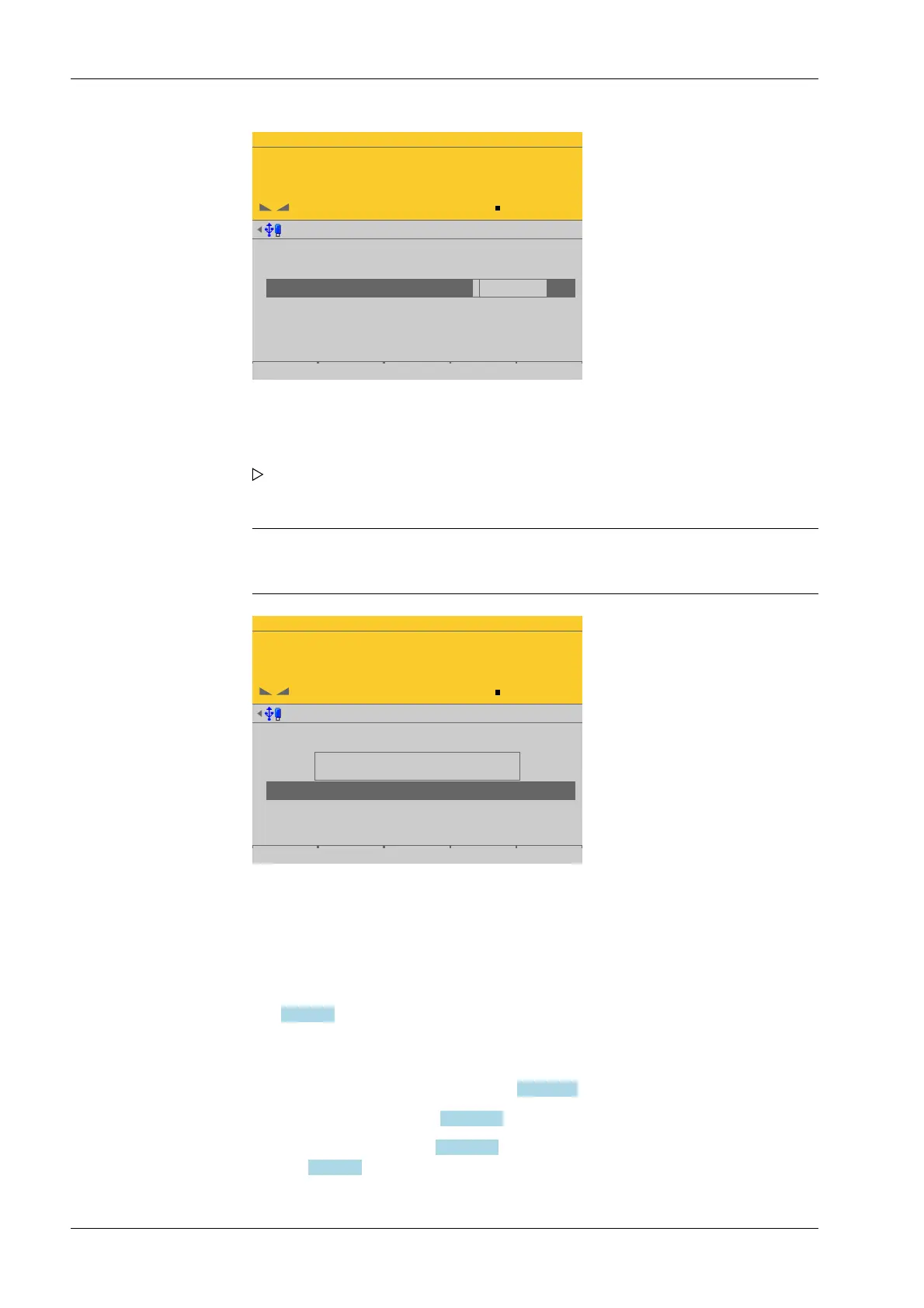
WP-A
Max 3000g d= 0.1g
00
+
g
1. Lin. point
2. Linearis. point
3. Linearis. point
calibrated with mV/V
mV/V
mV/V
mV/V
mV/V
0.294273
0.588587
0.882894
1.177264
750 g
1500 g
2250 g
Add Change Delete by mV/V by load
Note:
Linearization is deactivated/deleted and all linearization points are deleted.
WP-A
Max 3000g d= 0.1g
00
+
g
Calibration @admin
Max
Scale interval
Dead load at
Max at
calibrated with mV/V
Sensitivity
3000.0 g
0.1 g
mV/V
mV/V
mV/V
µV/d
0.040582
1.177264
1.177264
0.470906
30000 d
1 d
103.415 g
3000.000 g
98.11 cnt/d
by load by mV/V by data Linear. Save
Changes cannot be made while
linearisation is active
4.7.1.2.2 Modify
In this menu item (under Calib), small changes are made to an existing calibration of the
Internal weighing point weighing electronics.
If e.g. the vessel or platform weight has changed, the dead load must be adjusted; see
Chapter 4.7.1.2.3.
The descriptions and settings of [Max], [Scale interval], [Dead load at] and [Max at] are
described under [Calib]- [New] :
- [Max] (maximum capacity), see Chapter 4.7.1.2.1.1.
- [Scale interval], see Chapter 4.7.1.2.1.2.
- [Dead load at], see Chapter 4.7.1.2.1.3 and, if correction is necessary, see also
Chapter 4.7.1.2.3.
7. Repeat these steps to automatically enter the corresponding values for the weights
of all set linearization points in mV/V.
8. Press the EXIT key to switch to the previous window.
A message is displayed, indicating that the value for Max cannot be changed as
long as linearization is active.
9. Press the [Save] soft key to save the calibration.
Process Controller Maxxis 5 PR 5900 4 System setup
Minebea Intec EN-118


 To Next Page