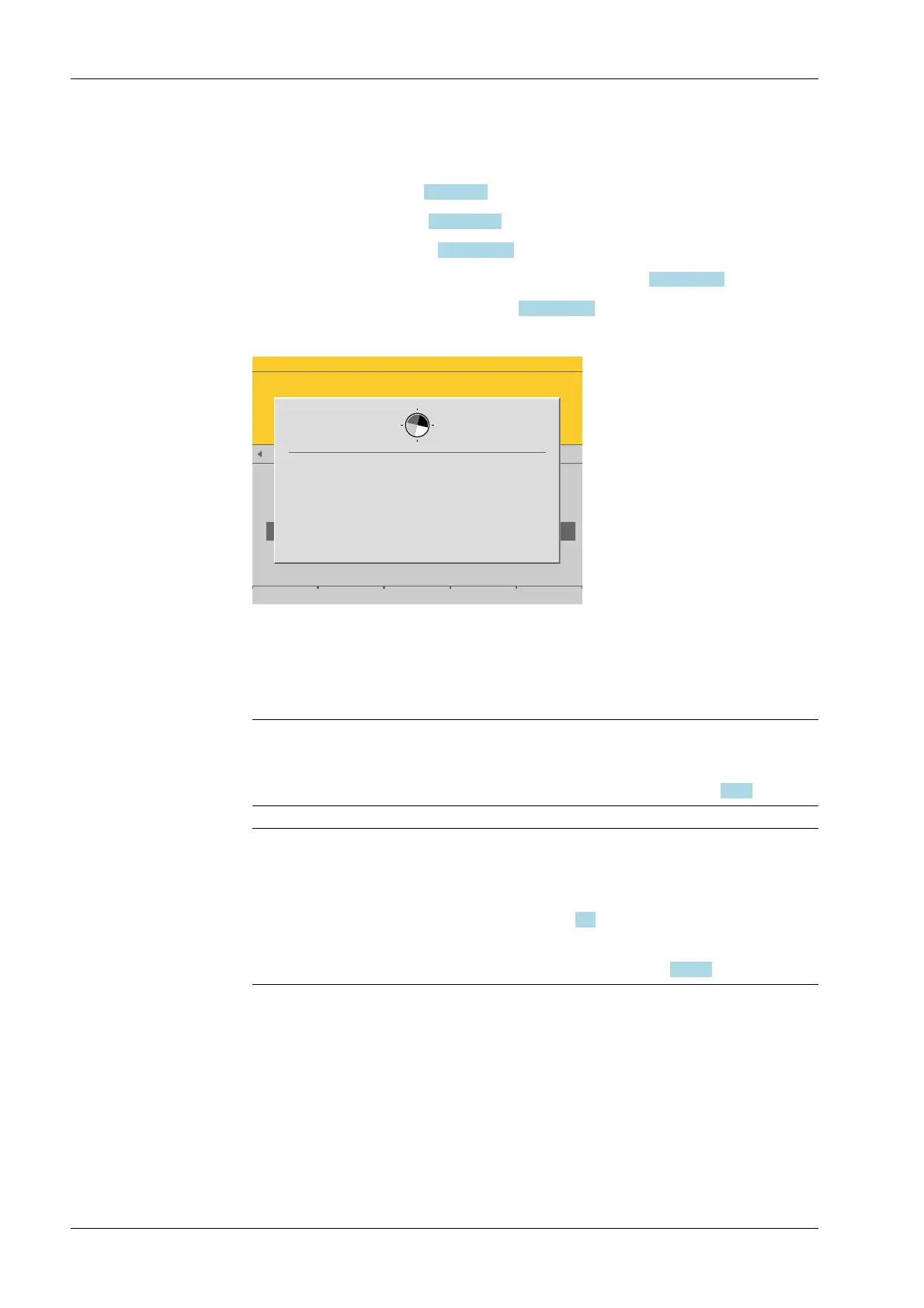
[Max at]
Perform calibration with weights, without weight (by mV/V values or data), or
linearization, see Chapter 4.7.1.2.1.4.
- [by load], see Chapter 4.7.1.2.1.4.1.
- [by mV/V], see Chapter 4.7.1.2.1.4.2.
- [by data] Load cell data (smart calibration), see Chapter 4.7.1.2.1.4.3.
- [Linear.] (linearization), see Chapter 4.7.1.2.1.4.4.
WP-A
Max 3000g d= 0.1g
00003
TST
+
Max
Scale interval
Dead load at
Max at
calibrated at
Sensitivity
3000.0 g
0.1 g
mV/V
mV/V
mV/V
µV/d
0.040750
1.177246
0.987513
0.470898
30000 d
1 d
102.832 g
3000.000 g
2516.5 g
98.11 cnt/d
by load by mV/V by data Linear. Save
Calculate the reference value
for the weighing electronics test...
This window appears briey.
The maximum capacity (Max) is displayed with the ID "TST" and without a weight unit.
The conrmation is displayed as follows: "saving calibration…"
Note:
After exiting calibration, go to the menu [Param] and set the parameter [Settings
locked] to activate overwrite protection via the software (see Chapter 2.7.2).
Note:
A unique check number is created every time a calibration or changed parameters
are saved. This can be viewed in the menu [Operating] - [System information] -
[Show calibration check numbers] (see Chapter 5.7) and may also be written on the
W&M label.
To save an application for use in legal metrology, see Chapter 4.7.1.2.
4.7.1.2.3 Dead load at (correction)
In this menu item, the dead load (empty scale or vessel) is redened for an existing
calibration of the Internal weighing point weighing electronics.
If the vessel/platform weight changes by an amount that is higher than the zero range;
e.g. due to dead load reduction, dead load increase, or mechanical changes, the functions
for automatic zerotrack and manual zero setting no longer work.
the range currently used by zerotrack or set zero is displayed in the menu [Operating]-
[System information]- [HW options]- [WPx]- [Monitor] .
3. Press the [Save] soft key to save the calibration.
Process Controller Maxxis 5 PR 5900 4 System setup
Minebea Intec EN-120


 To Next Page