MI-42-0001 Rev. 19 135
SCANNING: Head Scanning
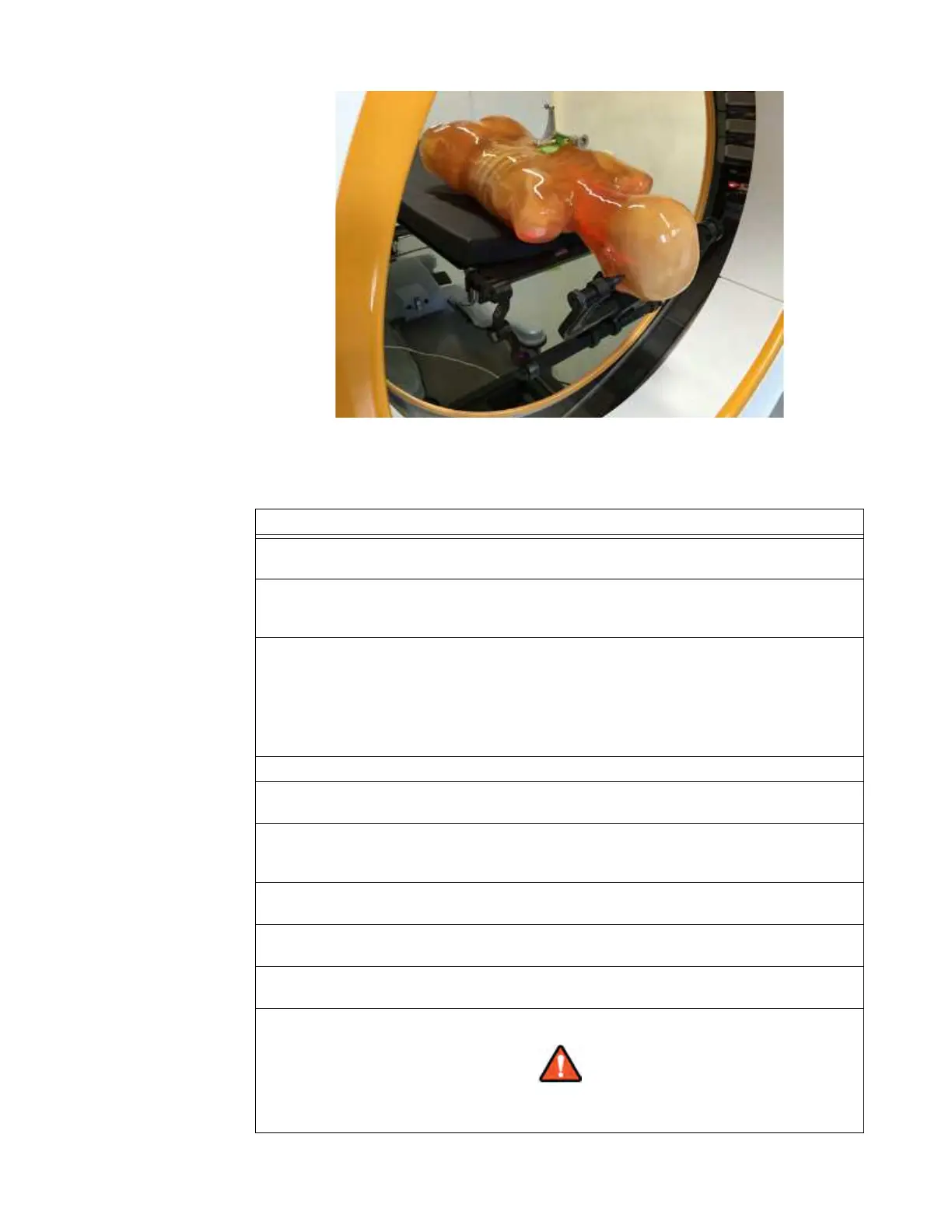
Figure 110
In order to properly introduce the AIRO system in this configuration, the following steps should be
followed:
Steps
1. During the patient setup, ensure that there is adequate space for the AIRO system to
maneuver near the planned patient access direction.
2. Ensure that any required tools or equipment for patient treatment are positioned such that
the AIRO system can be introduced to the patient environment and used for imaging of the
patient.
3. Approach the mid-point (hips) of the patient perpendicularly by transporting the AIRO
system in the reverse direction. The distance of the AIRO control panel face to the patient
hips should be approximately 15 to 30 cm, so it most likely requires the transportation of the
AIRO by reaching over the patient.
NOTE: For intraoperative surgical procedures, a clear sterile drape over the patient is
recommended.
4. Once the AIRO system is in position, lower it onto the floor by entering Scan mode.
5. Follow the instructions on the Pendant. When rotating the Ring perpendicular to the base,
make sure that the optical navigation reflectors are towards the patient.
6. Translate the Ring towards the Trumpf pedestal of the AIRO system such that there is
sufficient clearance to rotate the patient. It is recommended that the patient head be
covered with a clear drape for intraoperative procedures.
7. Rotate the patient in-line with the rails of the AIRO, making sure that the head is
approximately centered left-to-right in the Ring bore (see Figure 109).
8. Translate the Ring over the patient head while continuously observing for potential
collisions of the Ring with the patient or patient support system.
9. Activate the laser positioning of the AIRO and center the patient's head by using the table
height adjustment. See Figure 110.
10. Continue to follow the scanning instructions displayed on the Pendant screen.
Keep continuous visual contact with the system and the patient when system
components are in motion.



 To Next Page