MI-42-0001 Rev. 19 255
TROUBLESHOOTING: Troubleshooting
AIRO will not
power on.
Power source
interrupted.
Check to make sure AIRO is plugged in, restart AIRO, If
problem persists contact service.
AIRO
experiences
complete loss of
power and
needs to be
moved.
Power source
interrupted.
See section 12.5 Transport Failure.
During transport
AIRO becomes
hung up on
obstacle.
Operator error.
Check under machine and remove obstacle if possible.
Move the machine in an opposite direction of travel then
when the obstacle was encountered. Hold down the
forward or reverse button and push the machine (may
take a couple of people) in the same direction as the
button press would move the machine if under power.
See instructions for complete loss of power.
Gain Calibration
attempted
multiple times,
will not pass.
Object inside
Ring scan area.
Make sure Ring is clear of all objects, If problem
persists contact service.
Patient, study,
series, system,
dose, and log
data will not
export to USB
storage
USB device is
full or damaged.
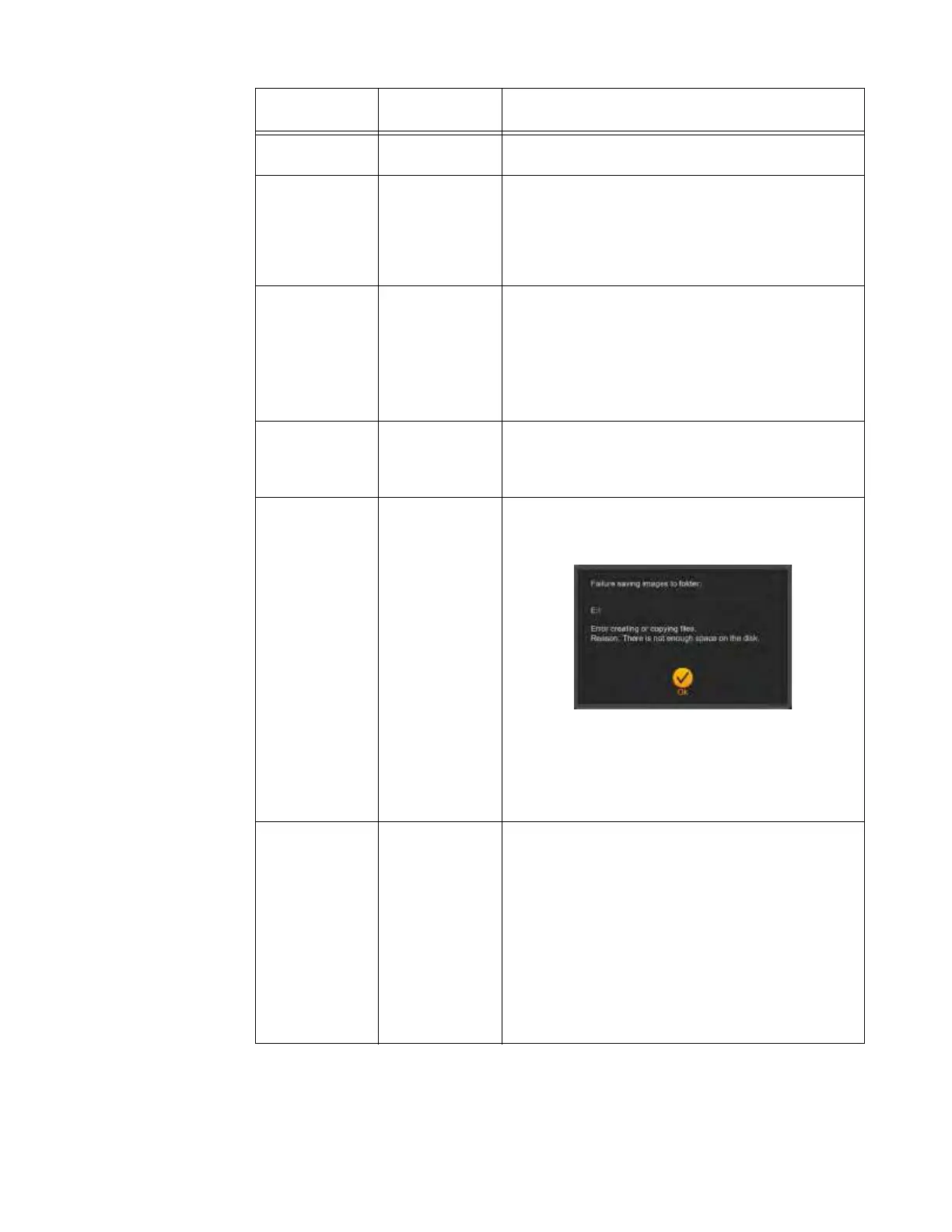
When exporting scan, system, and dose data to USB
storage devices that are full or have other issues, AIRO
displays a confirmation dialog,
1. Touch
OK
.
2. Remove USB device from the USB port.
3. Using a laptop or other computer, verify that USB
storage device functions and has enough space for
the exported data.
Pendant touch
screen does not
respond.
Pendant
hardware
damage or
cable
connection
issue.
All Pendants:
• Check for damage to Pendant, restart AIRO. If
problem persists contact service.
Detachable Pendant:
• Power AIRO down
• Remove and reconnect Pendant.
• Install new Pendant.
• If problem persists, contact service.
For information about Detachable Pendants, see
section 13.3 Maintenance with Detachable Pendants.
Problem
Possible
Cause
Steps



 To Next Page