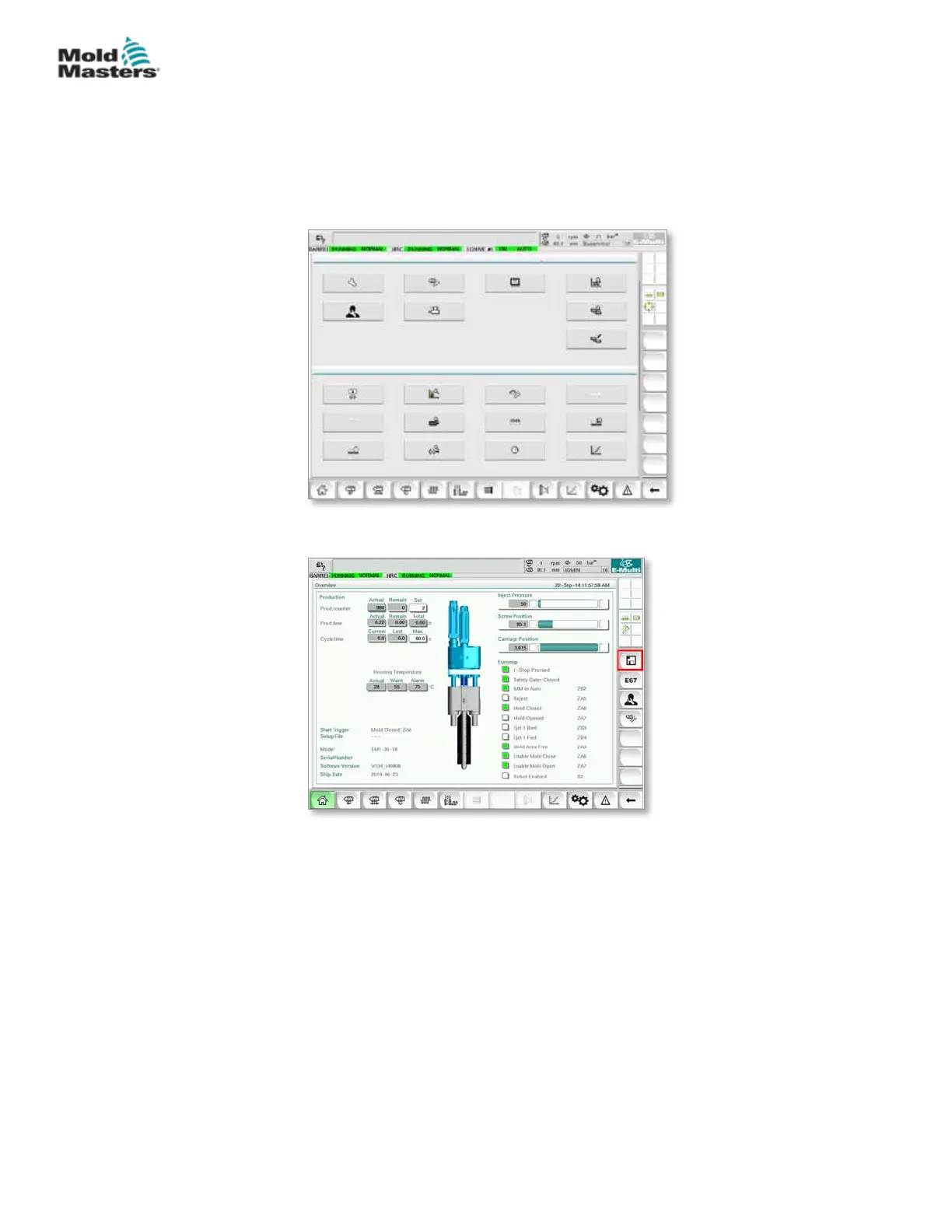
5. Power on the controller following the instruction in “6.3 Switch On” on
page 6-2.
6. Log in as Supervisor.
7. Navigate to the Machine Data screen. Select USB0 from the drop down
menu, then tap the Load Machine Data button.
8. Navigate to the Mold Data screen. Select USB0 from the drop down
menu, then tap the Load Mold Data button.
9. Navigate to the Heat set up page. Follow the button sequence below to
select the Auto Detect button.
Install New Software - continued
8-10
© 2020 Mold-Masters (2007) Limited. All Rights Reserved.
MAINTENANCE
E-Multi Controller User Manual



 To Next Page