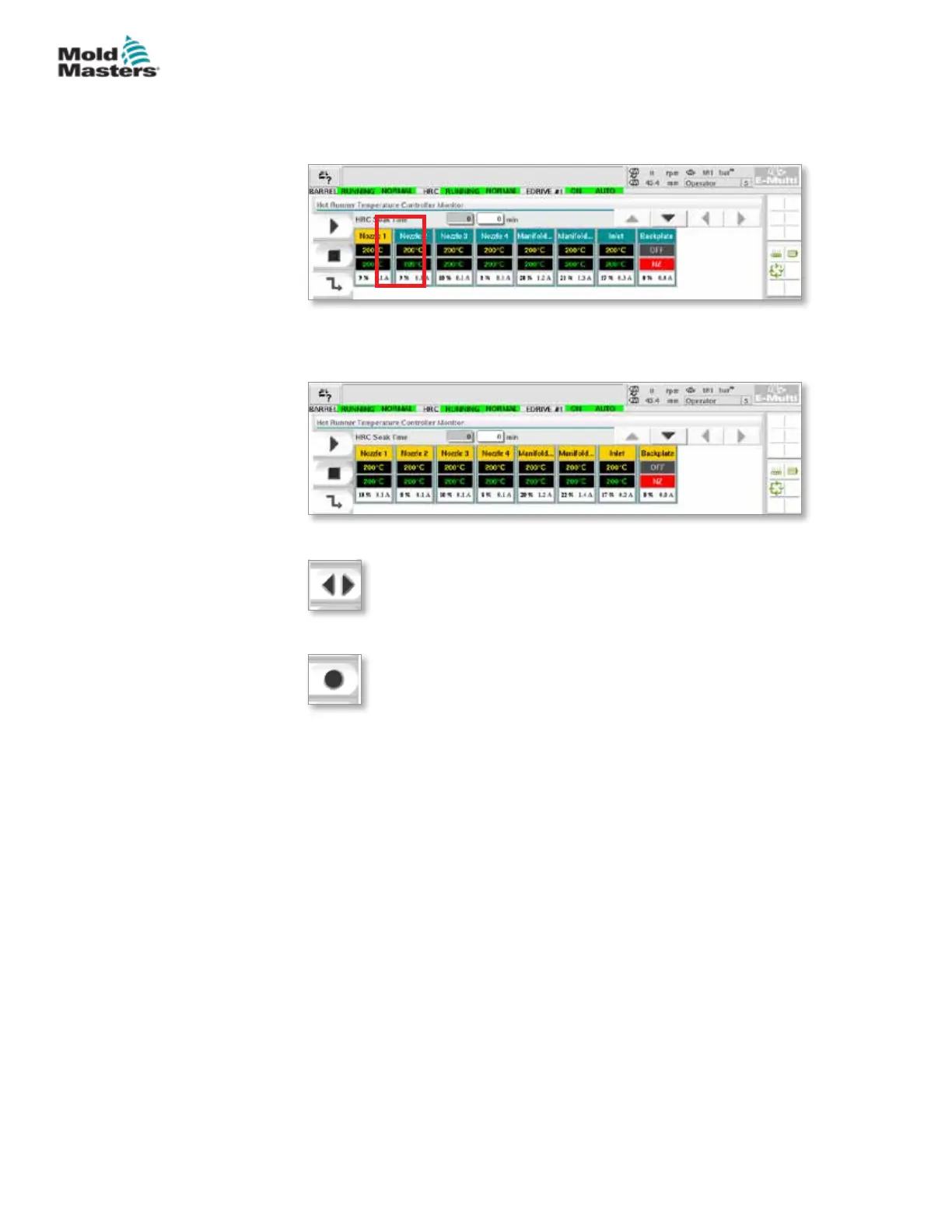
Adjust Heat Zone Set Points
Select the desired zone(s):
a) To select a single zone tap the desired heat zone panel.
b) To select a group of zones:
Tap the rst zone panel.
Tap the last zone panel.
Tap the [Group] button:
1. Tap the [Set] button to display the keypad:
2. Choose the set-point mode. The options are [Auto], [Man] and [Slave],
as described below.
Auto - Tap [Auto] and enter the required zone temperature. This is the
default mode for the controller [i.e. closed loop] where the controller output
is determined as a set temperature and which relies on feedback from the
thermal sensor.
Manual - Tap [Man] and enter the percentage power. This is an optional
mode [i.e. open loop] where the controller output is xed at a set power level,
which is determined by the operator.
Slave a Zone - Tap [Slave] and select a similar Master zone from the zone
list. For more information see “Slaving Zones” on page 7-30.
3. Use the number keys to enter the set point value.
4. Tap [Enter] to save the set point value in the controller.
7-29
© 2020 Mold-Masters (2007) Limited. All Rights Reserved.
E-MULTI CONTROLLER HMI INTERFACE
E-Multi Controller User Manual



 To Next Page