Adjust Heat Zone Set Points
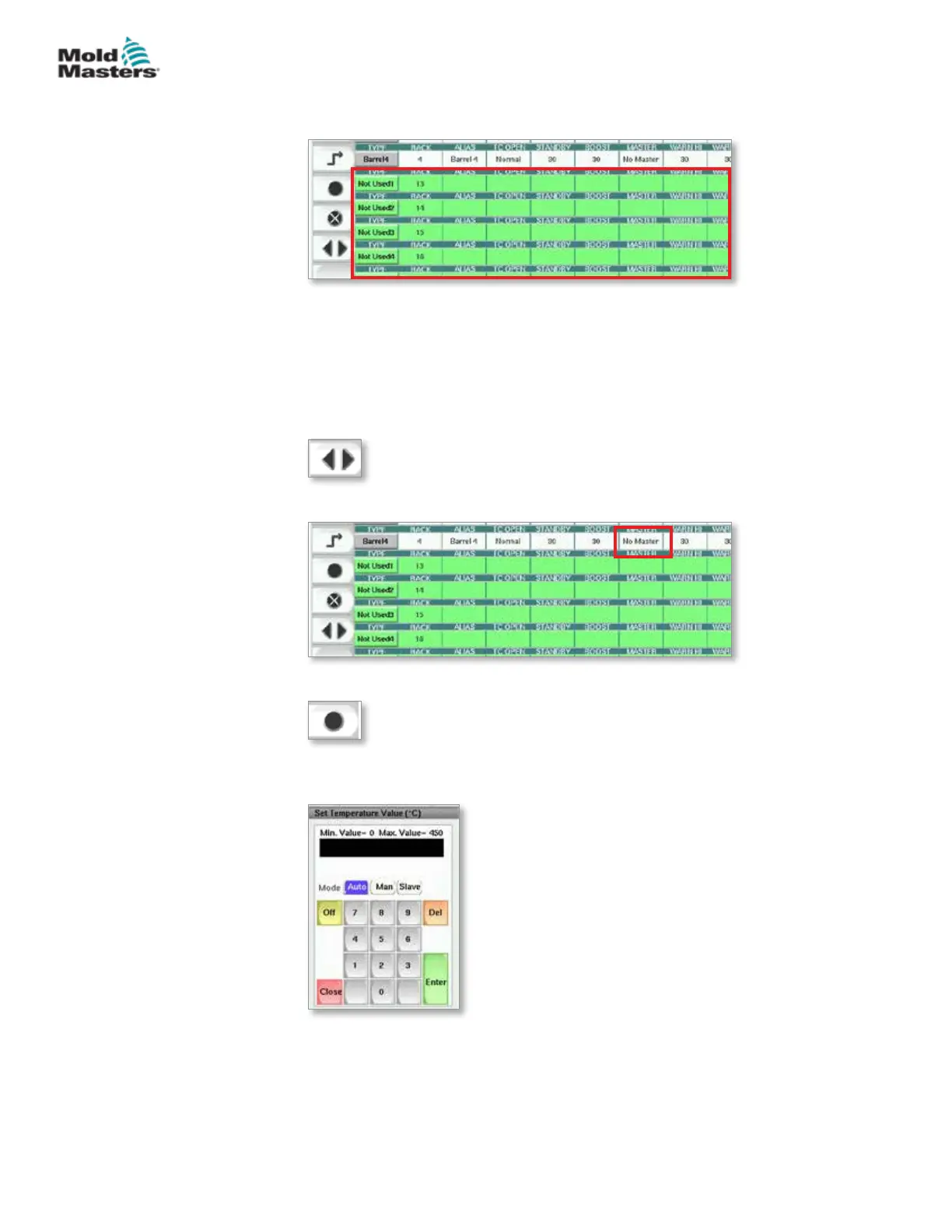
Heat Zone parameters are accessed within the Setup screen grid.
1. Select the desired zone row(s):
a) To select a single zone row tap the desired heat zone row.
b) To select a group of zones:
Tap the rst zone row.
Tap the last zone row.
Tap the [Group] button.
2. Tap the parameter column.
3. Tap the [Set] button to display the keypad.
4. Set the value. Tap [Enter] to save the new parameter setting in the
controller.
7-32
© 2020 Mold-Masters (2007) Limited. All Rights Reserved.
E-MULTI CONTROLLER HMI INTERFACE
E-Multi Controller User Manual



 To Next Page